
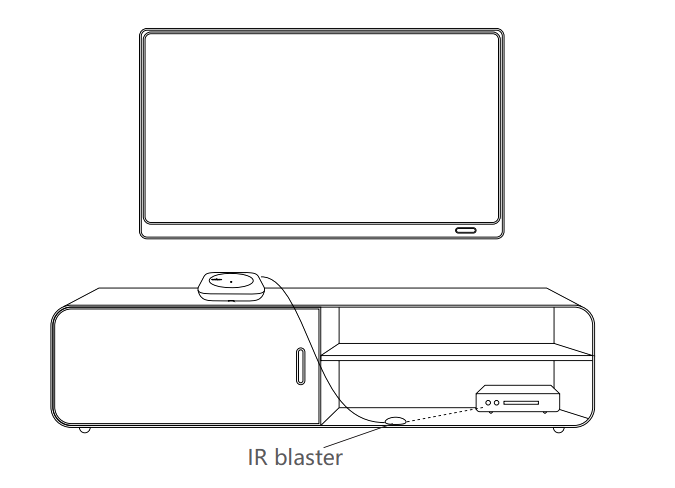


Ensure the Hub is placed to cover all your devices. For devices outside the range, use an Infrared Extension Cable to extend the signal.
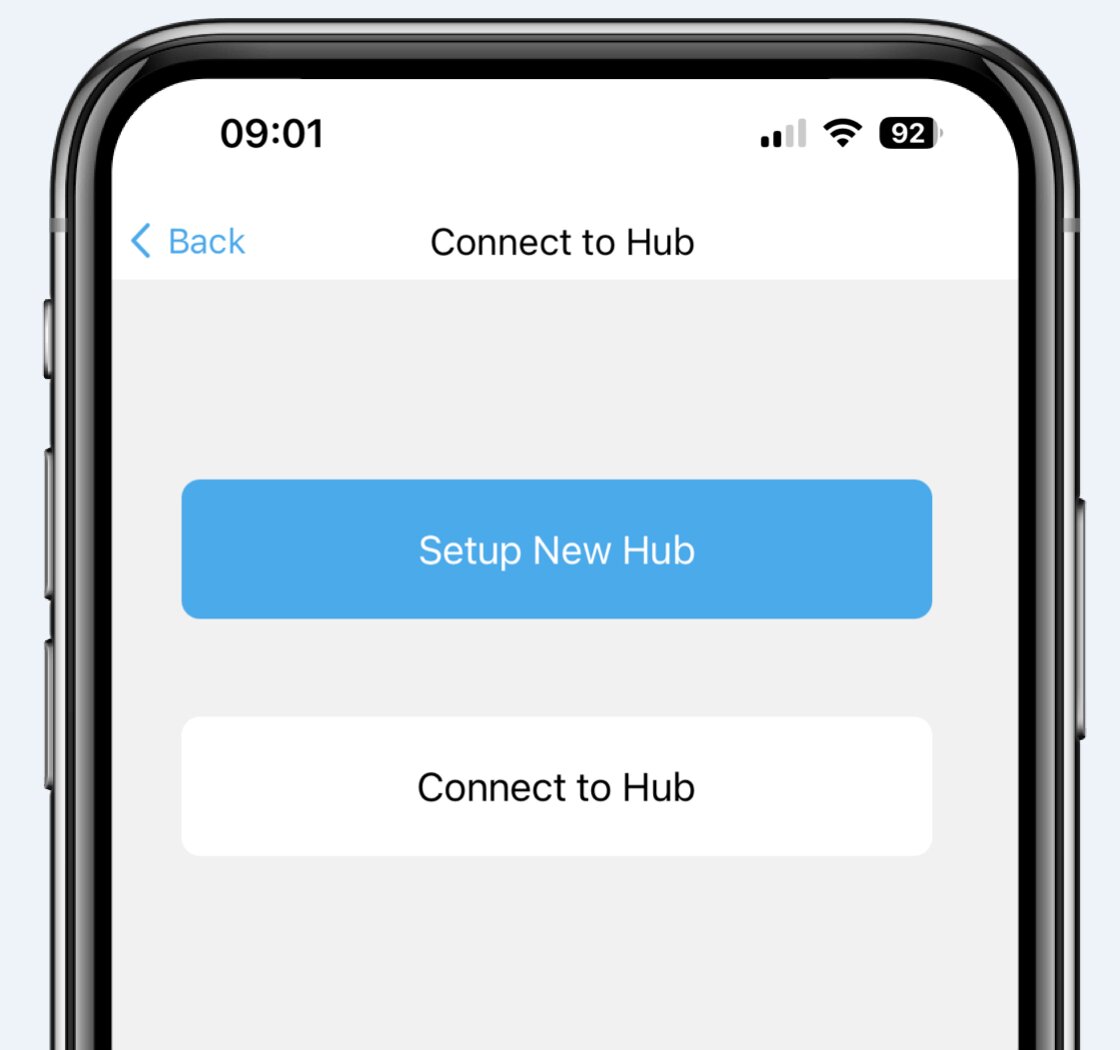
Download the SofaBaton App, register an account, and connect the Hub to your home Wi-Fi to complete the initial setup.
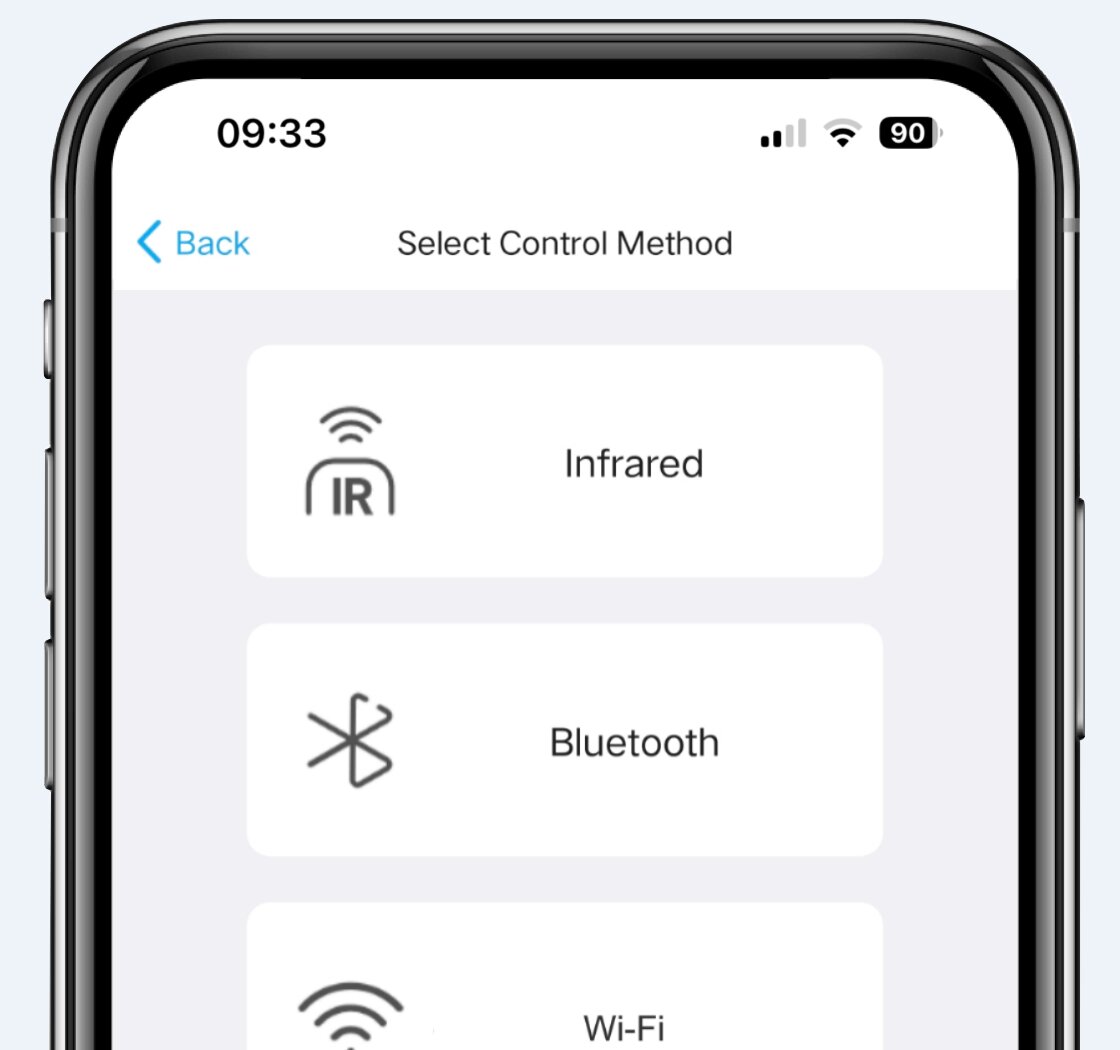
Determine if your device is controlled via Infrared (IR), Bluetooth, or Wi-Fi, and add it using the corresponding method in the SofaBaton App.
It is crucial to check and configure power settings to ensure devices turn on and off correctly when you switch Activities.
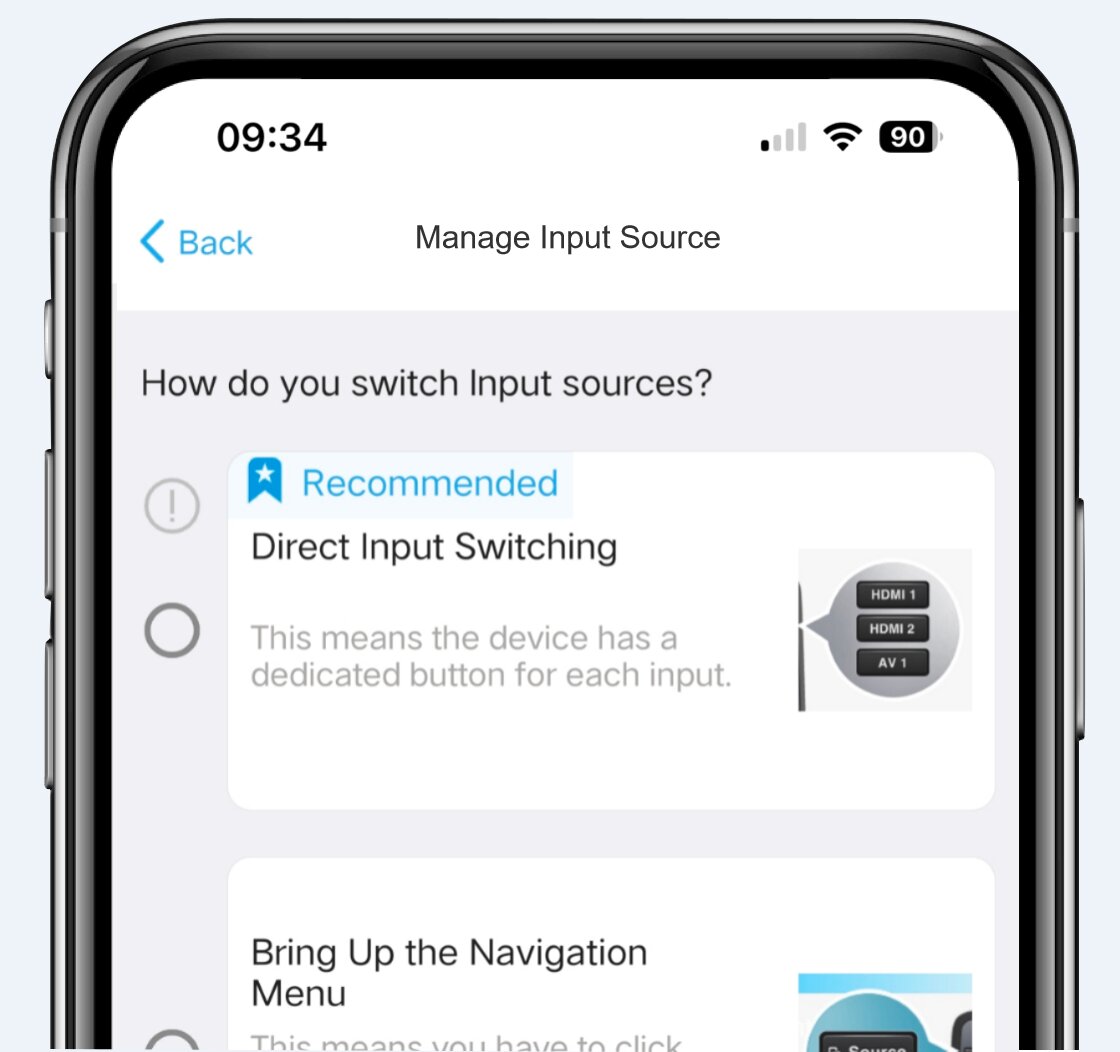
Configure input sources to ensure multi-input devices (like TVs, Projectors, or AV Receivers) automatically switch to the correct input when you change Activities.
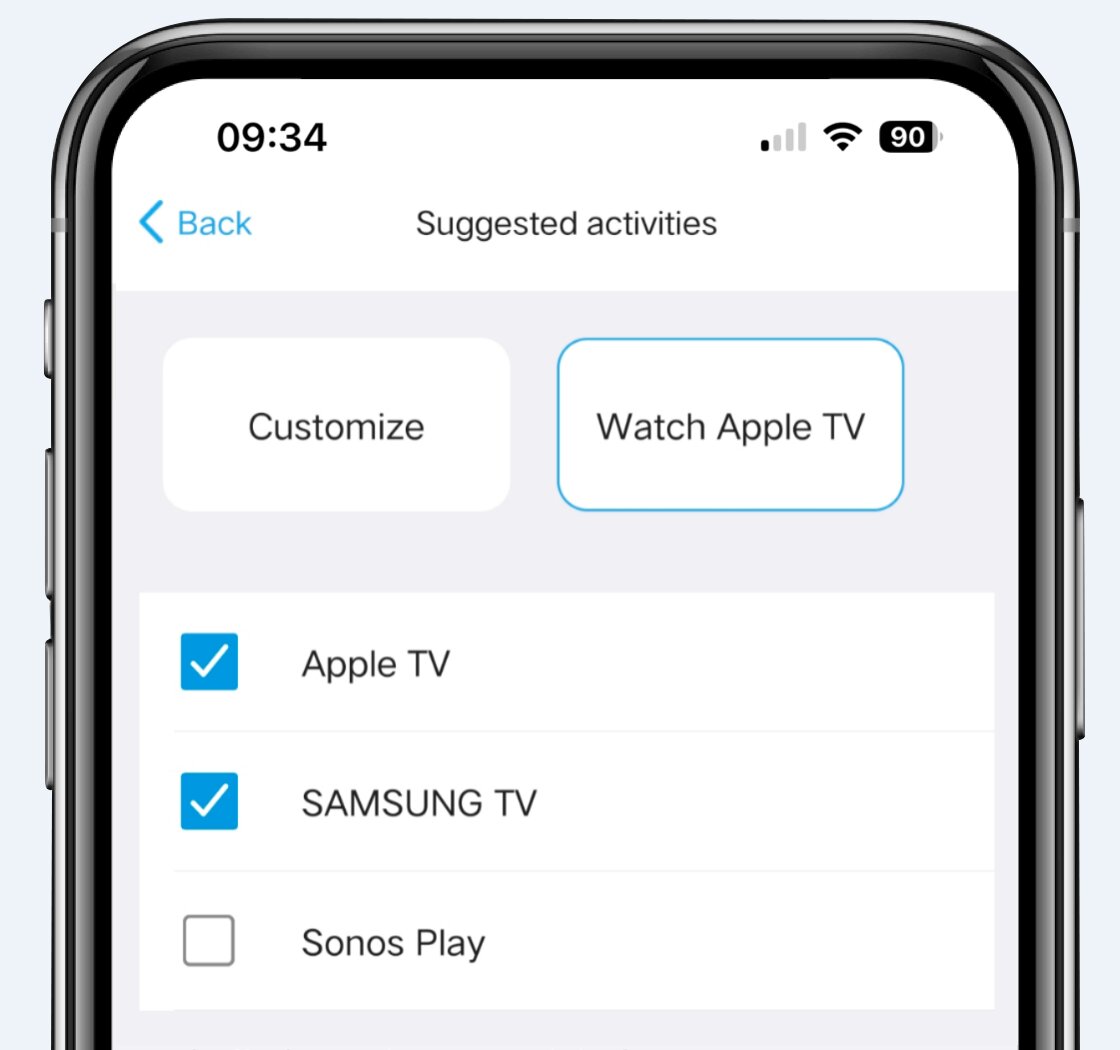
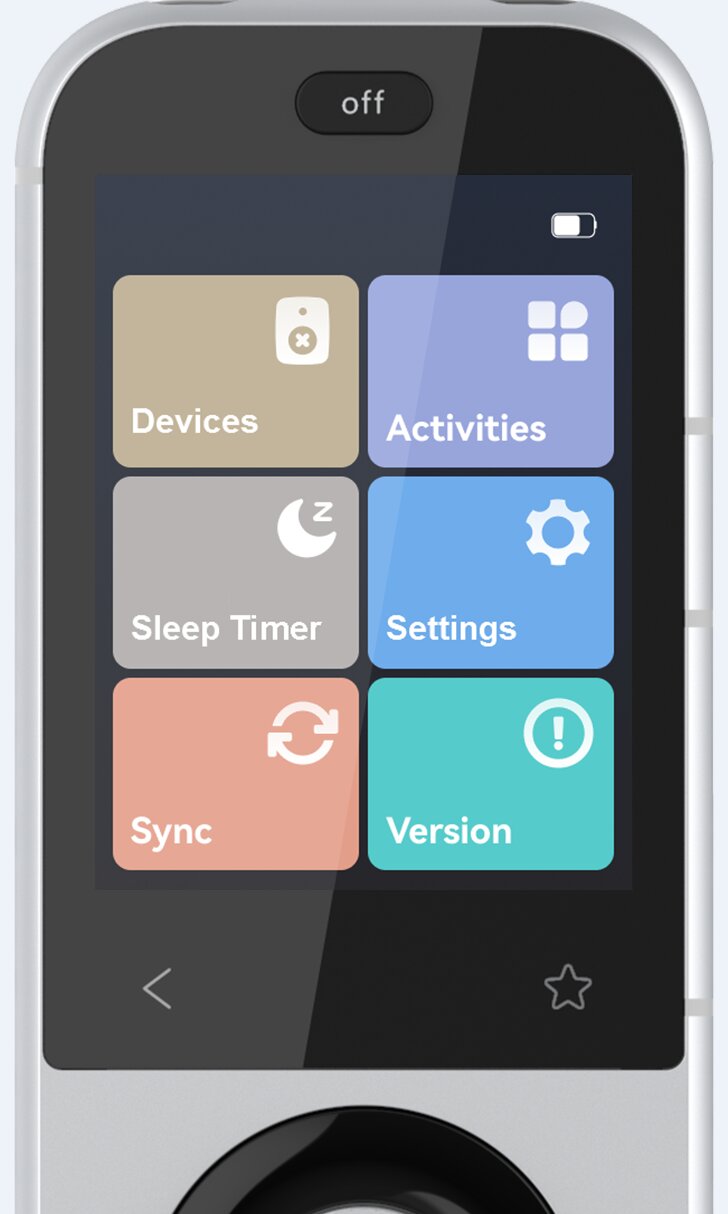
Select the included devices and create specific Activity Scenarios (e.g., “Watch a Movie”) based on your home theater needs, and configure related buttons.
Enjoy a seamless smart remote experience with one-click switching between all your needs!