
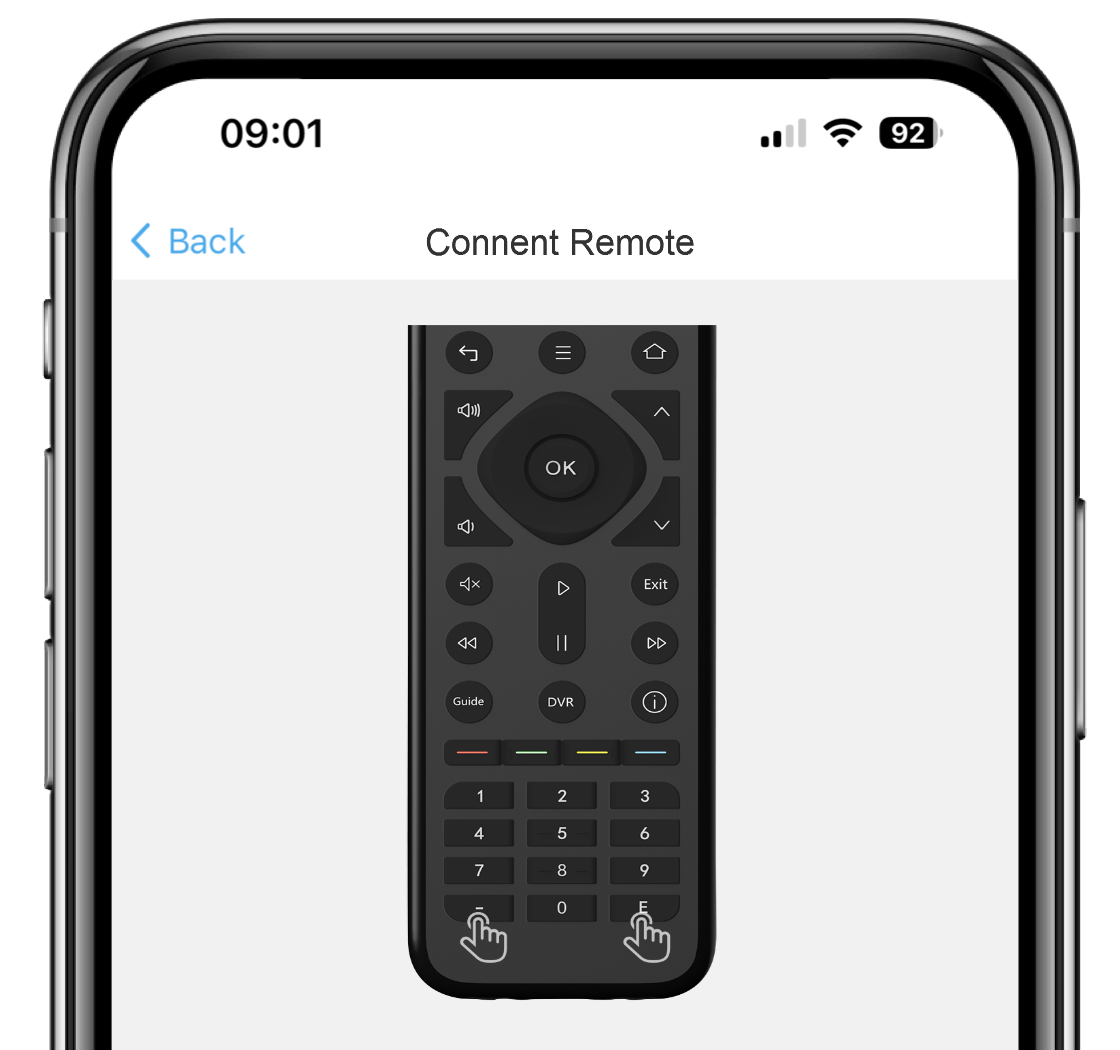


Download the Sofabaton app and turn on Bluetooth on your phone, then use the remote and follow the prompts to press the corresponding button to pair with the APP. (Optional IR Repeater setup included. )
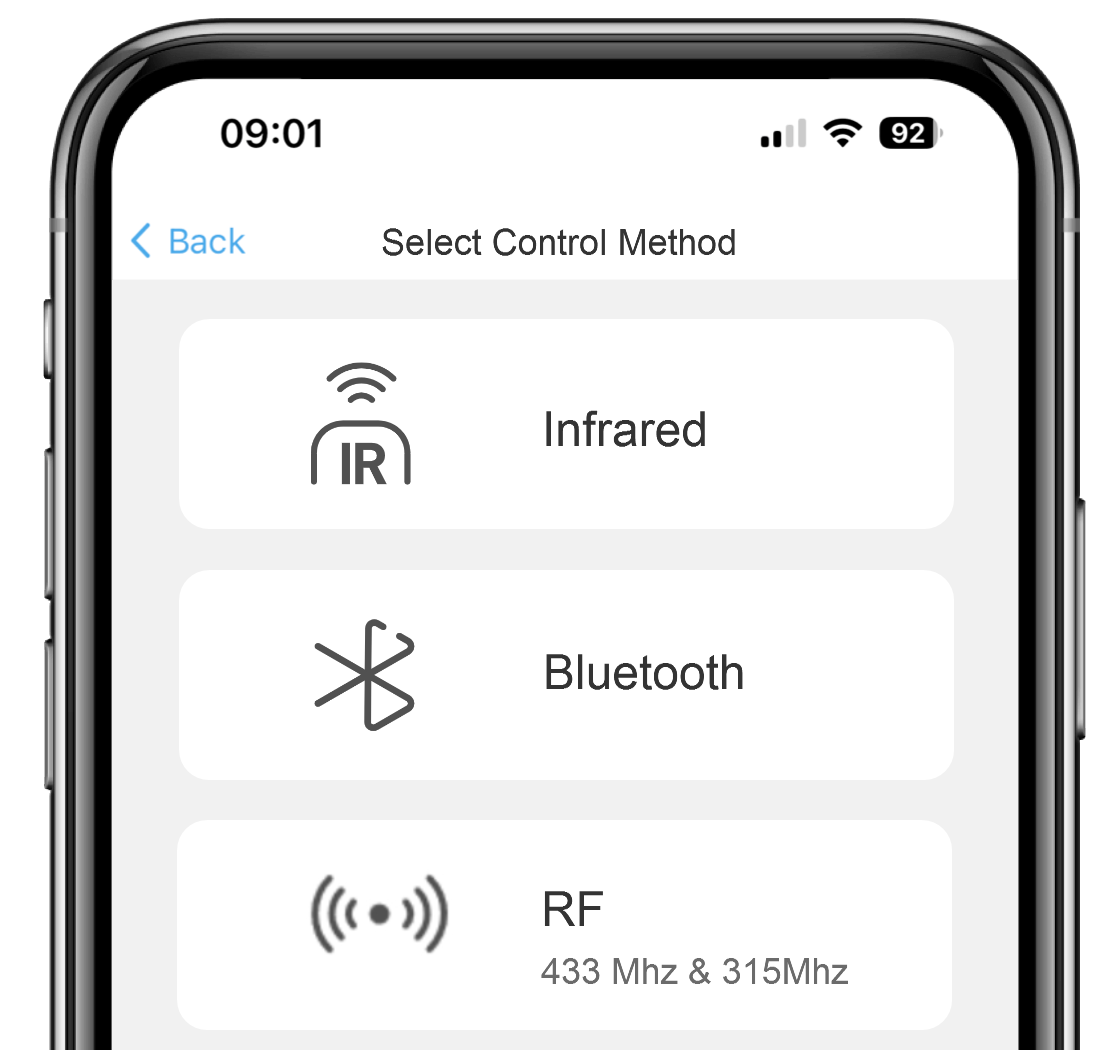
Determine if your device is controlled via Infrared (IR), Bluetooth, or RF(433/315 MHz), and add it using the corresponding method in the SofaBaton App.
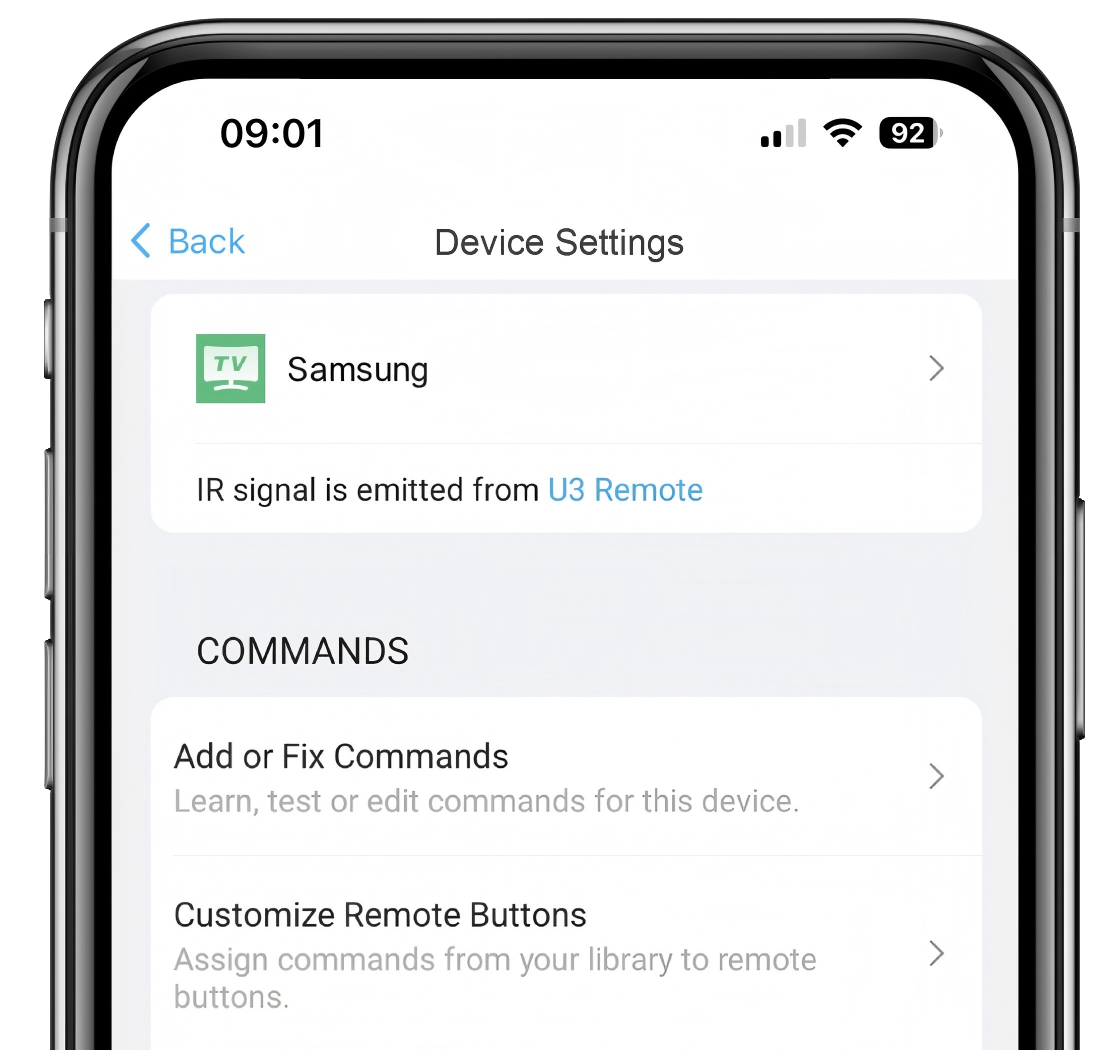
Edit device names and icons, customize short-press and long-press commands, and learn or repair instructions for a tailored control experience.
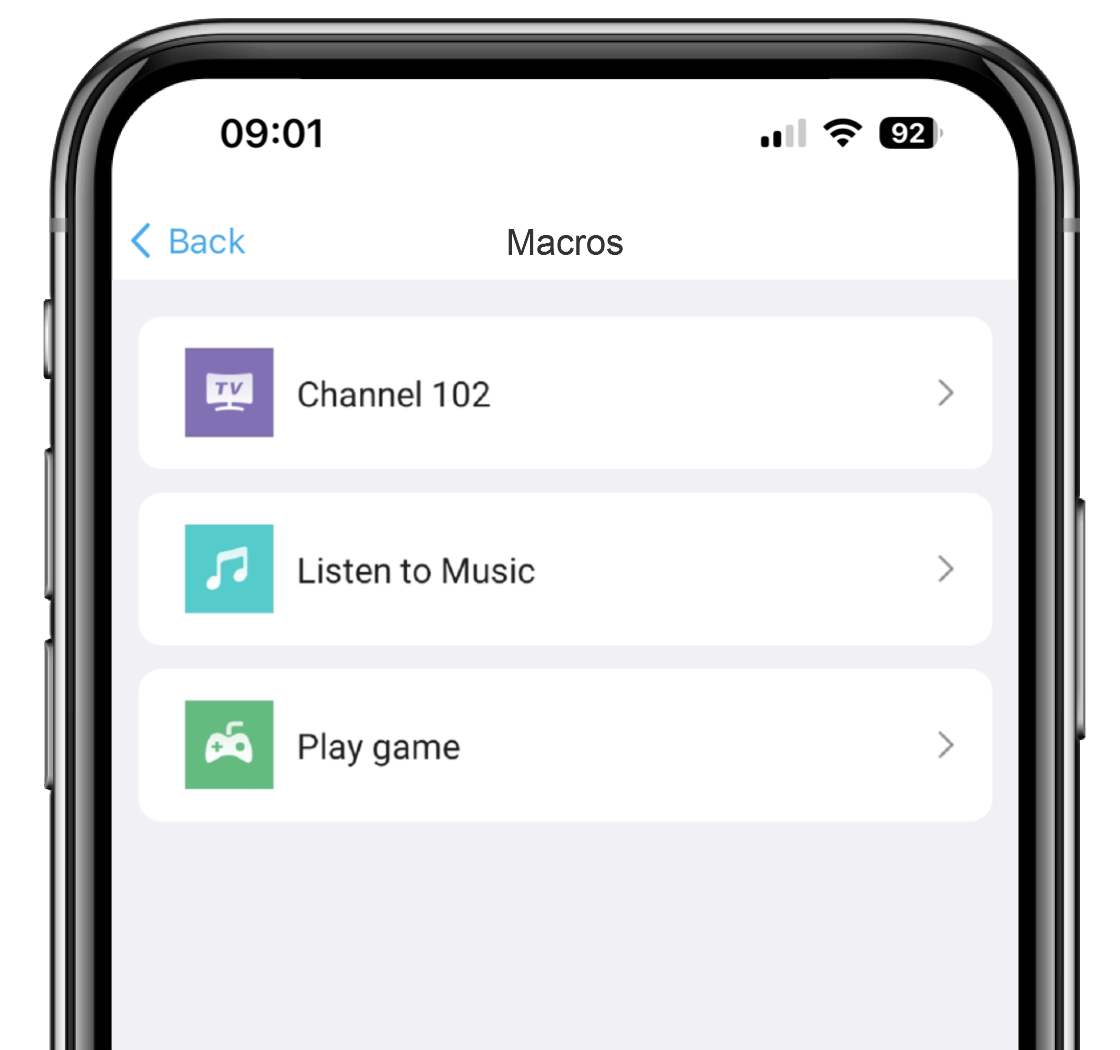
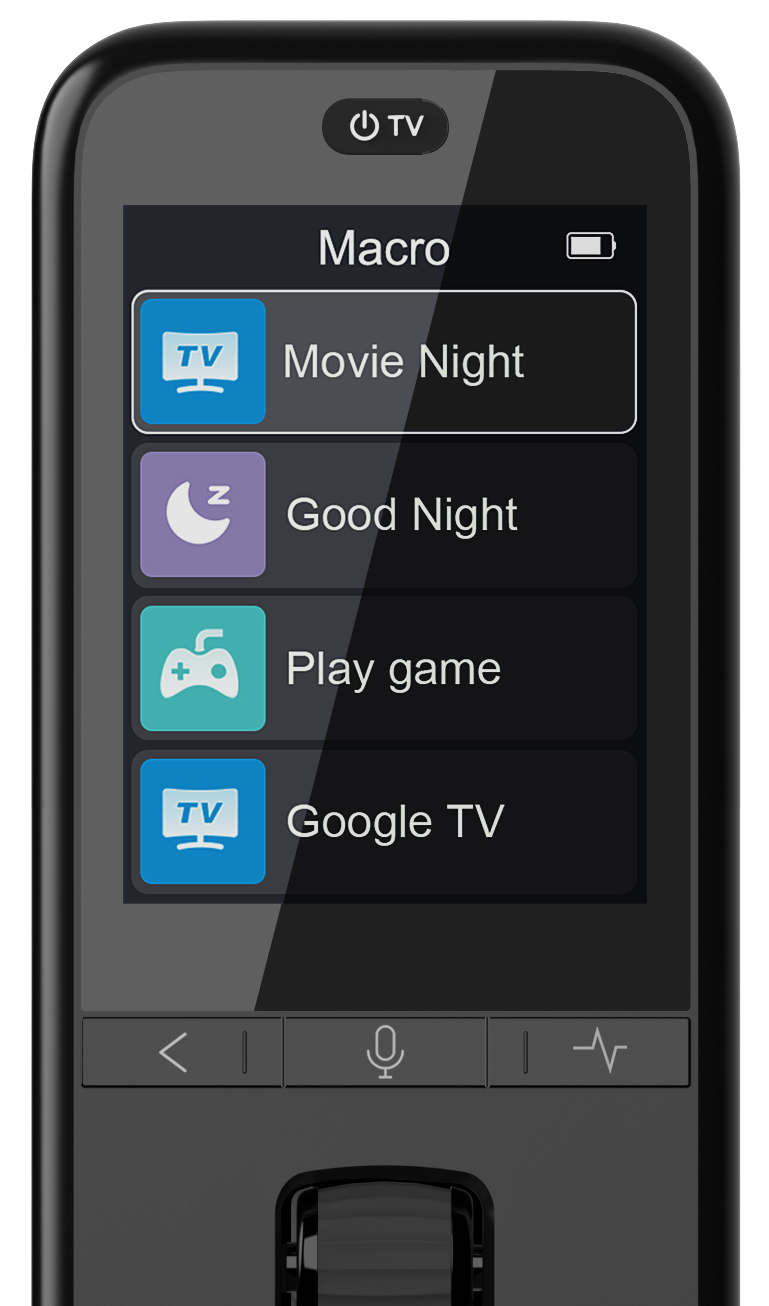
Select the included devices and create specific Macro Scenarios(such as Channel 102) based on your home theater needs, and configure related buttons. Once created, you can edit sequences or manage settings at any time.
Enjoy Air Mouse navigation and Google Assistant voice search. Your device (e.g., Google TV) must natively support these features and be paired with the remote via Bluetooth.
Enjoy a seamless smart remote experience with one-click switching between all your needs!