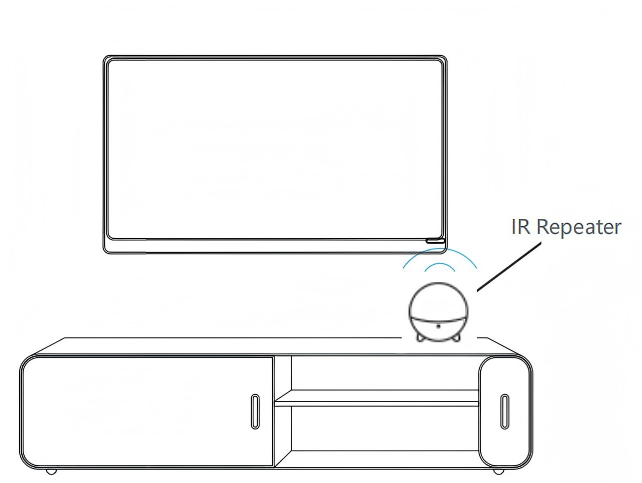
This article will guide you through connecting your U3 Remote and IR Repeater.
Preparation:
1. Please activate Bluetooth on your phone.
2. Download Sofabaton App.
To install Sofabaton on your phone, search for it in the App Store or Google Play and download it.
3. Create an account on Sofabaton App
You can see how to create an account in the screenshot below. If you already have an account, log in directly. If you cannot receive the verification code, please refer to the article Can’t receive the verification code.
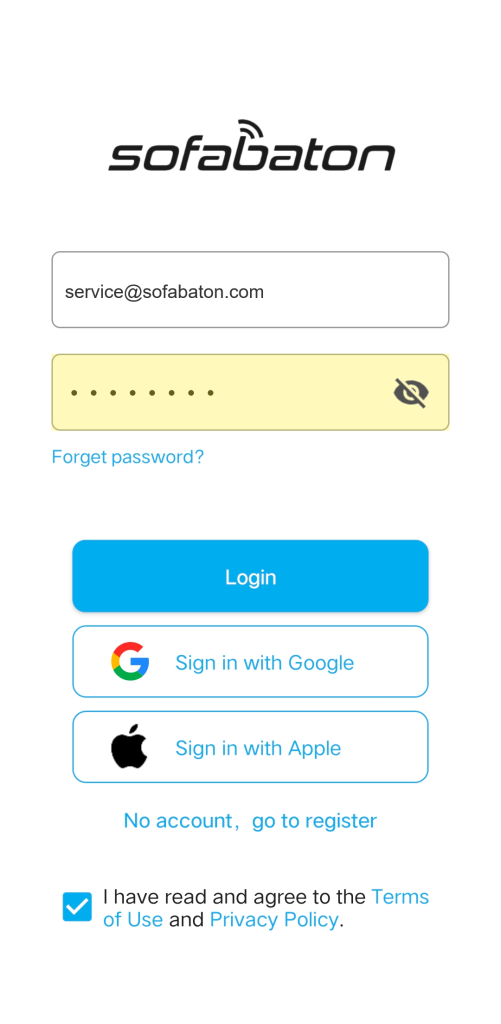
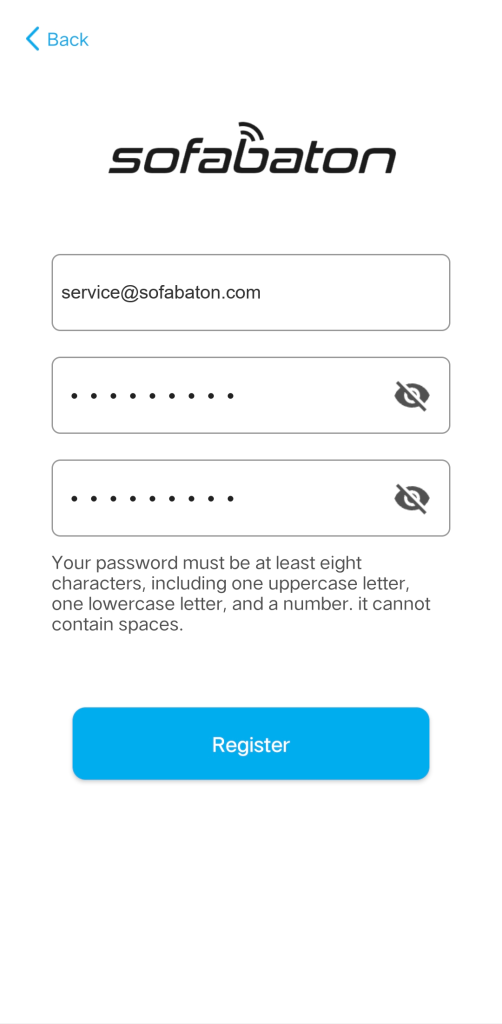
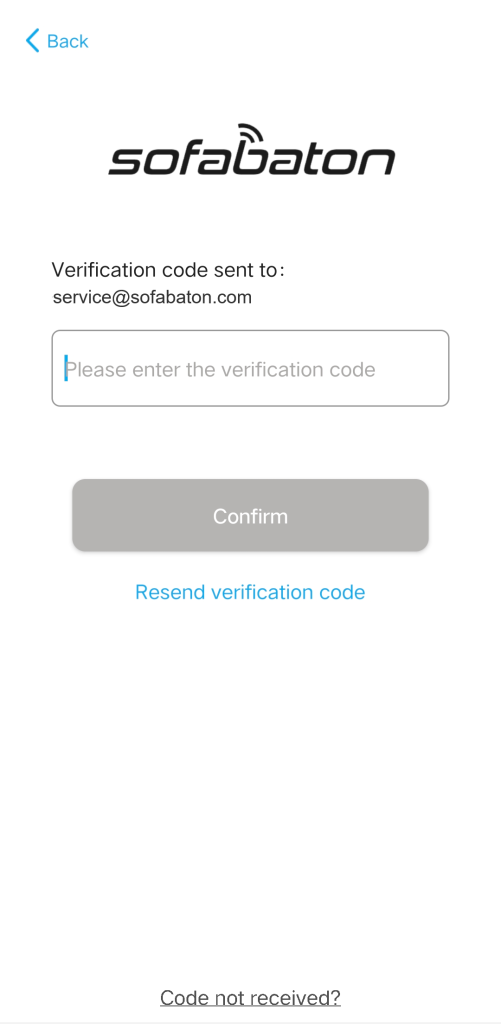

Please note that accounts created on the www.sofabaton.com website are not interchangeable with app accounts. This means if you have an account on the website, you cannot use the same login details for the app, and vice versa. You will need to create separate accounts for each platform.
Setup Procedure:
1. Connecting to Sofabaton APP
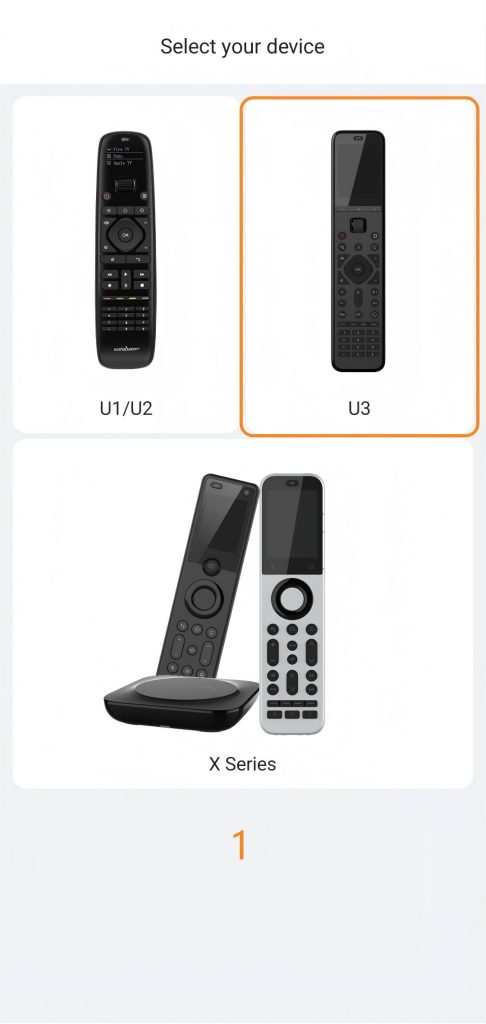
1)Launch the Sofabaton App and select the U3 option.
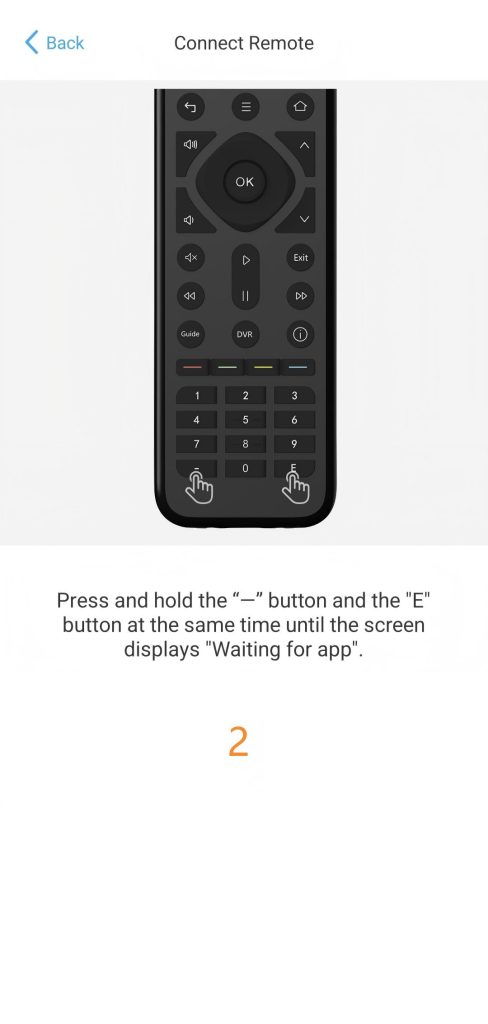
2)Follow the on-screen prompts to press the button “-” and “E” .
3) Click “connect” to connect your remote with the SofaBaton App
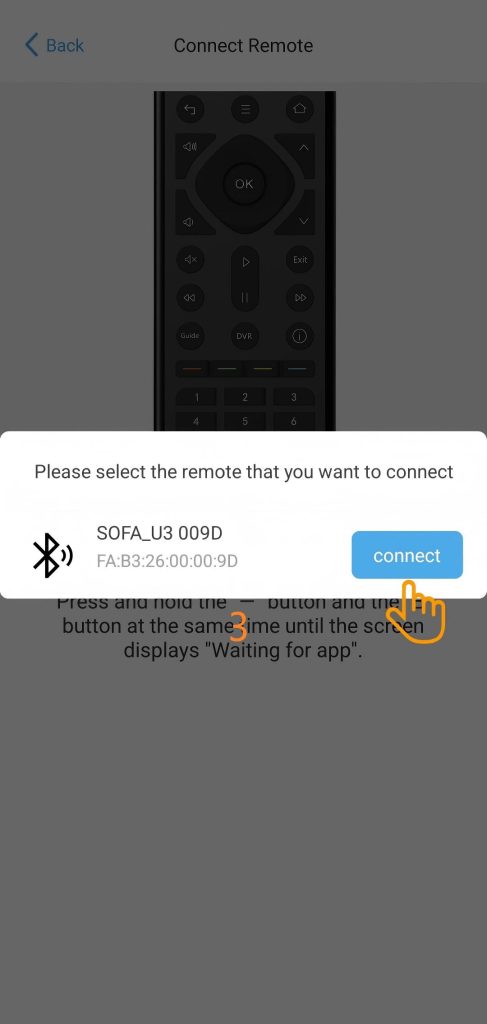
The Bluetooth discovery feature requires permissions on your phone to function properly. For iOS, you need to “allow new connections”, while for Android, you need to grant location permissions.
2. Pairing a New IR Repeater
If you have purchased an additional IR Repeater, please follow the instructions below to complete the setup; if not, please skip this step.
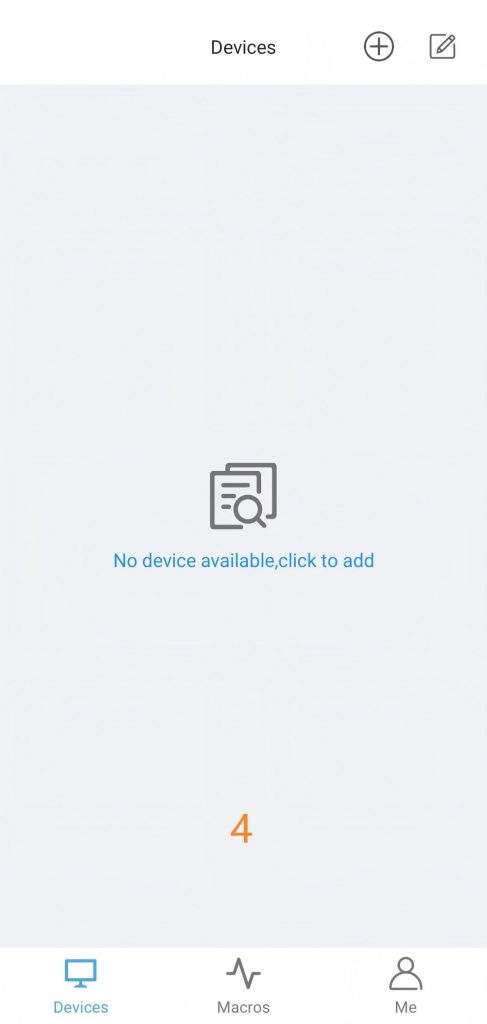
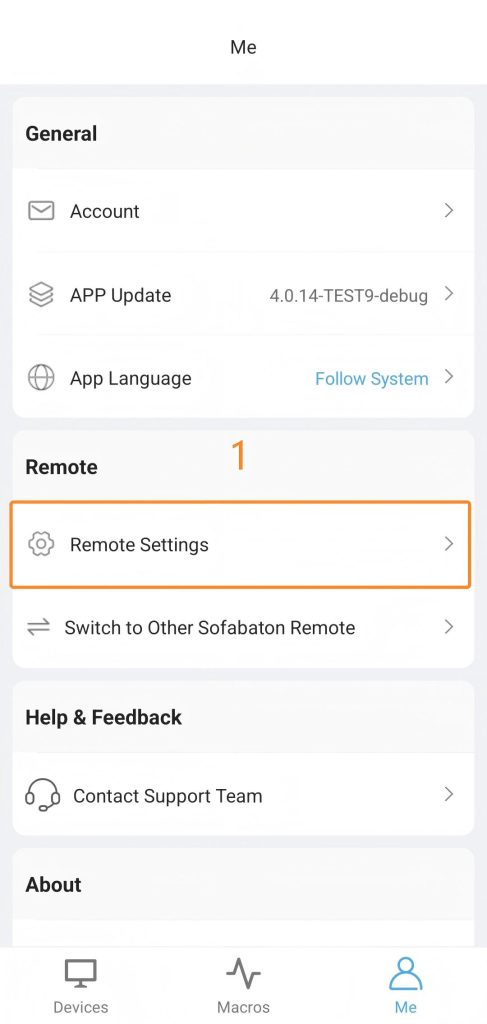
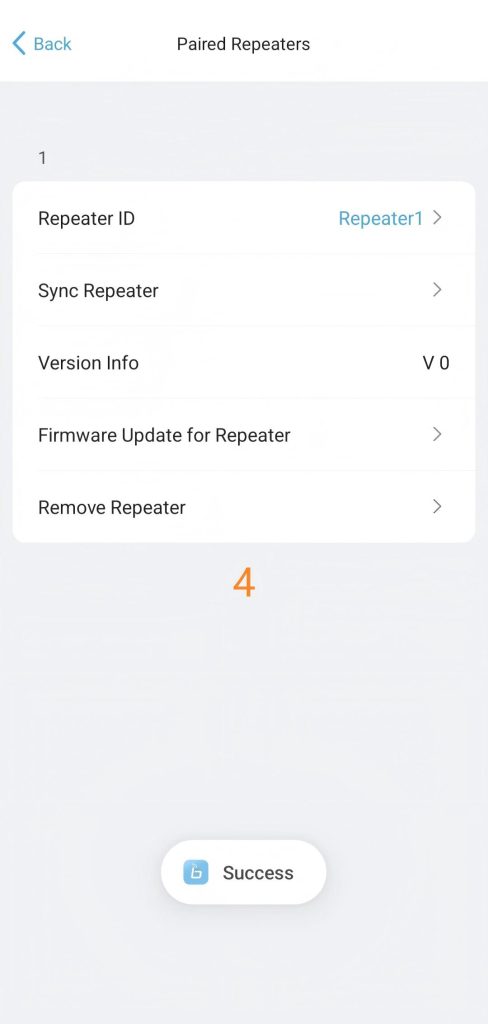
1)Start Pairing :Tap [Me] in the bottom navigation bar and enter the “Remote Settings” page.Tap the “Pair with a new repeater” option.
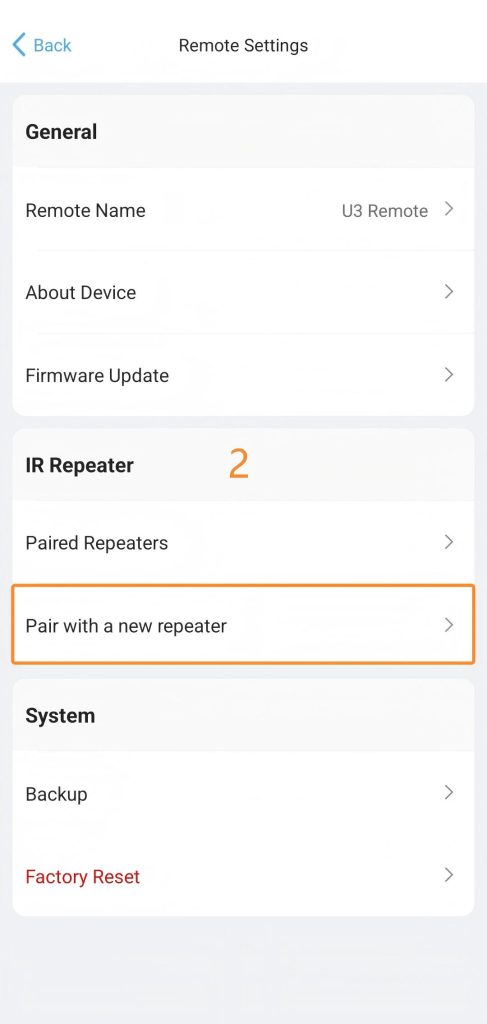
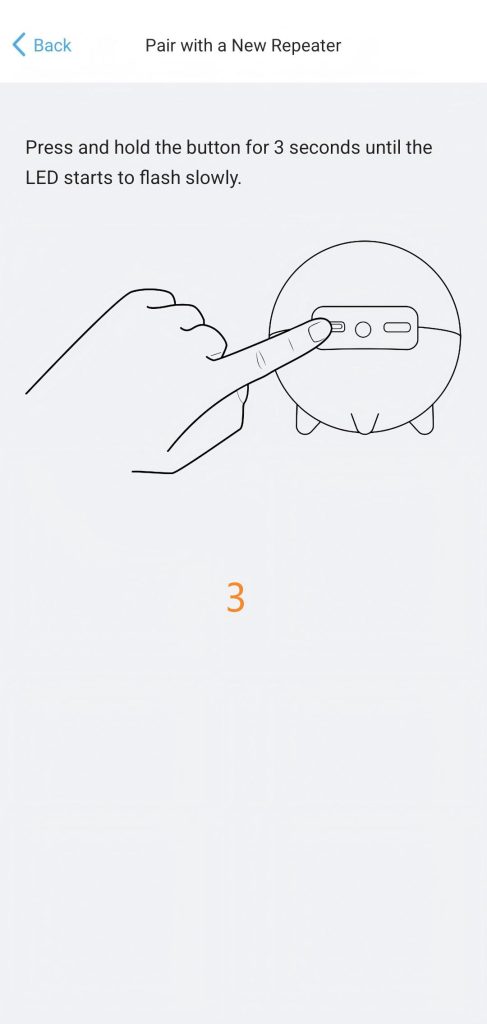
2)Hardware Operation: Press and hold the button on the IR Repeater for 3 seconds until the LED indicator begins to flash slowly.
3)Complete Connection: The remote will automatically search for and connect to the IR Repeater.
3. Understanding IR Control Options
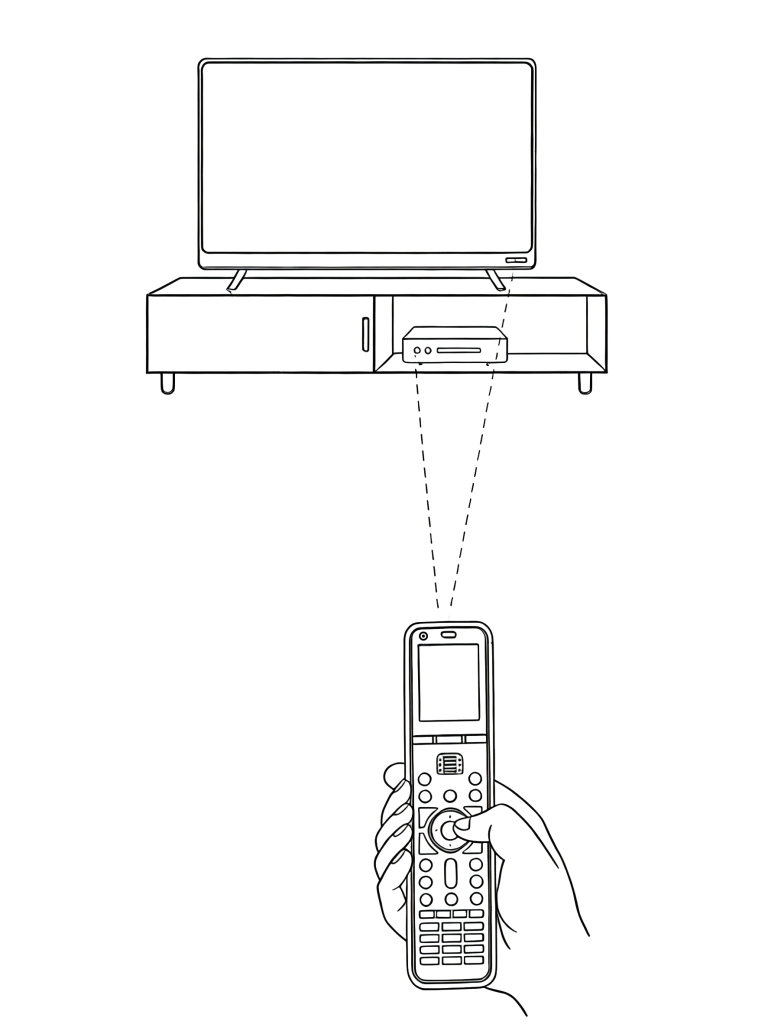
1 )Standard Control (Line-of-Sight): The U3 remote requires a direct line-of-sight.
How it Works
The remote emits IR signals in a cone shape. You must aim the remote at the device’s receiver window for reliable control.
2)Extended Control (R1 Repeater Required)
For non-directional control or for devices hidden in cabinets, the R1 Repeater (sold separately) offers a more flexible solution.
- Macro-Friendly: No need to point or re-aim.It triggers all devices simultaneously—ideal for one-touch macros.
- Extended Range: Easily control equipment at longer distances or inside media consoles.