


Best Universal Remote for Apple TV 4K in 2026: X1S, Siri Remote, or HDMI-CEC?
If you only want the short answer, it is simple: for most Apple TV 4K living rooms, SofaBaton X1S is usually the more complete and practical answer. If your setup is very simple, and Siri Remote plus HDMI-CEC already works reliably, you may not need to buy another remote. But if your room has moved into projector, AVR, multiple input sources, lighting scenes, or Home Assistant territory, X2 will usually make more sense.
Many people searching for Apple TV content are really looking for an Apple TV remote replacement. But in most cases, they are not simply trying to replace Siri Remote itself. The more common situation is that once Apple TV becomes part of a real living room, users also need to deal with the TV, audio equipment, input switching, and other people in the home using the same setup. That is why this guide focuses on a more useful question: for different Apple TV room setups, should you keep using Siri Remote, rely on HDMI-CEC, or move to a universal remote?
This is also why Apple TV deserves its own guide. It is not just an isolated streaming box. In many real living rooms, it works together with a TV, audio equipment, Blu-ray player, HDMI switch, or a more complex home theater system. So for Apple TV users, the real question is often not “Do I need a new remote?” but “How complex has my room become?”
Quick Answer: Which Remote Setup Makes Sense for Apple TV 4K?
| Setup | Better choice | Why it makes sense |
|---|---|---|
| Apple TV + TV | Siri Remote | This setup is mainly about controlling Apple TV itself. It is the simplest configuration, and the daily workflow is very direct. If TV power, volume control, and input switching are already stable, the existing experience may be good enough for many users. |
| Apple TV + TV + soundbar | SofaBaton X1S | Once a separate audio device is added, room control is usually no longer just about Apple TV. It starts to involve TV power, volume, input switching, and shared use by the whole household. For many families, this is the point where a universal remote starts to become genuinely useful. Even if you later add a game console, Blu-ray player, or another content source, X1S can more easily bring the living room control flow together. |
| Apple TV + projector + AVR | SofaBaton X2 | This is no longer a normal TV living room. It is closer to a full home theater. The device chain is longer, input sources are more complex, and some equipment may not be visible. Daily power, switching, and room-control workflows depend more on a complete control logic. For this higher level of complexity, X2 is the better fit. |
There is an important caveat: HDMI-CEC is not useless. It is better understood as a helpful option for simple Apple TV setups, not the main recommendation path of this guide. If your Apple TV + TV + soundbar setup has always worked reliably through HDMI-CEC, it may be enough for now. But if you are actively looking for a more complete Apple TV remote replacement, you are probably already moving into the kind of room-control need where X1S becomes more relevant. At that point, what you are replacing is often not just Siri Remote, but the frustrating control flow of the whole Apple TV living room.
Can Apple TV 4K Use a Universal Remote?
Yes. Apple officially supports using other remotes with Apple TV 4K.
Apple’s own support documents keep several important paths open:
- Apple TV 4K can be controlled with other remotes
- Siri Remote can control a TV and receiver
- Apple TV can be connected to a soundbar or AV receiver
- When Apple TV has black-screen, no-signal, or CEC issues, many troubleshooting steps involve the HDMI chain, switches, and receivers
These official support paths show that Apple TV is not always used as a simple “single streaming box + single TV” setup. For many households, it becomes part of a more complete living room system. Once that happens, the questions are no longer only about whether Apple TV can play content. They become:
- Can the TV turn on and off with the rest of the system?
- Does volume control always work correctly?
- Does input switching sometimes land on the wrong source?
- Can other people in the household use the system easily?
- Has the room quietly gone back to having two or three remotes again?
So the answer to “Can Apple TV 4K use a universal remote?” is simple. The harder question is when you have moved from being an Apple TV user to being someone who needs to control an entire living room.
When Is Siri Remote Enough?
Siri Remote has a clear strength: it is simple, direct, and deeply matched to Apple TV itself. If your room is a basic Apple TV setup, it may already be enough.
That usually means:
- Your setup is only Apple TV + TV
- TV power and volume control are already stable
- You do not have a separate soundbar, AVR, or multiple input sources
- You do not switch between many devices
- No one at home complains that the system is confusing
In this case, continuing to use Siri Remote is completely reasonable. This is also why a guide like this should not treat a universal remote as the default answer for every Apple TV user. Not every Apple TV user needs to upgrade.
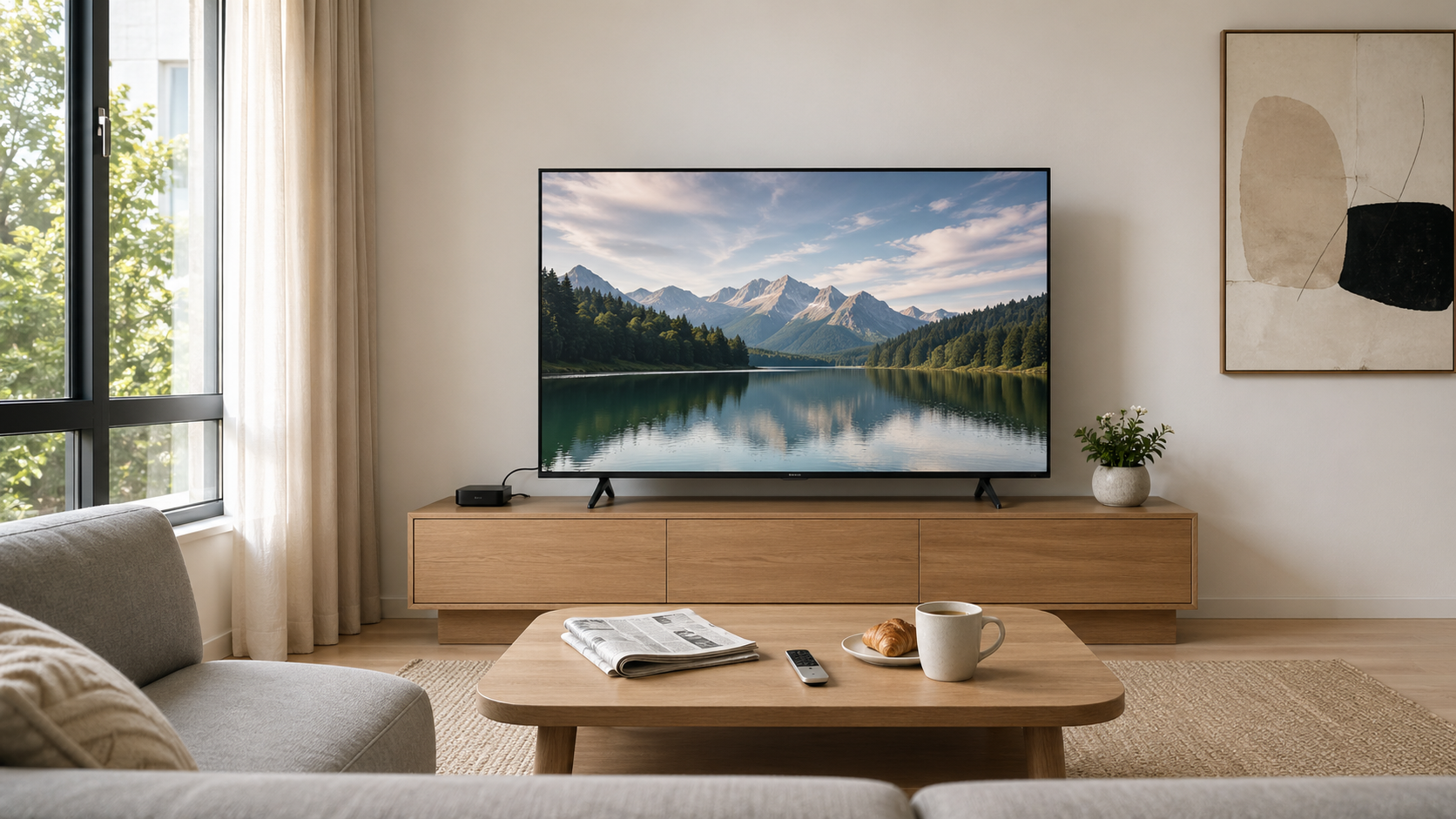
When Is HDMI-CEC Enough?
Sometimes the thing that makes a living room feel like it only needs one remote is not a universal remote, but HDMI-CEC.
If your device setup is simple and the following things work smoothly, HDMI-CEC may be enough:
- Turning on Apple TV wakes the TV
- Volume control rarely causes problems
- The TV switches to the right input automatically
- You rarely run into “why is there no sound?” or “why is there no picture?” moments
For this type of user, the current system may already be smooth enough. Adding a more advanced remote may not noticeably improve the experience.
In other words, if Apple TV has already made your room simple enough, you do not need to add complexity just to look more “advanced.”
When Does HDMI-CEC Start to Fall Short?
The problem usually begins when your room moves from a simple viewing setup into a multi-device entertainment system.
Common turning points include:
- Apple TV + TV + soundbar + AVR
- Apple TV + 4K Blu-ray player
- Apple TV + HDMI switch
- Mixed devices from different brands
In these cases, HDMI-CEC’s biggest problem is usually not that it does not work at all. It is that it works well enough to be useful, but not reliably enough to be stress-free.
For example:
- Sometimes the TV turns on with the system, sometimes it does not
- Sometimes volume control works, sometimes the audio device does not respond
- Sometimes input switching is correct, sometimes it lands on the wrong port
- You may know how to troubleshoot it, but other people at home may not
In an everyday living room, this kind of occasional but repeated friction is often what wears people down.
That is why once more input sources appear, or Apple TV is no longer the only entertainment device in the room, a universal remote starts to become genuinely meaningful.
Why X1S Is the Best Universal Remote for Most Apple TV Living Rooms
For most Apple TV users, SofaBaton X1S is the most balanced and easiest answer to live with.
The reason is that it gives you simpler room control without adding too much complexity. It also addresses the real problems most living rooms face:
- You do not only want to control Apple TV
- You also need to control the TV
- You also need to control a soundbar or AVR
- You want one remote to make the whole flow smoother
This is also why, in many mainstream reviews, the strengths of X1S fit especially well with Apple TV as a living-room hub. Third-party reviews often point out that X1S is easier to set up than earlier models and that activity setup is more intuitive. This matters for an Apple TV living room, because the issue is usually not Apple TV itself. The issue is whether Apple TV, the TV, soundbar, and other devices can be controlled together in a way that feels natural. Third-party testing that places Apple TV 4K inside a real home system also shows the same thing: once Apple TV, game consoles, and Blu-ray players all return to the same living room, the value of X1S is not that it feels more “premium” than the original Apple TV remote. It is that it brings scattered controls back into a daily workflow that is easier to understand.
For many modern living rooms, the value of X1S is not that it has more features than Siri Remote. It is that it gets closer to what users actually want: pick up one remote and make the whole room easier to operate.
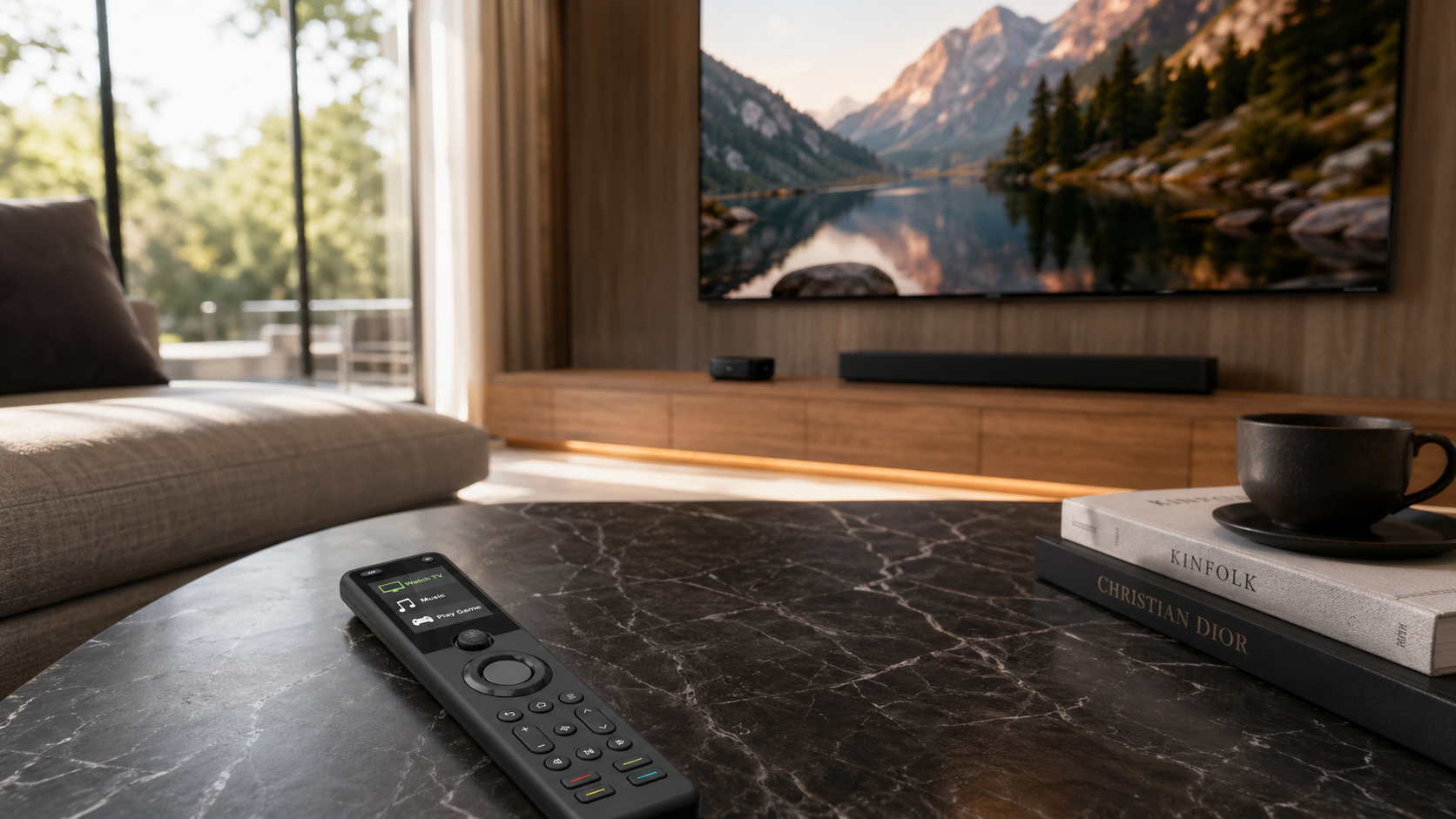
Why Apple TV + Soundbar Is a Typical X1S Scenario
Apple TV + soundbar is a typical X1S scenario because once a separate audio device is added, room control usually becomes one step more complex than a simple Apple TV + TV setup. The control logic is no longer only about Apple TV itself. It now involves the TV, volume, and the audio path working together.
Once you upgrade from built-in TV speakers to a separate audio device, several practical questions appear:
- Which device controls volume?
- Which device turns on first, the TV or the audio system?
- Is CEC stable?
- Do other people at home understand the current signal chain?
At this stage, Siri Remote and HDMI-CEC may still be good enough in some homes, but an X1S-style room-control approach becomes more natural.
From third-party reviews, the strengths repeatedly mentioned for X1S also fit this Apple TV scenario well: backlit buttons are more useful in a dark living room, activity switching is more intuitive than earlier models, device search and learned commands are easier to handle, and the overall response and emitter reliability are stronger. For an Apple TV + TV + soundbar setup that is not an enthusiast theater but is already more than a single-device setup, this kind of everyday usability matters more than abstract specs.
When Does X2 Make More Sense for Apple TV Users?
X2 is not automatically better than X1S.
It only becomes the better fit when your room is no longer just a multi-device living room, but closer to a complex media room, home theater, or automation-heavy space.
These setups are better suited to X2:
- Apple TV + projector + AVR
- Apple TV + Home Assistant
- Apple TV + Philips Hue lighting scenes
- Apple TV + deeper room automation
- Apple TV + multi-input home theater
What these rooms have in common is that you are no longer only trying to make “watching TV” easier. You are trying to make the entire room behave more like one unified system.
That is why the strengths of X2 in public reviews are less about how well it controls Apple TV as a single device, and more about what happens when Apple TV has become part of a larger system. Third-party reviews describe X2 as one of the closest modern alternatives to Harmony, not because it perfectly recreates the old experience, but because its design, control approach, and support for complex systems feel more mature than earlier models. In an Apple TV context, this means that if your Apple TV has entered a room with a projector, AVR, hidden equipment, and multiple input sources, X2’s value becomes much clearer than it would be in a standard TV living room.
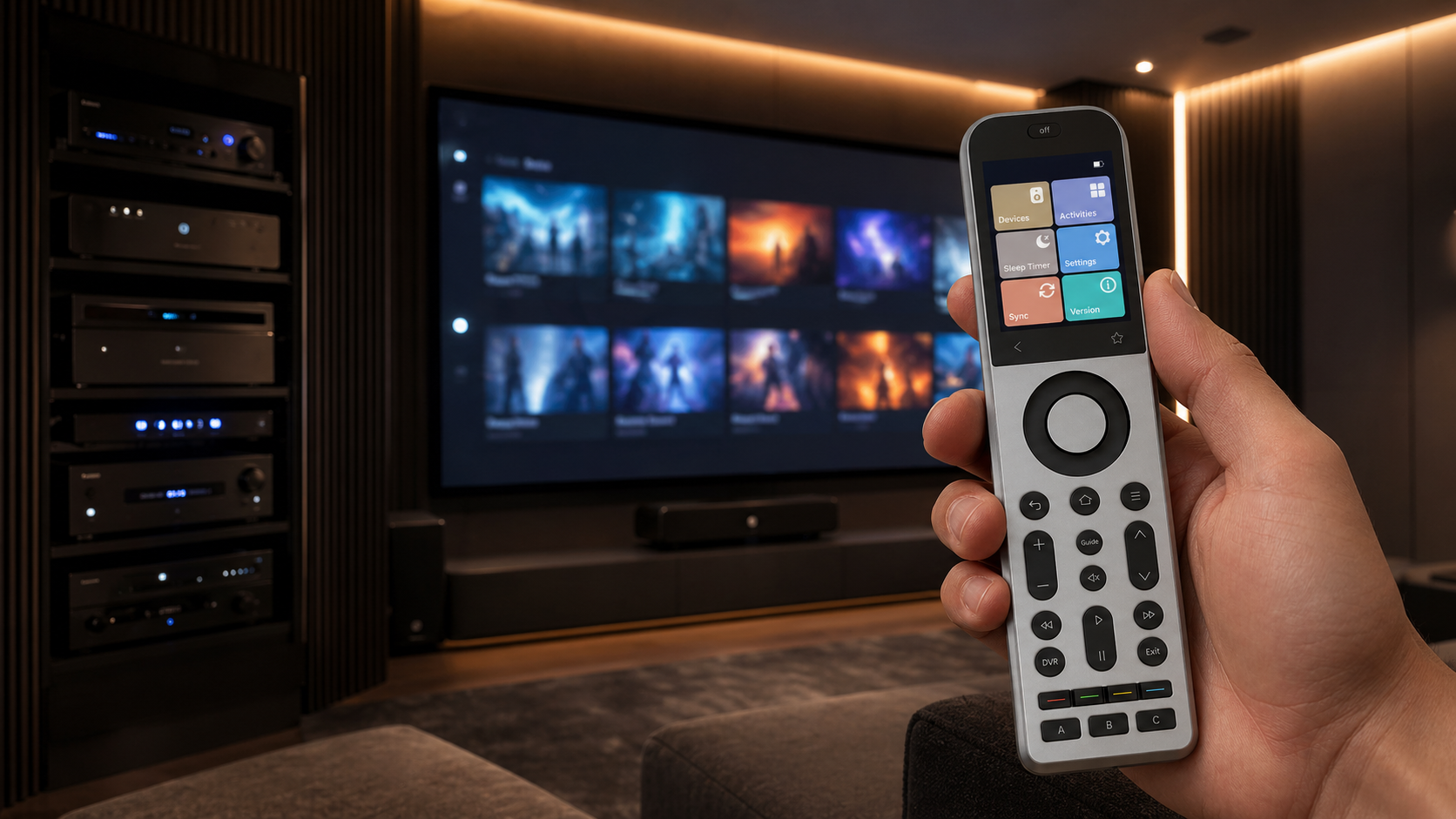
Why Projector + AVR Setups Should Look at X2
These rooms usually mean:
- More input sources
- A more complex audio chain
- Longer power and switching flows
- More sensitivity to device order and logic
At this point, what you need to control is no longer limited to Apple TV. It is the whole home theater workflow.
This is where X2 fits especially well. Compared with X1S, it feels more like a remote designed for a complex media room: activities and devices are easier to identify, the touchscreen makes switching paths clearer, and the charging dock is better suited to a room where the remote is picked up and put back frequently. In an Apple TV + projector + AVR setup, being able to quickly confirm the current activity, switch devices, and correct the flow matters much more than it does in a normal TV living room.
Who Should Keep Siri Remote, Who Should Buy X1S, and Who Should Consider X2?
Users who should keep Siri Remote
- Your setup is only Apple TV + TV
- HDMI-CEC has always been stable
- You do not need to control more input sources
- You are basically happy with the current workflow
Users who should buy X1S
- Your Apple TV is not used alone, but works together with a TV and audio equipment as part of a complete living room system
- Beyond Apple TV, you also switch between live TV, a Blu-ray player, or other content sources
- You want to reduce the number of remotes and make the system easier for other people at home to use
Users who should consider X2
- Your Apple TV is no longer part of a standard TV living room, but closer to a media room or home theater
- What you want to replace is not just the Apple TV remote experience, but a more complete room-control logic
- You want to control not only playback devices, but also lighting, audio, or automation as part of one room system
Frequently Asked Questions
Can X1S or X2 Work as an Apple TV Remote Replacement?
Yes. But more accurately, X1S and X2 are not simply replacing Siri Remote itself. They replace the room-control flow around Apple TV. For most standard living rooms, X1S is usually enough. If your room is more complex, such as a projector, AVR, or automation setup, X2 will be the better fit.
When Do Apple TV Users Not Need to Upgrade to a Universal Remote?
If your setup is simple and stable, and TV power, volume, and input switching all work reliably, you may not need to upgrade. For this type of user, the existing Siri Remote or HDMI-CEC experience may already be enough.
Can Apple TV 4K Use a Universal Remote?
Yes. Apple officially supports using other remotes with Apple TV 4K. The real question is not whether compatibility exists, but whether your room already needs a more complete control method.
Is Siri Remote Enough for Apple TV?
Sometimes, yes. If your setup is simple, and TV, volume, and input control are all stable, Siri Remote may be completely enough.
What Matters Most When Choosing Between X1S and X2 for Apple TV?
The most important factor is not the spec sheet. It is room complexity. For most standard living rooms, X1S is usually enough. If your Apple TV has entered a home theater, multi-input, or automation setup, X2 will be a better fit.
Final Verdict
If you only remember three things, remember these:
- If your room is very simple, and Siri Remote + HDMI-CEC already works reliably, you may not need to buy another remote.
- For most Apple TV 4K living rooms, X1S is usually the most balanced universal remote answer.
- If your room has moved into projector, AVR, multiple input sources, Hue, Sonos, or Home Assistant territory, X2 will make more sense.
In the end, the best answer is not the “most powerful” remote. It is the remote that makes your Apple TV and the whole room easier to use every day.
References and Further Reading
SofaBaton Resources
Apple Support
- Apple Support: Use other remotes to control Apple TV 4K
- Apple Support: Use the Apple TV 4K remote to control your TV and receiver
- Apple Support: Set up Dolby Atmos or surround sound on Apple TV with a sound bar or AV receiver
Apple TV and Siri Remote are trademarks of Apple Inc. SofaBaton is not affiliated with or endorsed by Apple Inc.