





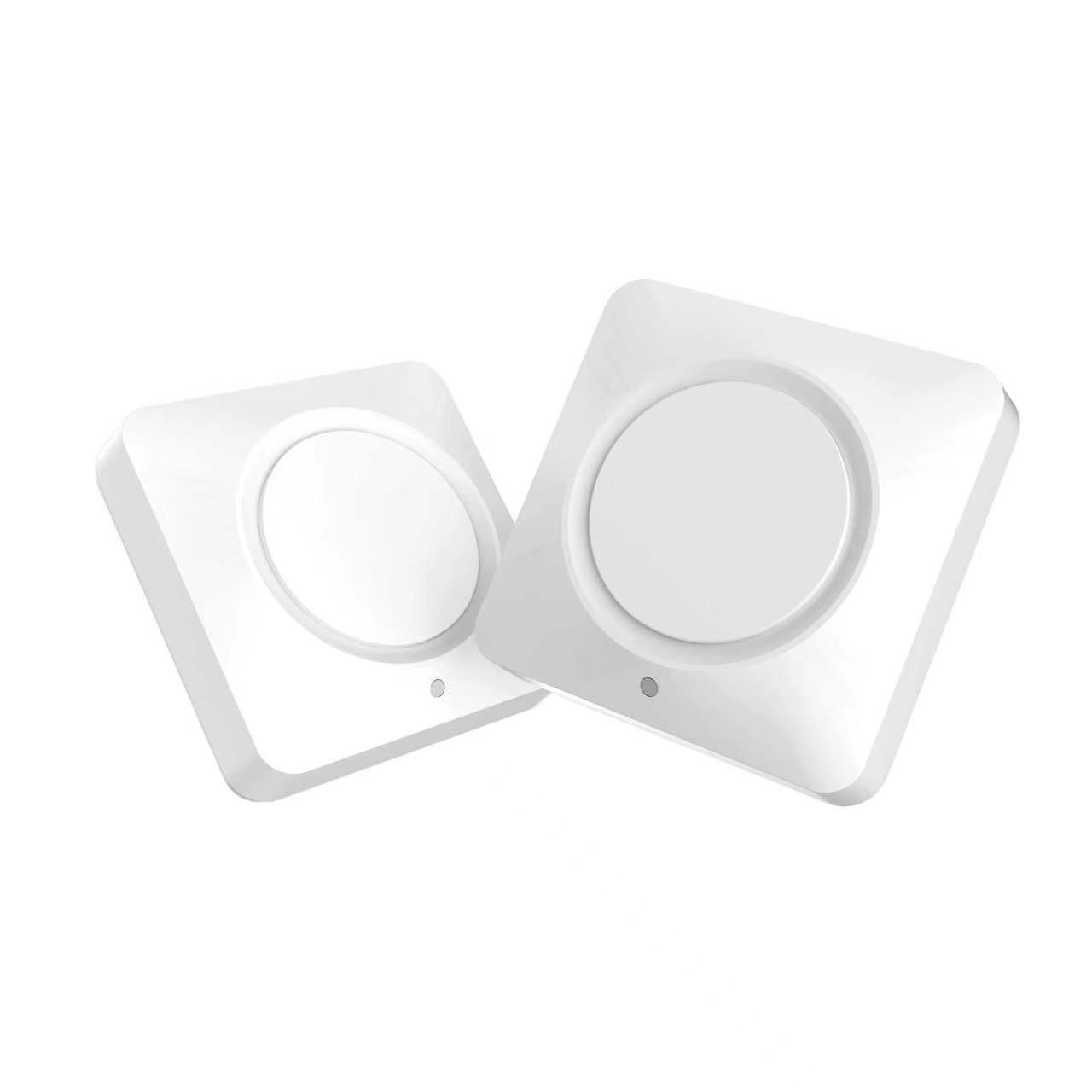

What WB1 does
Two commands per button
Single click and double click can each run a different command, so one WB1 does two jobs.
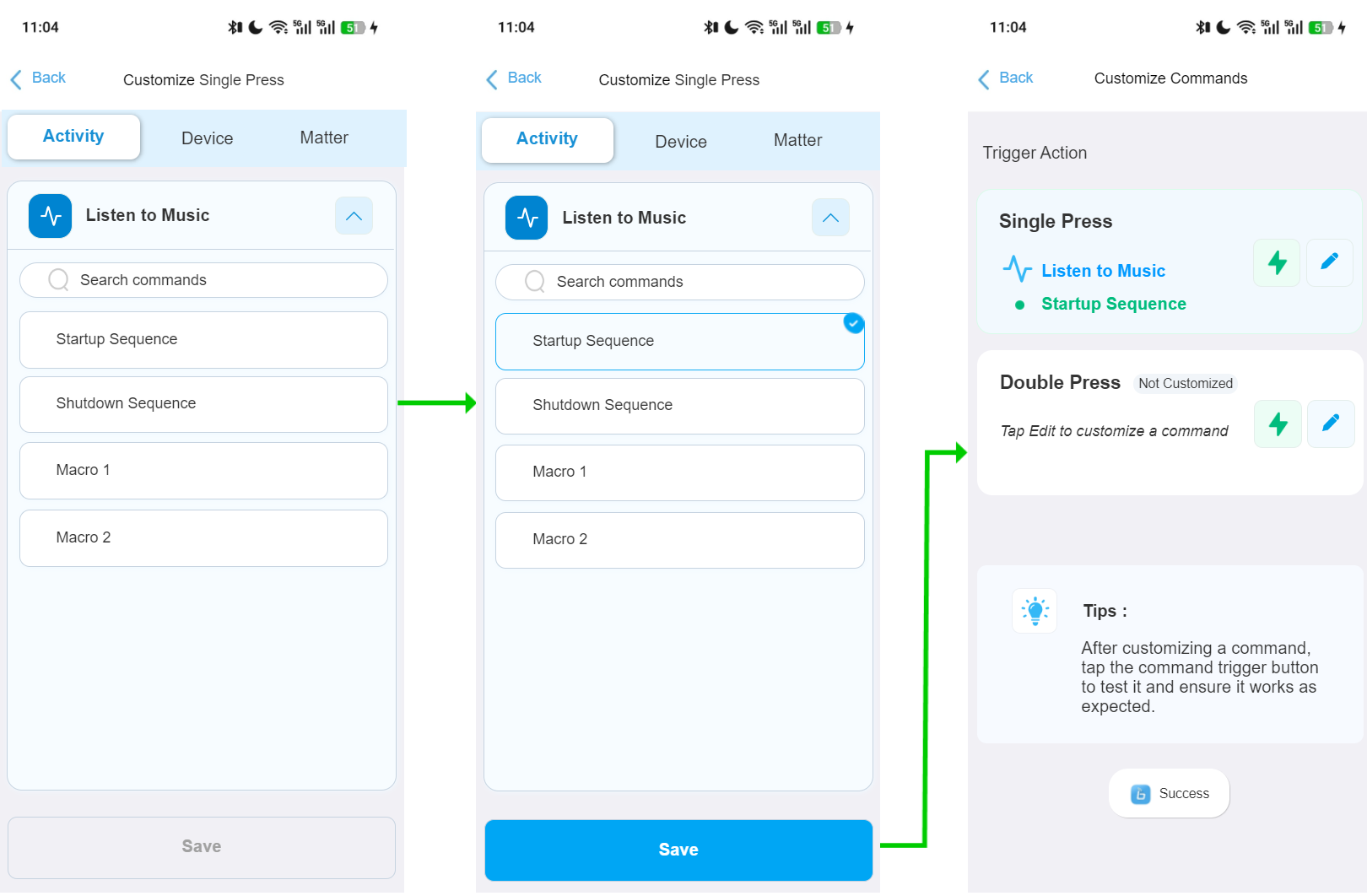
Start or stop an Activity
Turn one Activity on or off, or switch off every Activity at once.
Run a Macro
If the Activity is off, WB1 starts it first, then runs the Macro. If it is already on, WB1 only sends the Macro.
Send a device command
Trigger a specific command on a single device, such as volume or input.
Use WB1 with your smart home
The X2 Hub can join Apple Home, Google Home, Alexa and SmartThings as a Matter device. Each WB1 click can then start an automation you built in that platform: lights, scenes, locks and more.
- In the SofaBaton app, open the X2 Hub’s Matter QR code.
- In your smart home app, scan the code to add the X2 Hub. Your platform needs its own hub first, for example an Apple TV 4K for Apple Home.
- In that platform, create an automation. The X2 Hub appears with 8 buttons you can use as triggers.
- In the SofaBaton app, go to Me, then Settings, then Paired Wireless Buttons, then Customize Commands, and assign a Matter command (buttons 1 to 8) to the WB1 single or double click.
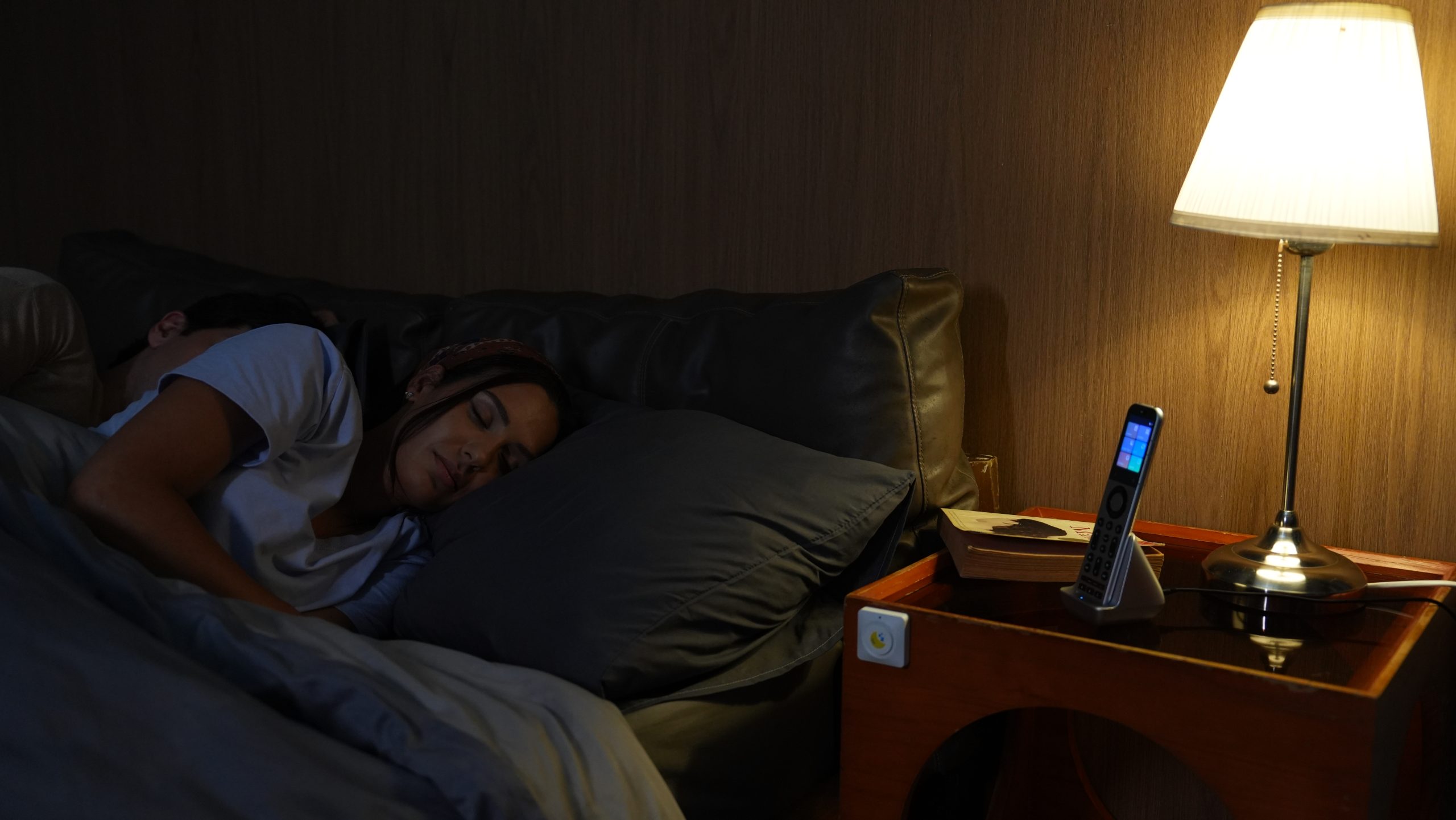
Compatibility
| SofaBaton X2 Hub | ✓ Compatible |
|---|---|
| Other SofaBaton remotes and hubs | Not compatible |
One X2 Hub supports up to 8 WB1 buttons. A WB1 pairs with one hub at a time. Pairing it to a new hub erases its previous connection and settings.
Set up WB1
Before you start, set up your X2 Hub in the SofaBaton app.
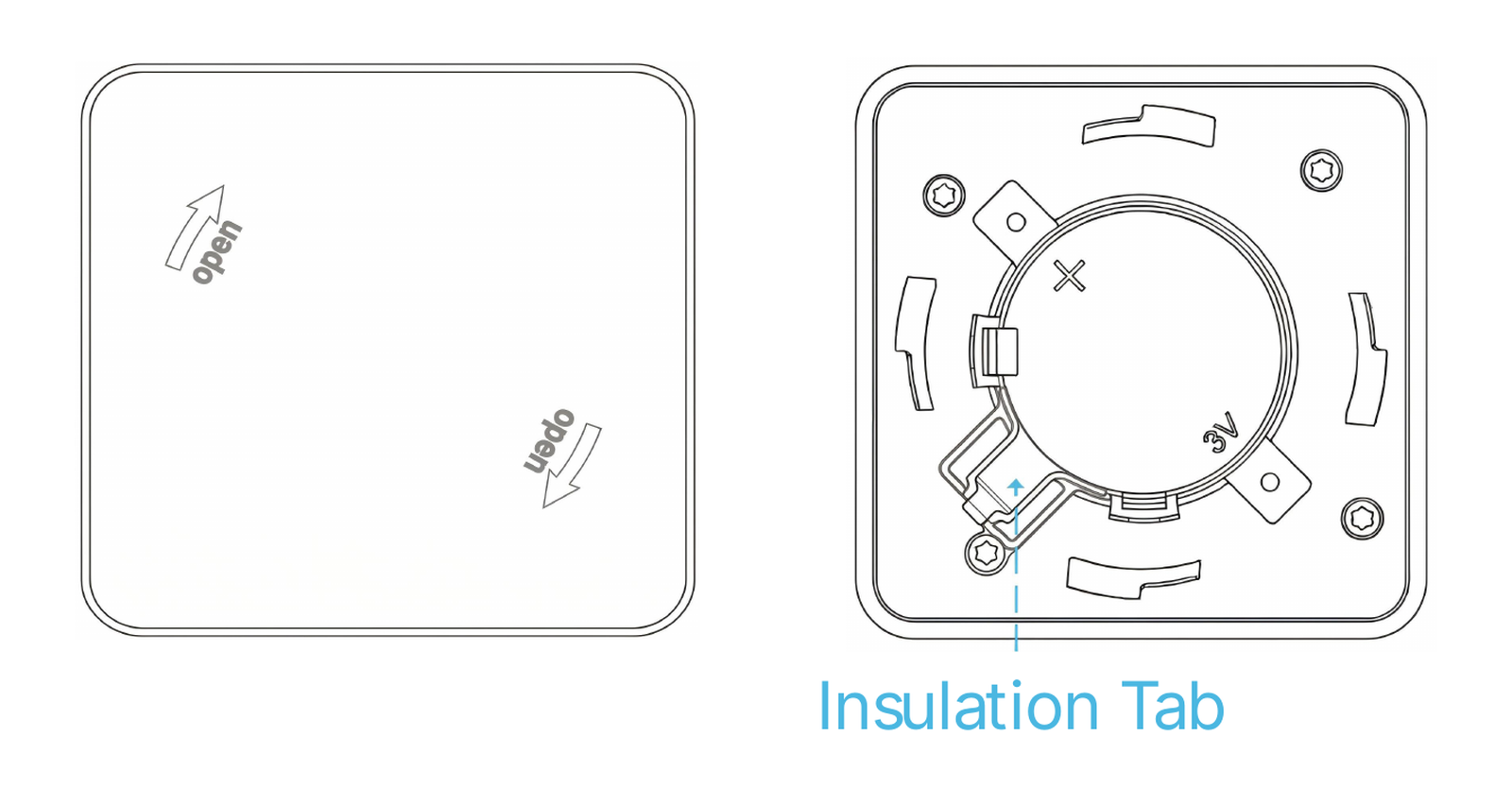
Step 1: activate the battery
WB1 ships with its battery disconnected for transport safety.
- Rotate the bottom cover to open it.
- Pull out the insulation tab.
- Rotate the cover back to its original position to lock it. The blue LED lights for 1.5 seconds.
Step 2: pair WB1 with your X2 Hub
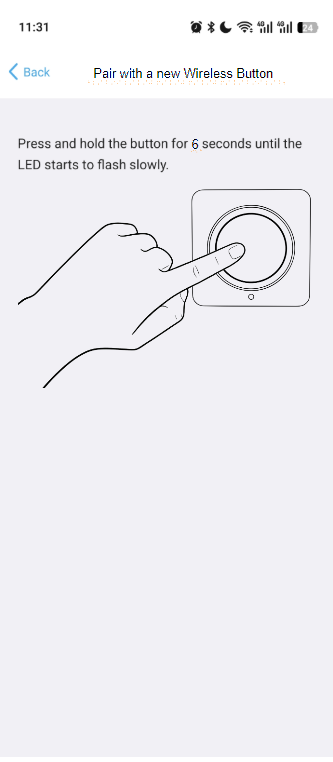
- In the SofaBaton app, go to Me, then Settings, then Pair with a new Wireless Button. This puts your Hub into pairing mode.
- Press and hold the WB1 button for 6 seconds, until the LED flashes slowly. The LED stays solid for 1.5 seconds when pairing succeeds.
Step 3: choose what each click does
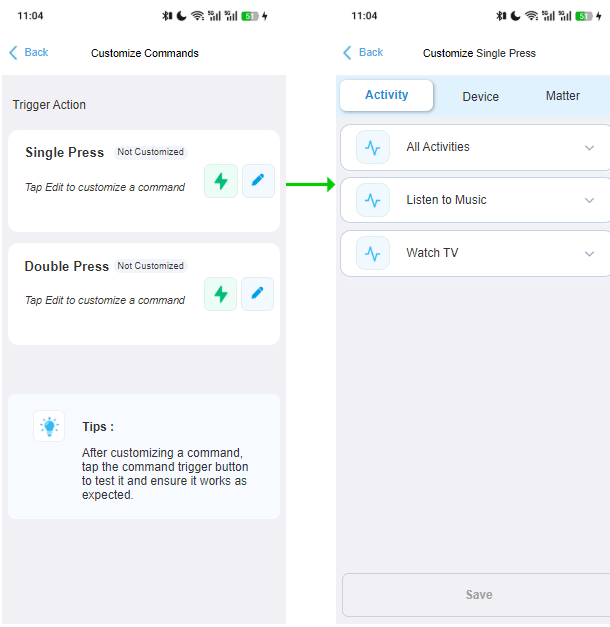
- In the app, go to Me, then Settings, then Paired Wireless Buttons, then Customize Commands.
- Set the single click and the double click: an Activity, a Macro, a device command or a Matter command.
Mounting and battery
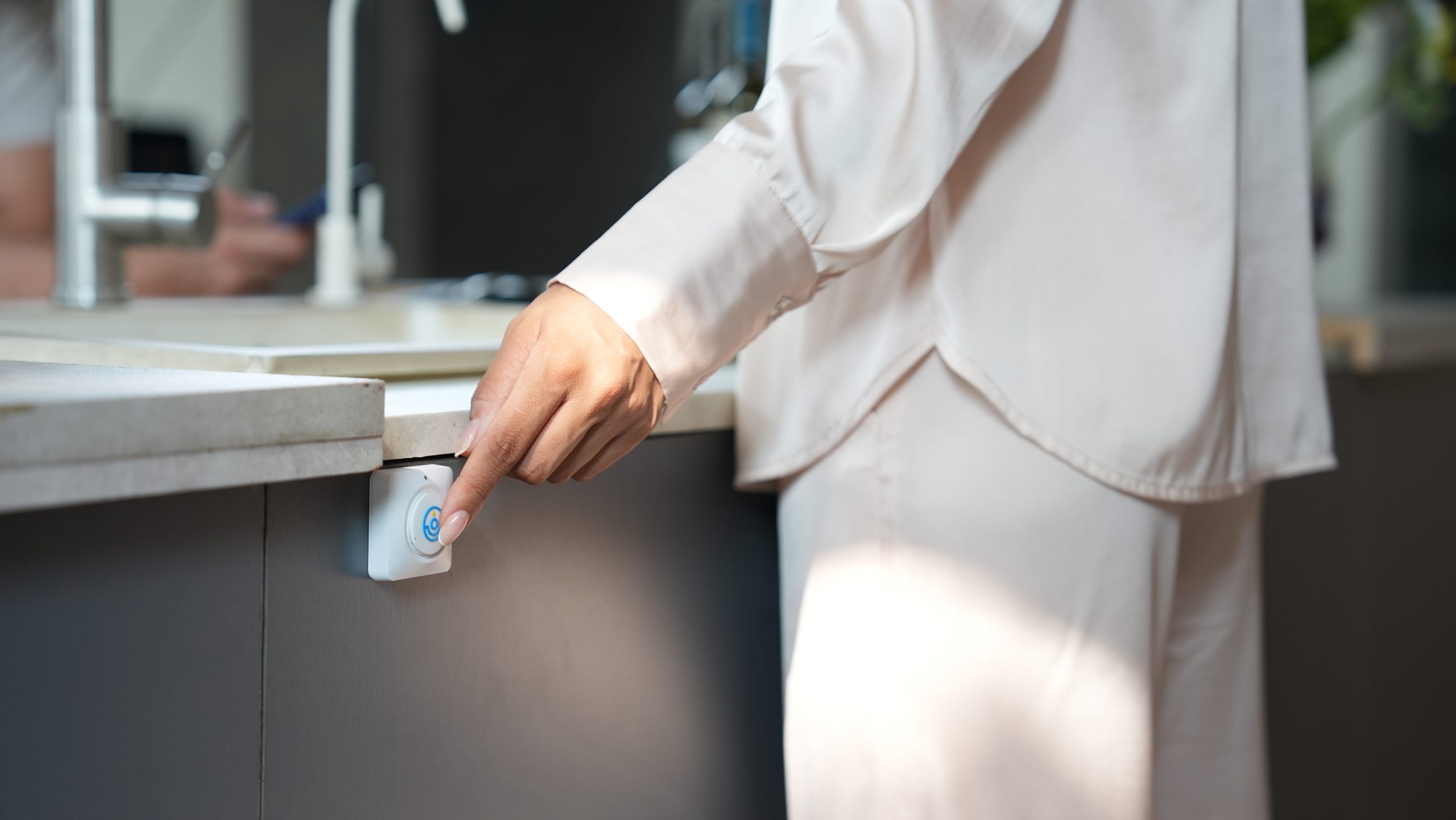
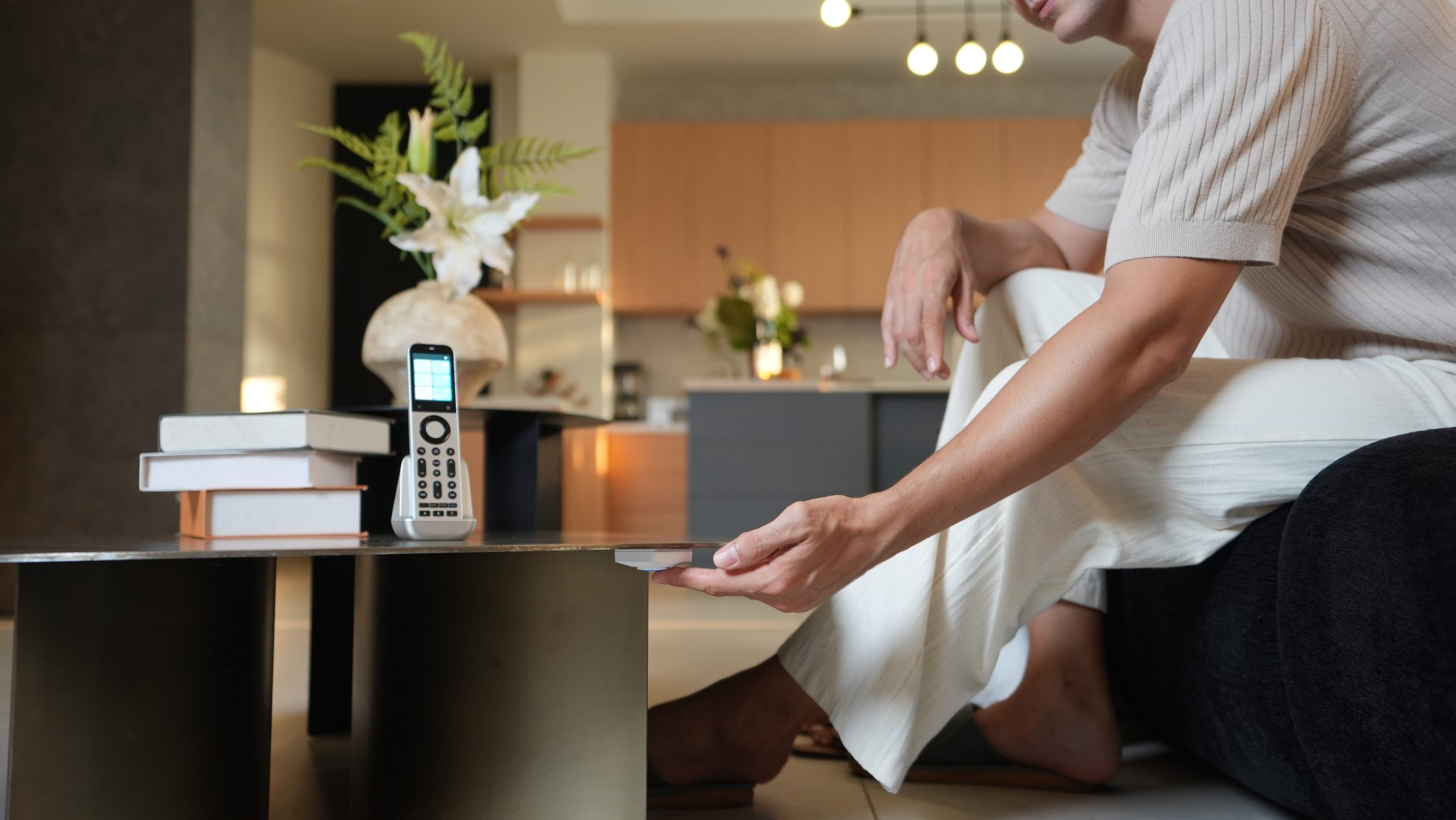
Mounting: apply the adhesive to the edge of the WB1 bottom cover, press firmly, then stick it where you want it. The button surface also takes scene icon stickers.
Replace the battery
- Rotate the bottom cover to remove it.
- Use a screwdriver to unscrew and remove the battery bracket.
- Insert a new CR2450 battery.
- Reattach the bracket with the screw and rotate the bottom cover to lock it.
Choose your sticker set
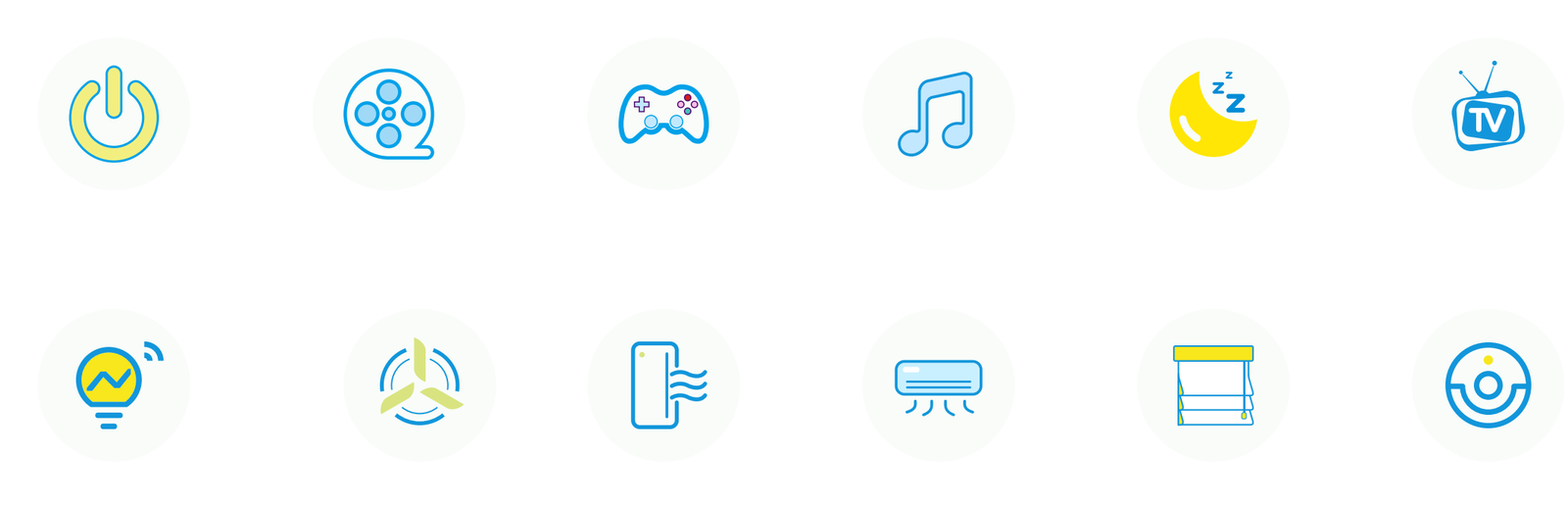
Every WB1 comes with 6 scene stickers for the button. Pick the set that matches the devices you control. The button is the same; only the stickers differ. Choose from the Stickers menu above.
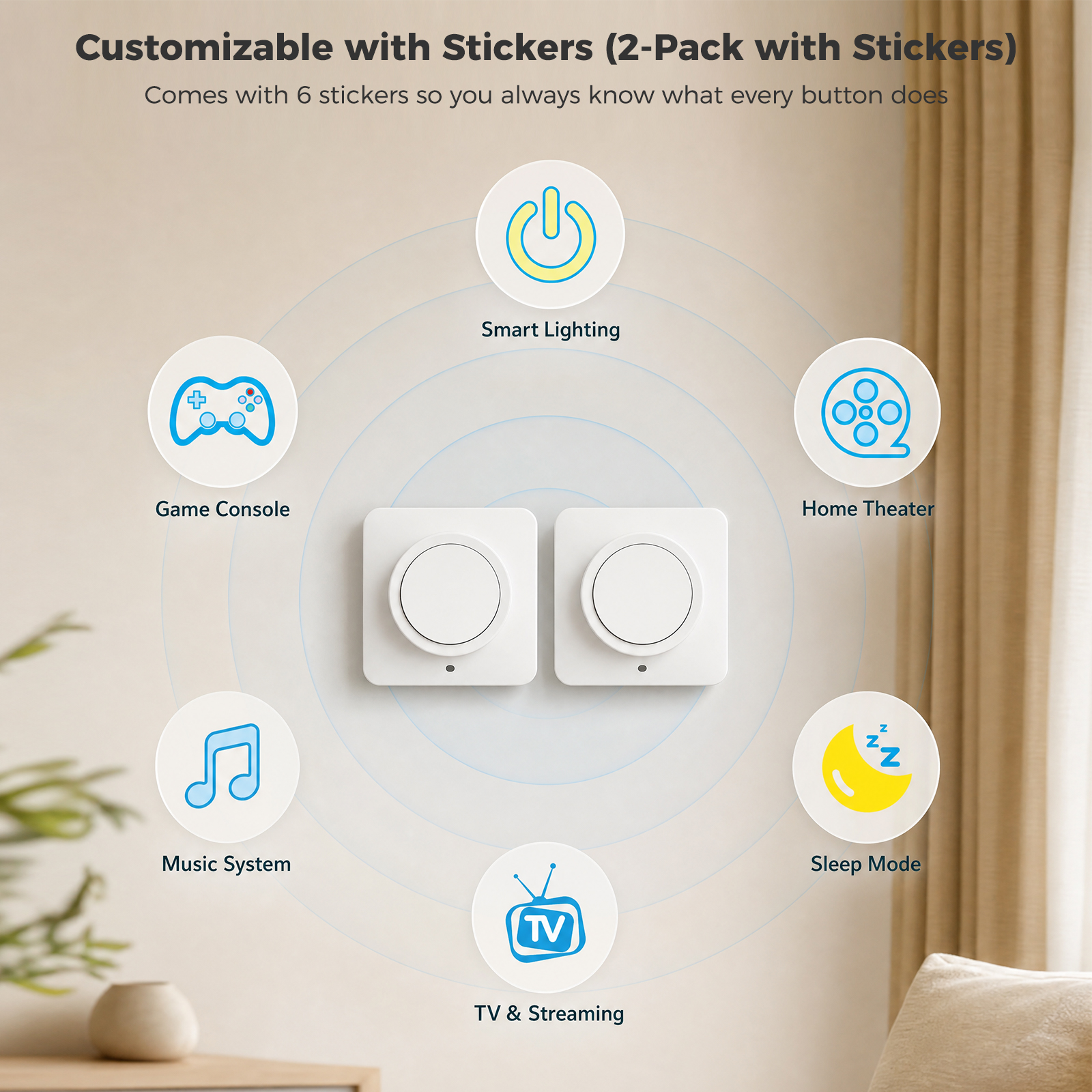
Entertainment set
Smart Lighting, Game Console, Home Theater, Music System, Sleep Mode, TV & Streaming.
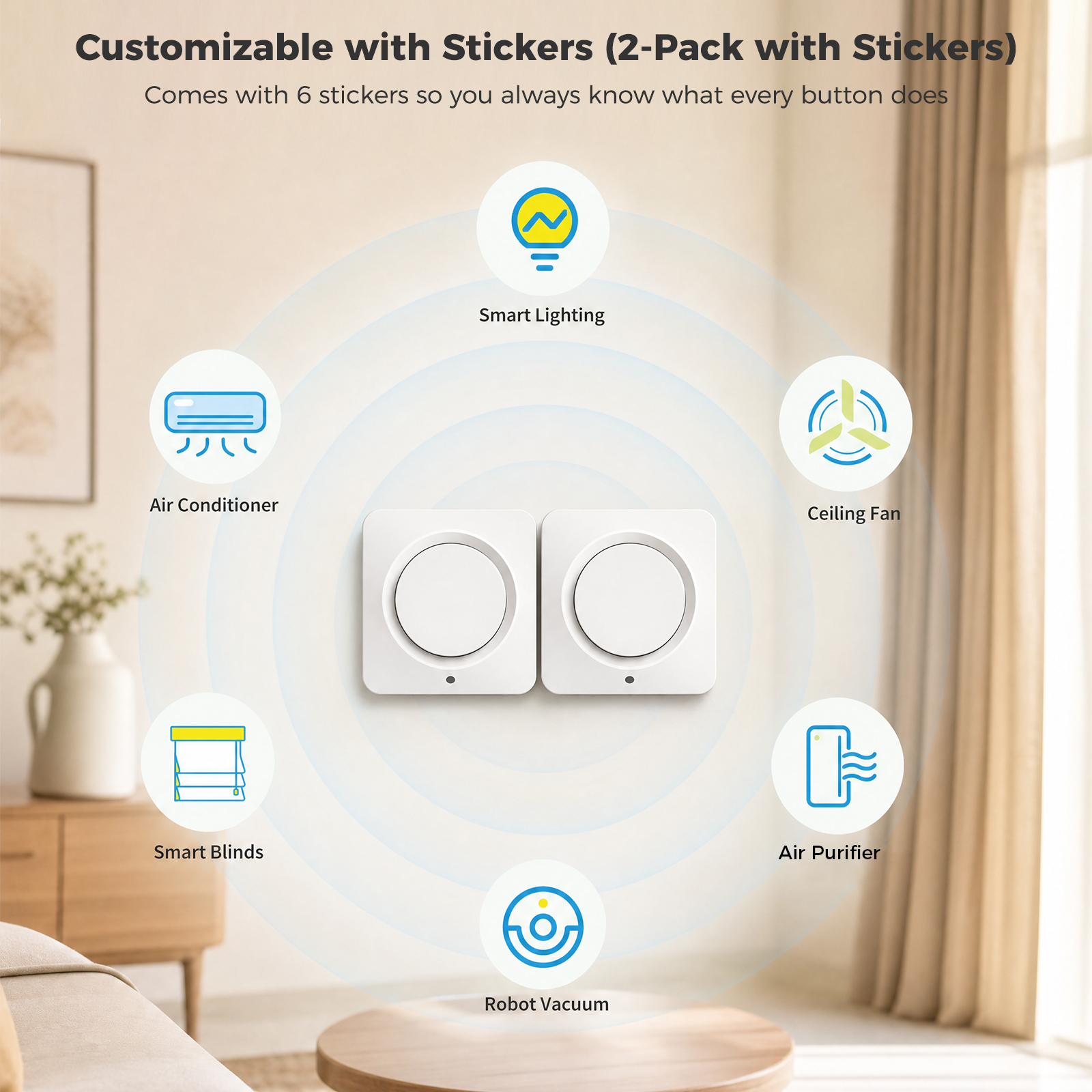
Home comfort set
Smart Lighting, Air Conditioner, Ceiling Fan, Smart Blinds, Air Purifier, Robot Vacuum.
What the LED means
| Slow blue flash (120 s) | Pairing mode |
|---|---|
| Solid blue 1.5 s, then off | Pairing complete, or power on |
| One blue flash | Command sent (paired) |
| One red flash | Command sent, but WB1 is not paired |
| Red flash × 5 | Low battery |
| Solid blue | Firmware update (OTA) in progress |
Specifications
| Model | WB1 Wireless Button |
|---|---|
| Works with | SofaBaton X2 Hub |
| Wireless link | RF 915 MHz to the Hub |
| Range | Up to 200 m in open space. About 20 to 30 m indoors through a wall. |
| Clicks | Single and double |
| Buttons per Hub | Up to 8 |
| Battery | 1 × CR2450, 3 V DC |
| Battery life | About 1 year |
| Material | ABS + PC |
| Operating temperature | -5 °C to 40 °C (23 °F to 104 °F) |
Questions
Does WB1 work without an X2 Hub?
No. WB1 is made for the X2 Hub. It sends your click to the Hub, and the Hub runs the command.
How many WB1 buttons can I add?
One X2 Hub supports up to 8 WB1 buttons.
Can I use WB1 with Apple Home, Google Home, Alexa or SmartThings?
Yes, through the X2 Hub as a Matter device. You build the automation in that platform, and the platform needs its own hub, such as an Apple TV 4K for Apple Home.
What happens if I pair WB1 with a different Hub?
Pairing a WB1 to a new Hub erases its previous connection and settings.
How long does the battery last?
About 1 year on one CR2450. WB1 flashes red 5 times when you press it and the battery is low.
Goes with
SofaBaton X2, the hub WB1 works with