





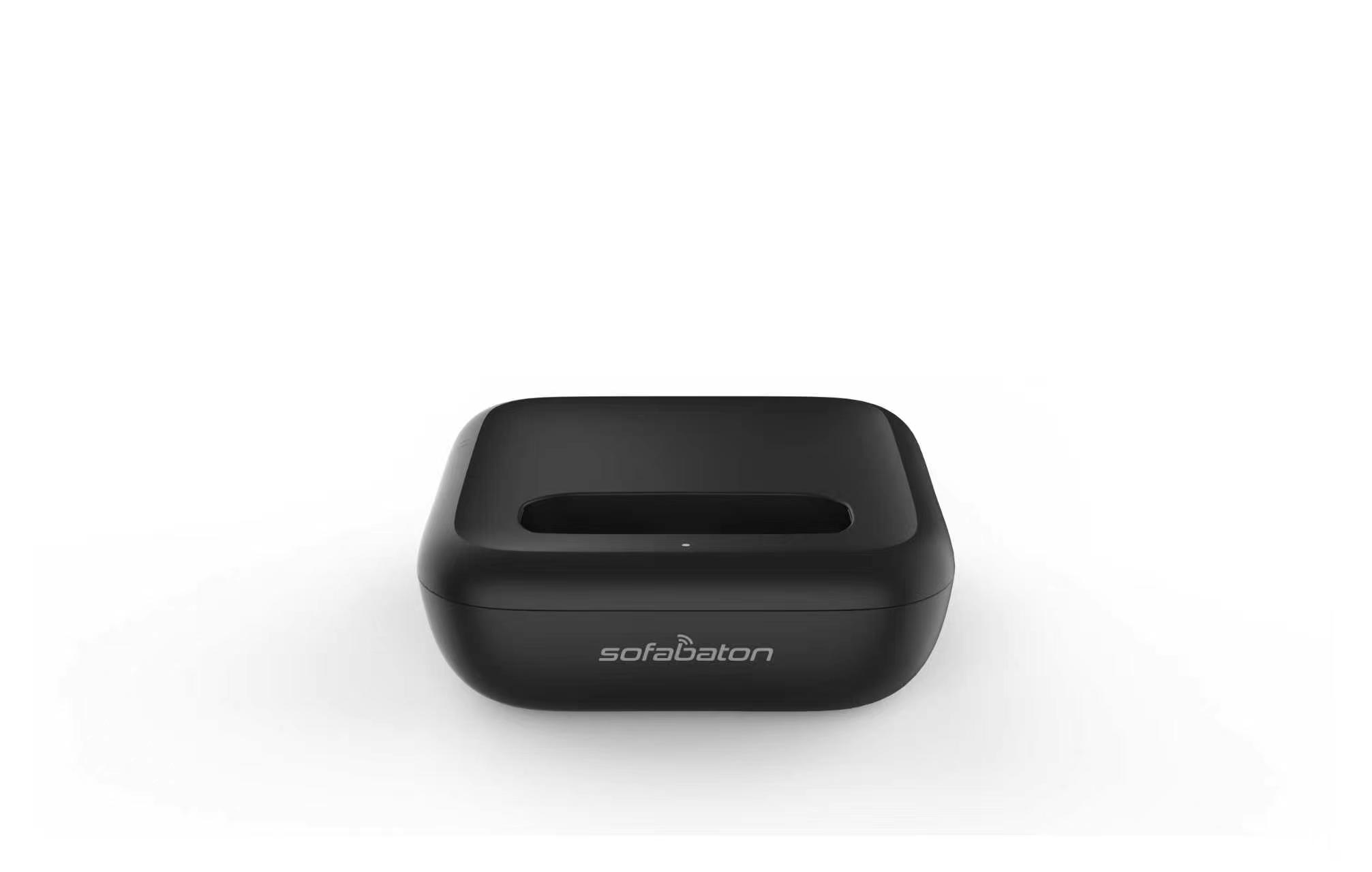
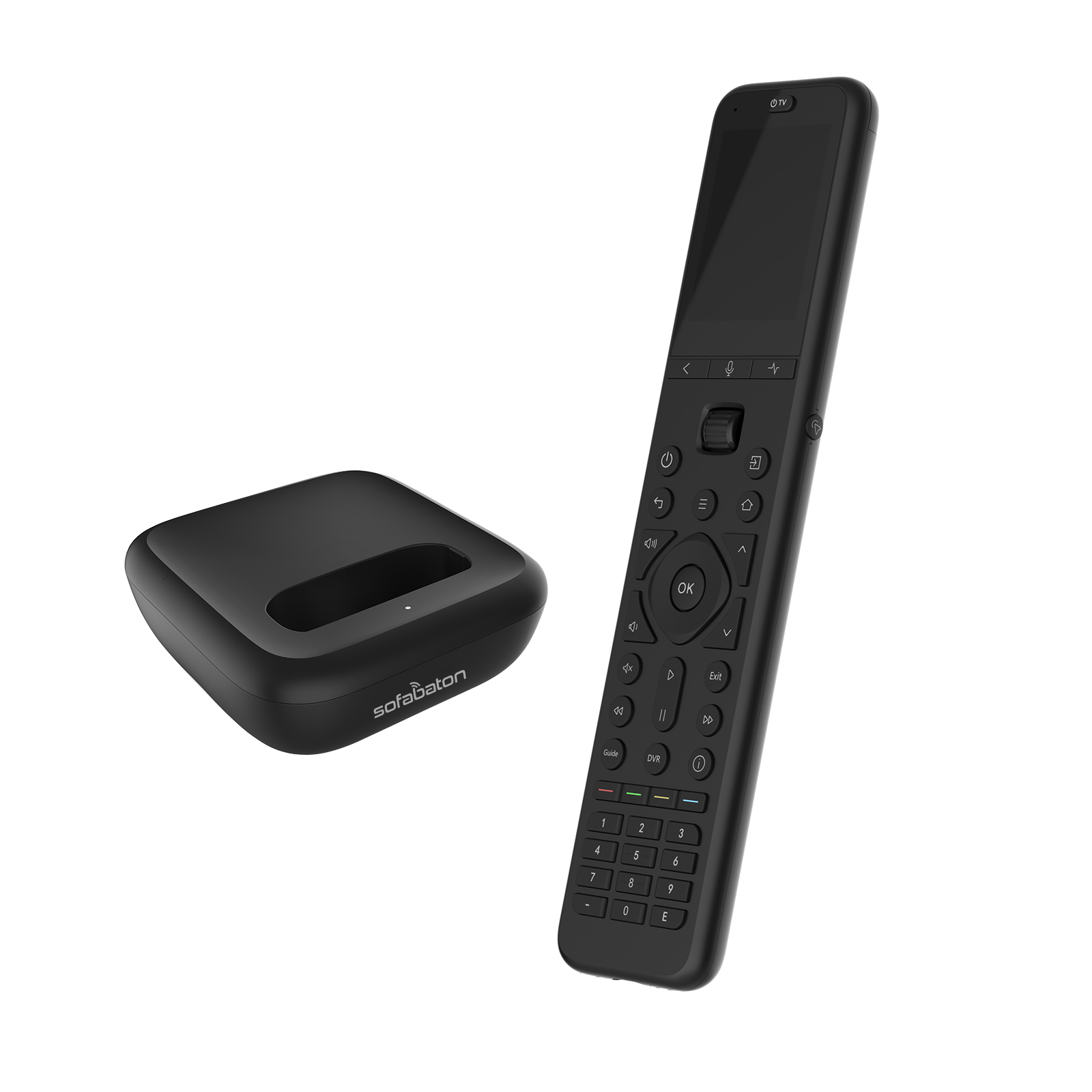
SofaBaton U3 Charging Dock
$ 39.99 Original price was: $ 39.99.$ 29.99Current price is: $ 29.99.
A dedicated charging station for U3. It connects to the charging pins on the bottom of the remote, so U3 stays charged and has a fixed spot on your TV stand.
Works with: SofaBaton U3 only. X2 already includes its own charging dock.
- Set U3 down to charge, with status on its screen
- 5V / 1A adapter and 1.2 m USB-C to USB-A cable included
- 1-year SofaBaton warranty
Need the remote too? Get the U3 + Charging Dock bundle.
Why add the dock
Set it down to charge
U3 sits in the cradle on its bottom charging pins. No cable to plug into the remote each time.
See when it’s charging
The dock’s indicator lights up when it has power, and U3’s screen shows the charging status.
Wakes a new U3
U3 ships in a low-power Shipping Mode. Setting it on the powered dock wakes it up for first use.
One home for the remote
Keep U3 on the TV stand or side table, charged and easy to find.
Compatibility
| SofaBaton U3 | ✓ Compatible |
|---|---|
| X2 | Not compatible (dock included with X2) |
| X1S, X1, U2, U2 Backlit | Not compatible |
Don’t use the dock to charge other devices. It can damage the dock or the device.
In the box
- U3 Charging Dock
- 5V / 1A power adapter
- 1.2 m USB-C to USB-A cable
How to charge
- Connect power. Use the included cable and adapter. The indicator lights up once the dock has power.
- Place U3 in the dock. Set the remote in the cradle so its bottom charging pins meet the dock.
- Check the screen. U3’s screen shows the charging status. A full charge takes about 3 hours and lasts about 3 weeks.
Specifications
| Model | U3-Dock |
|---|---|
| Compatible remote | SofaBaton U3 |
| Power input | 5V / 0.5A |
| Input port | USB-C |
| Adapter and cable | 5V / 1A adapter, 1.2 m USB-C to USB-A cable, included |
| U3 charge time | About 3 hours (1200 mAh battery, about 3 weeks per charge) |
| Warranty | 1 year |
Safety and care
- Use the included 5V / 1A adapter, or a certified power supply that meets the dock’s input rating.
- Keep the dock away from water, moisture and spills.
- Unplug the dock before cleaning. Wipe the charging pins with a soft, dry cloth, and don’t use chemical cleaners or abrasives.
Questions
U3 isn’t charging on the dock. What should I try?
- Check that the USB-C cable is firmly plugged into the dock.
- Make sure there’s no dust or debris on the copper charging pins.
- Use the original cable and adapter. If you use a third-party adapter, its output voltage must be between 4.5V and 5.5V.
- Still not charging? Contact support.
Will this dock charge my X2?
No. It’s made for U3 only. X2 comes with its own charging dock in the box.
How do I know U3 is charging?
The dock’s indicator shows it has power, and U3’s screen shows the charging status.
My new U3 won’t turn on. Can the dock help?
Yes. U3 arrives in a low-power Shipping Mode. Place it on the powered dock, or plug in its USB-C cable, to wake it.
Goes with
SofaBaton U3, for everyday living rooms · R1 Infrared Repeater, control U3 devices without aiming