





What R1 does
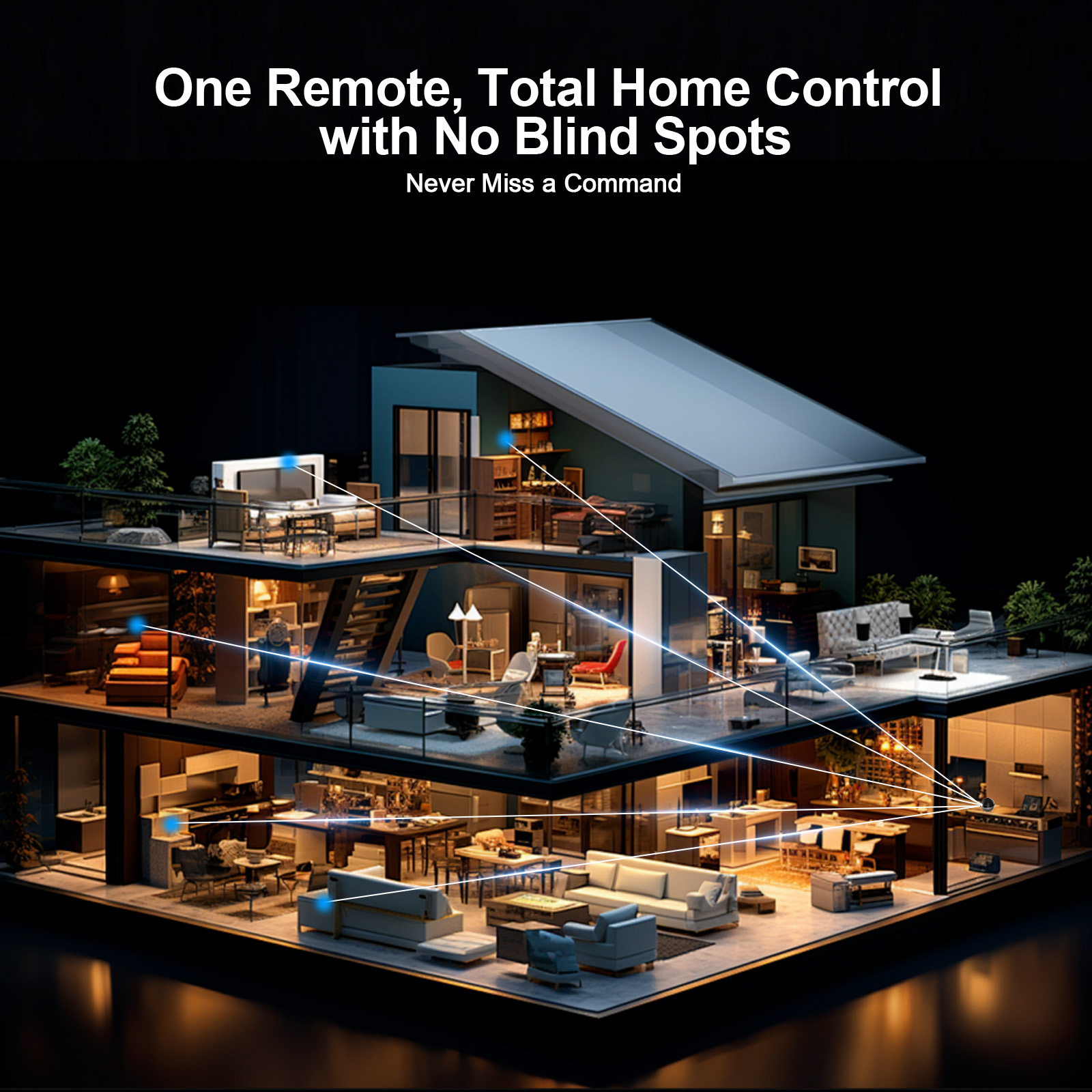
Reach hidden devices
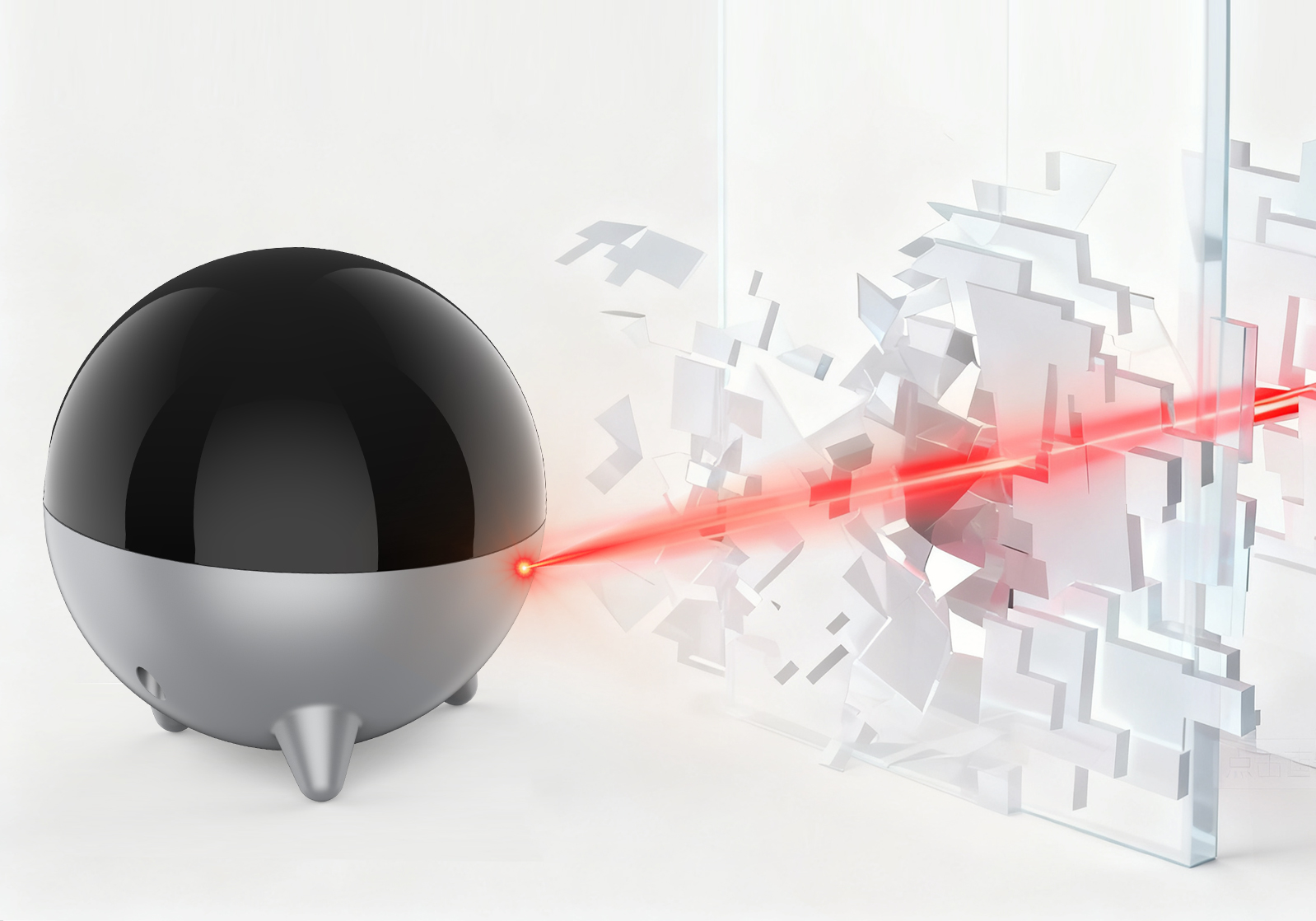
RF passes through walls, so your X2 hub or U3 reaches R1 in another room or cabinet. R1 then sends the IR command to the device.
360° coverage, 7 emitters
Seven high-power IR emitters broadcast sideways and upward. They don’t send downward, so keep R1 level with or below your devices.
Wired blaster for pinpoint control
Plug the included 3 m IR blaster into R1’s IR Out port and place the emitter head right on a device’s IR sensor.
No more aiming with U3
On its own, U3 has to point at each device. With R1, commands go out from R1, so you don’t aim, and one-touch macros reach every device at once.
Where to put R1
Devices in another room
Keep your hub or U3 in Room A. Put R1 in Room B, in clear view of the devices there.
X2 hub inside a closed cabinet
Leave the X2 hub in the cabinet and place R1 outside it, in clear view of your TV and soundbar.
One device in a separate cabinet
Connect the IR blaster to R1’s IR Out port and place the emitter head directly on that device’s IR sensor.
Placement tips
- Give R1, or the blaster’s emitter head, a direct, unobstructed line of sight to the device’s IR sensor.
- Don’t put R1 on a high shelf above your devices. Its emitters don’t send downward, so the signal won’t reach them.
- Infrared can’t pass through a closed, opaque cabinet door. Put R1 on the same side of the door as the devices.
Compatibility
| SofaBaton X2 | ✓ Compatible |
|---|---|
| SofaBaton U3 | ✓ Compatible |
| X1S, X1 | Not compatible |
| U2, U2 Backlit | Not compatible |
An R1 pairs with one hub at a time. Pairing it to a new hub erases its previous connection and settings.
In the box
- R1 IR Repeater
- 5V / 1A power adapter
- 1.2 m USB-C to USB-A cable
- 3 m 3.5 mm IR blaster cable (single emitter)
- User manual
Set up R1
Before you start, set up your X2 or U3 in the SofaBaton app and plug R1 into power with the included adapter.
Step 1 with U3: pair R1 with U3
- Plug R1 into a power source.
- Open the SofaBaton app and connect it to your U3.
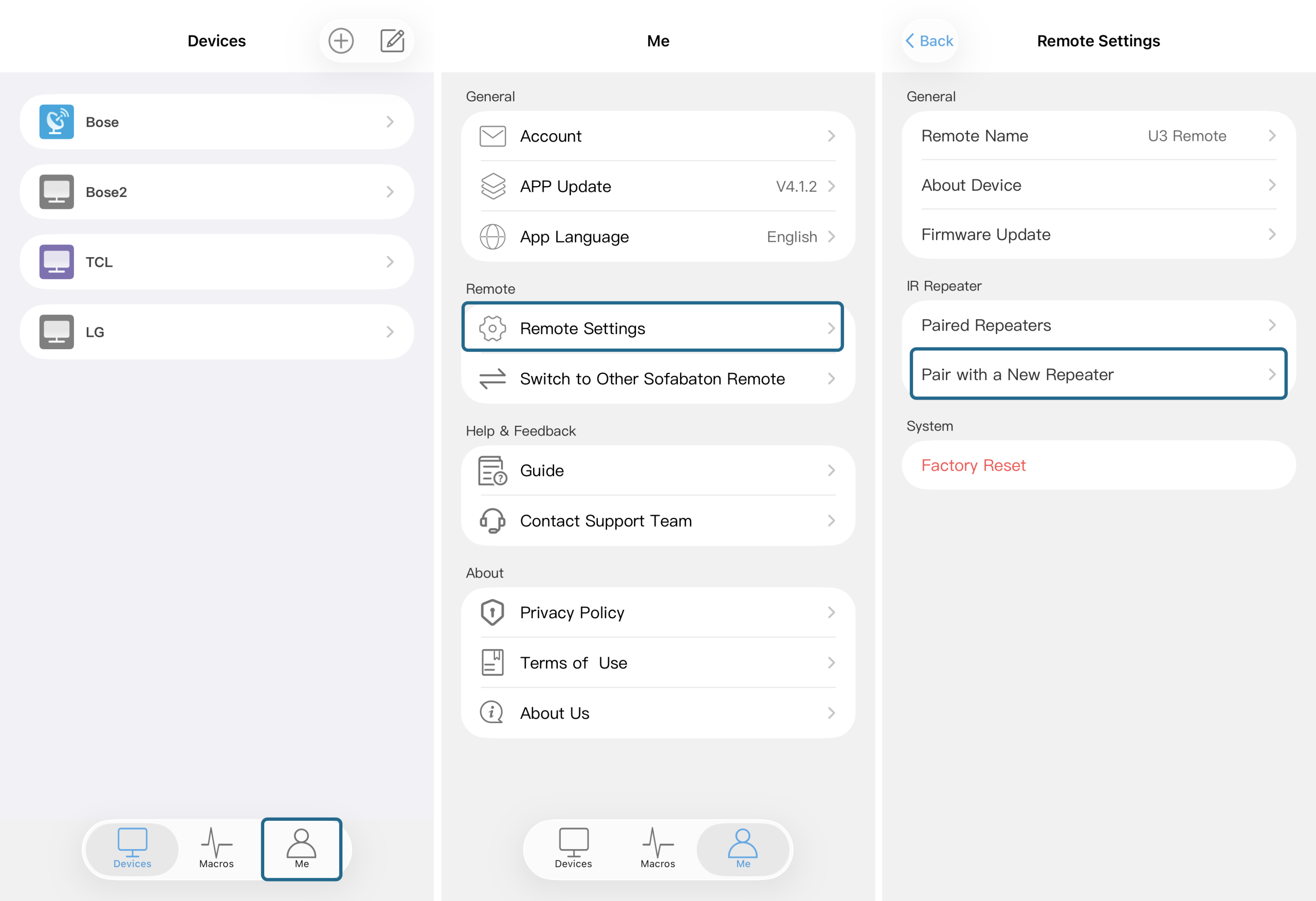
- Tap Me (bottom right), then Remote Settings, then Pair with a New Repeater.
- Follow the on-screen steps: press and hold the button on the U3 remote for 3 seconds until its LED flashes slowly. U3 shows “Waiting to Pair…” and then “Pairing Successful”.
Step 1 with X2: pair R1 with the X2 hub
- Plug R1 into a power outlet with the included adapter.
- In the SofaBaton app, go to Me, then Settings, then Pair with a New Repeater, and start pairing.
- Press and hold the Pairing button on the back of R1 for 3 seconds, until its front LED flashes slowly.
- When pairing succeeds, R1’s LED turns solid and the app confirms it.
Step 2 (required): choose R1 as the IR emitter for your devices
R1 only controls the devices you assign to it. Repeat this for each device R1 should control.
- On the Devices page, select the device.
- Tap the Edit icon in the top-right corner.
- Tap the IR emitter field and choose your R1 Repeater from the list.
- Using the IR blaster cable? Tap R1’s name again and choose the blaster port.
- Tap Complete. The app syncs the IR codes to R1, which can take a moment.
Guides with screenshots: How do I pair the R1 with the U3? · Switch a device’s signal output to R1 · Using an IR blaster inside a cabinet
What the LED means
| Slow flashing white | Pairing mode |
|---|---|
| Solid white | Ready, no IR blaster connected |
| Solid green | Ready, IR blaster connected |
| Brief flash | Sending an IR command |
| Off | No power, or a problem |
Specifications
| Model | R1 |
|---|---|
| Receives | RF, from the X2 hub or U3 |
| Sends | Infrared, 7 internal emitters (sideways and upward) |
| IR blaster | 1 × 3.5 mm IR Out port |
| Power input | 5V / 1A, USB-C |
| Material | PC |
| Warranty | 1 year |
Questions
R1 paired, but my device doesn’t respond. What should I check?
- In the device’s settings, make sure this R1 is selected as the IR emitter.
- Make sure R1, or the blaster’s emitter head, has a clear line of sight to the device’s IR sensor.
- Move R1 off any high shelf above the device. Its signal doesn’t travel downward.
Does R1 need a hub to work with U3?
No. You pair R1 with U3 directly in the SofaBaton app, under Me › Remote Settings › Pair with a New Repeater.
Can R1 send IR through a closed cabinet door?
No. Infrared can’t pass through an opaque door. Put R1 on the same side of the door as the devices; RF from your hub or U3 still reaches it.
Why isn’t R1 in the IR emitter list?
Only paired devices appear in the list. Pair R1 first, then select it.
Does R1 work with X1S or X1?
No. R1 is made for X2, U3 and newer SofaBaton models.
Can I move R1 to a different hub?
Yes, but an R1 pairs with one hub at a time. Pairing it to a new hub erases its previous connection and settings.
Goes with
SofaBaton X2, for advanced home theaters · SofaBaton U3, for everyday living rooms · X2 + R1 set