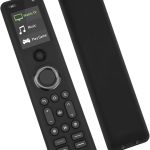
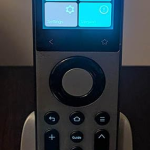
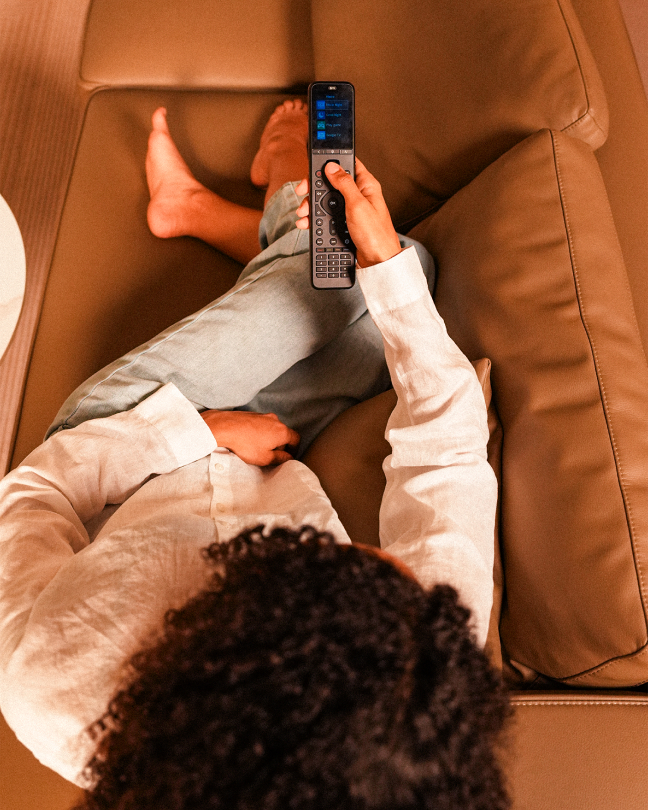
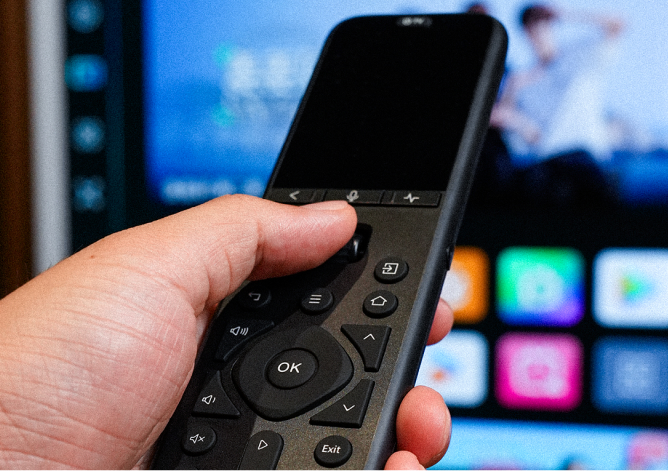
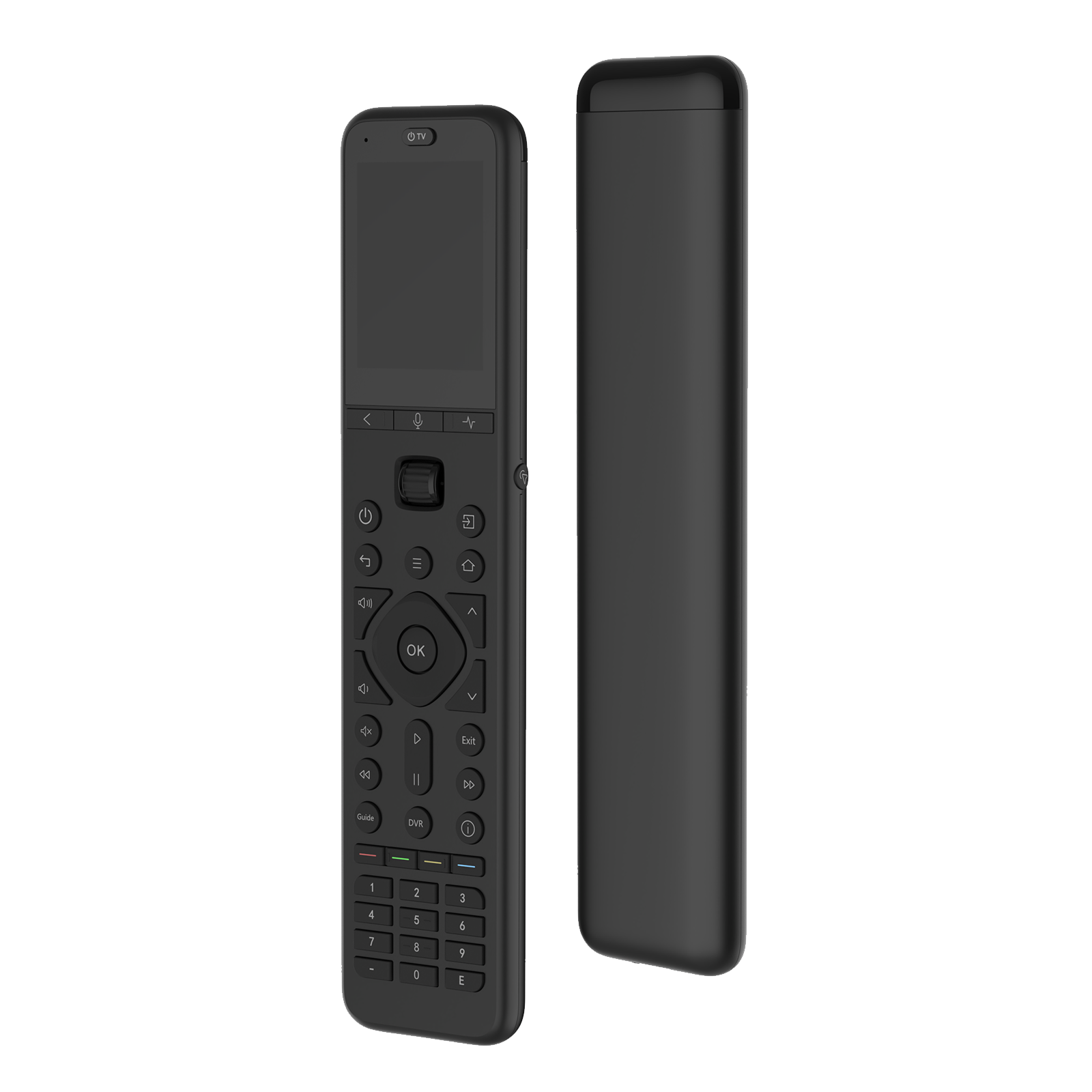
Sofabaton U2 Backlit is an upgraded universal remote designed to simplify your home entertainment setup. It replaces 15+ infrared and Bluetooth remotes, features backlit buttons for easy use in low-light environments, and supports customizable commands, one-click macros, and raise-to-wake functionality.
IR + Bluetooth
Backlit Buttons
Customizable Macros + Raise to Wake
Please select a solution
Discontinued
U2 Backlit is no longer available
SofaBaton has stopped making the U2 Backlit. Its successor, SofaBaton U3, keeps IR and Bluetooth control and adds RF learning, three simultaneous Bluetooth connections, Air Mouse, Google voice support and a rechargeable battery.
Supports IR & BLE/BT control, and RF 433/315 learning. Connect up to 3 Bluetooth devices at the same time,
create one-touch macros, and enjoy Air Mouse and Google Built-in Voice Function support for a smoother, smarter control experience.
What is Sofabaton U3
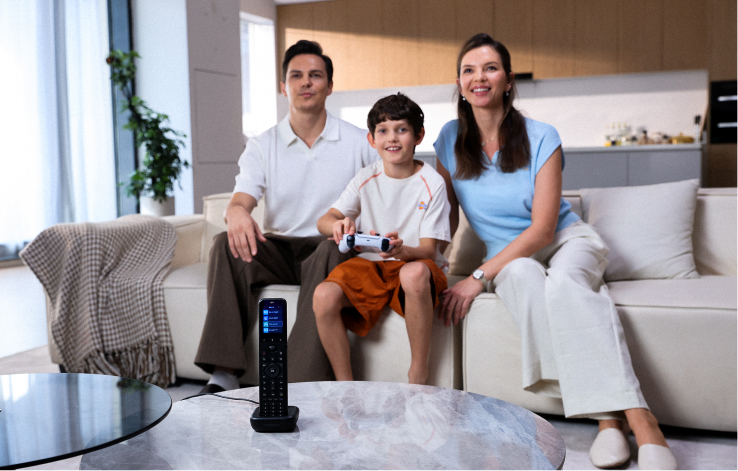
Sofabaton U3 is a multi-mode smart remote built for home entertainment. It brings IR devices,
compatible Bluetooth devices, and RF433/RF315 devices into one control system, so you can spend
less time switching remotes and more time enjoying your setup. From TVs and streaming boxes to
other living room gear, U3 keeps everything simple, organized, and easy to control.
All-in-one device control
Up to 3 simultaneous Bluetooth devices at the same time
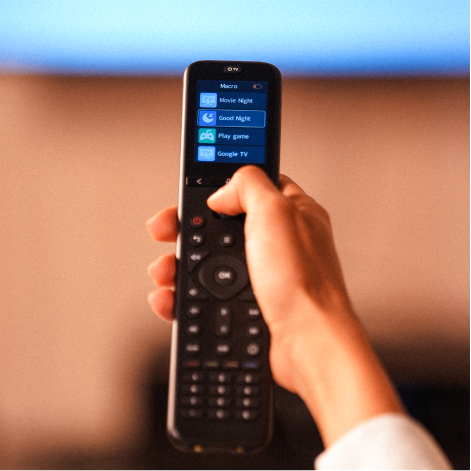
One-touch macros
Air Mouse / Google Built-in Voice
A single charge lasts for up to 3 weeks of use
One Touch Multiple Actions
Start a saved routine like Movie Night or Game Mode without switching back through every device first.
VERSATILE LIVING
Multiple Signals, One Control Experience
U3 Different devices use different control methods. U3 lets you add compatible IR devices, pair supported BLE/BT devices, and learn RF433/RF315 commands from compatible RF remotes.
Effortless IR Setup
Quickly pair via brand database, duplicate original remotes with learning mode,
or use test-and-match for seamless IR configuration.
Extended RF Support
Break IR limits, seamlessly learn and integrate RF433/RF315 devices.
Unified Setup Management
One remote to effortlessly manage your complex, mixed-device setups.
Built for Faster Bluetooth Switching
U3 can stay connected to up to three supported BLE devices at the same time, reducing the delay caused by repeated Bluetooth disconnecting and reconnecting.
One-Touch Macros for Multi-Step Actions
Turn on the TV, wake the streaming box, switch inputs, and adjust the volume with a single press.
U3 lets you combine multiple commands into one Macro, making everyday routines like movie night,
casual viewing, or music playback faster and easier.
Navigate, Search, and Select with Ease
Air Mouse lets you move an on-screen cursor on compatible Bluetooth interfaces. Google voice support works with Bluetooth-connected devices that natively support Google Assistant.
Air Mouse
Google Built-in Voice Support
Control Beyond Line of Sight
U3 uses line-of-sight IR by default. Add the optional R1 Repeater to control compatible IR devices inside cabinets or media consoles.
Ready for Daily Control
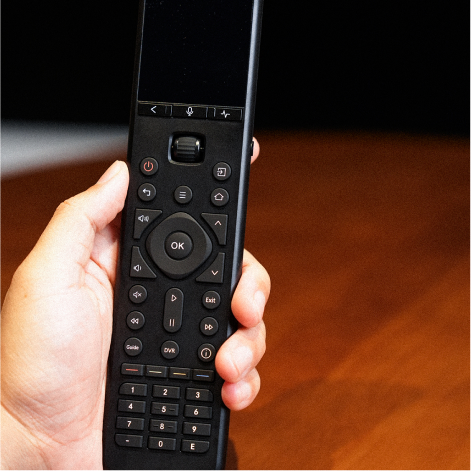
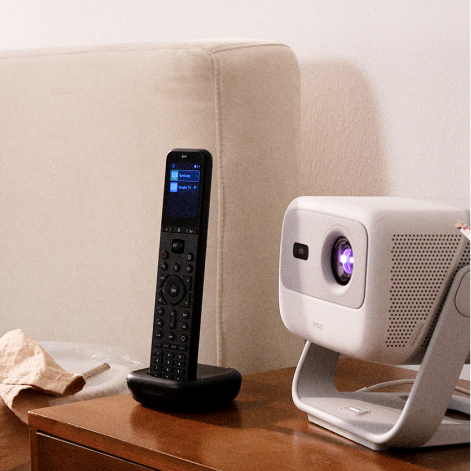
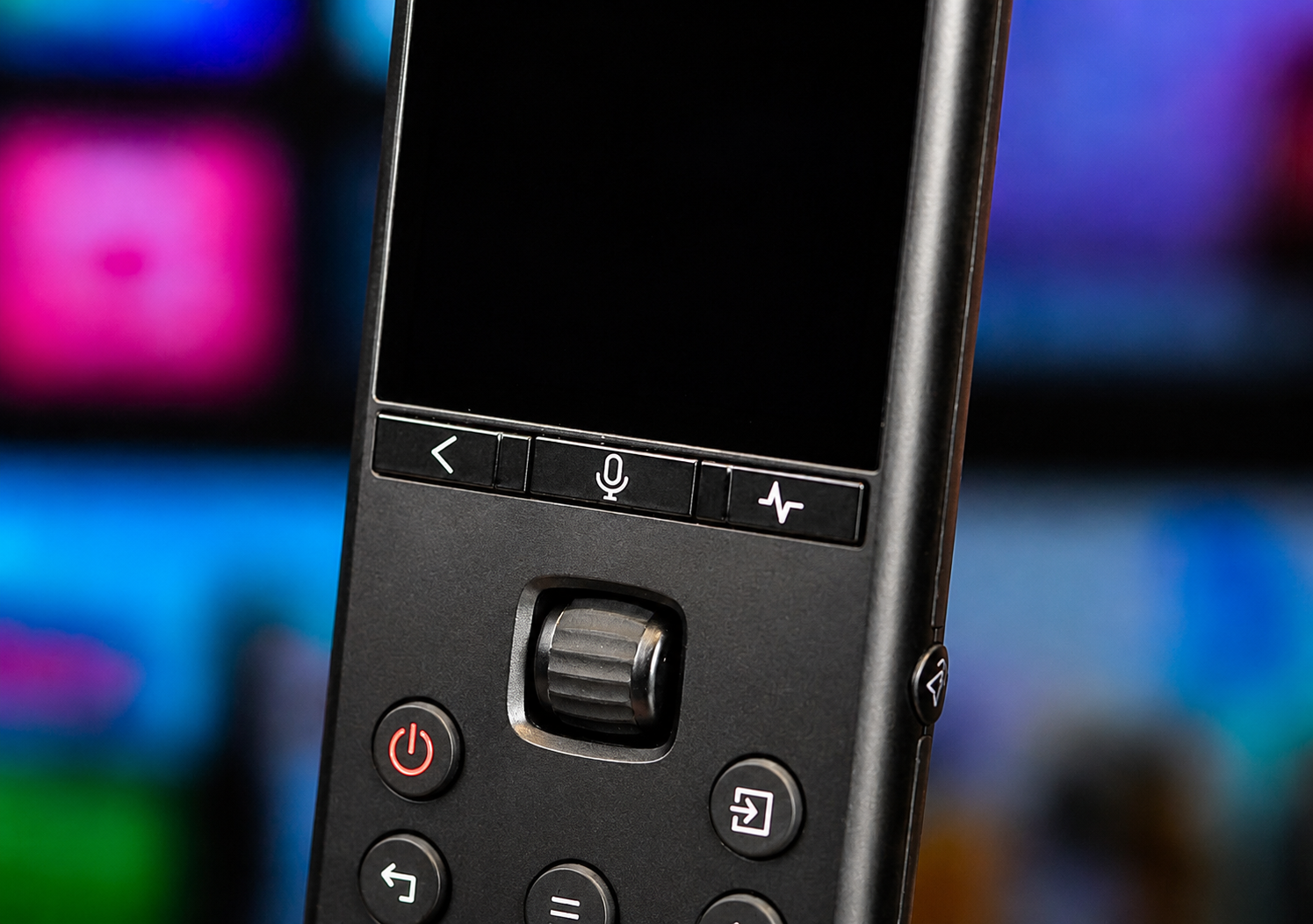
U3 is built for everyday living room use, with a clear 2.4-inch LCD, wake-on-lift activation, a 1200mAh rechargeable battery, USB-C charging, and support for an optional charging dock.
2.4-inch2.4-inch LCD display
1200mAhLi-Polymer battery
Support ecosystem
Access setup help, FAQs, service policies, and support channels in one place.
The X2 is worth the upgrade from previous versions. It's a premium remote with great features.
I have owned 3 different Sofa Baton remotes – the X1, the X1S, and now the X2. Each iteration showed improvements over the previous and the X2 is no different. I really like the X1S, I had 3D printed a based that it fit into to charge, I had a nice spot for it, and it worked well. I saw the X2 and noticed the color touch screen, the option to bring up a number pad on the touch screen, and really liked the look, how it came with a charging base, and decided to take a chance with it. It took my about 2 hours to fully set it up and most of that was trying to get the XBox 360 to work with it. I found a customer submitted option that had the power on and off options switched, so that eventually worked for me. Everything else went it easily and creating the activities also went easily, however my receiver for whatever reason forced me to recreate the HDMI selection in every activity. But it was easy and didn’t take long. Here’s what I liked most about the X2, the remote has some weight to it, and it feels premium. The way you slide on the touch screen to launch an activity and how you get the haptic feedback when you do or when shut things off is cool and you know you have issued a command. I had zero issues with the activities working as intended once it was set up. The X1 was not consistent, and the X1s which was a vast improvement on many levels also would occasionally miss a device, usually when turning things off forcing me to manually move into devices and manually shut it down. I have not encountered this one time with the X2 and I have been using it for a good week now. I love the home control options it has as well, allowing me to set up a whole mood with my activities. So if I choose to watch a movie I initiate the command and the TV comes on, the receiver comes on, the streaming device locks in, all on the right HDMI outputs, and the lighting in the room dims down, blinds close, and the surrounding theater lights come on. This is a great remote and in my opinion worth every penny. It is a definite upgrade from the X1S which is still a great product as well.
Hamid Bangura
★★★★★
The best Universal remote on the market, recommend buying!
I have been using SofaBaton remotes for a number of years, and they keep getting better. The build quality of this remote is excellent, and the new features, such as the touchscreen, hubstand, and wide product library, have made this my go-to remote. I have it connected to my TV, receiver, XBOX, and my entire media setup without any issues. It is truly a quality product with strong compatibility, easy programming, and a very intuitive, easy-to-use interface, and it is priced well. The battery life is excellent. It is a big improvement from the X1S.
Joty Mangat
★★★★★
Great all-in-one universal remote with strong device support
I’ve been using the Sofabaton X2 to replace multiple remotes in my living room, and overall it’s been a very solid experience.
Setup was straightforward using the mobile app, and pairing my TV, soundbar, streaming devices, and other components went smoothly. The device database is extensive, and I was able to get everything working without needing to manually program commands. The activity-based controls make switching between devices easy and intuitive.
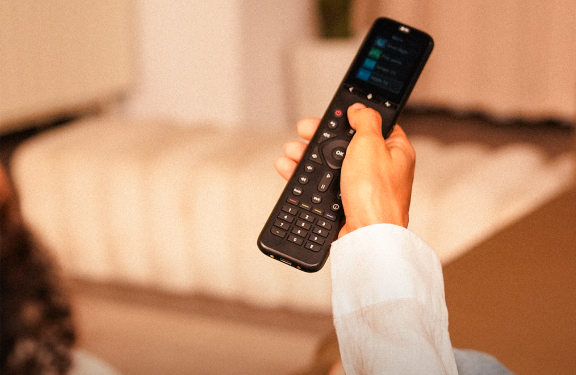
The remote itself feels well built and comfortable to hold. The buttons are responsive, and the screen is clear and easy to navigate. I also like having both physical buttons and app-based control, which gives you flexibility depending on how you want to use it.
One thing I appreciate is how responsive Sofabaton’s customer support has been. They’ve been helpful and communicative when I had questions, which goes a long way.
If you’re looking for a universal remote to consolidate multiple devices without the high cost of some legacy options, the Sofabaton X2 is definitely worth considering. Looking forward to future updates and new models as well.
Nova
★★★★★
Great remote, impressive well made
Very well made remote, easy to set up, takes a little time to fine tune the settings but worth the effort. Remote is a little slippery. Would be nice it they made a optional back replacement with more texture or added grip. Protective case for remote would be a good option Programing is quite easy to do especially if you had Harmony remote in past. I felt it is easier to program than Harmony. Buttons are well made and not very noisy at all and back lighted. The color screen is great for changing channel and making adjustments. Only concern is battery life between charges I don’t believe I can get 3 weeks between charges, but it does charge quickly. Would be nice if it showed actual battery percentage, Maybe in future update. Will update after more use.
David
★★★★★
Huge upgrade from the X1, premium feel and performance
– Huge upgrade from the X1, premium feel and performance
I upgraded from the SofaBaton X1, and the difference is immediately noticeable. The X2 is much sleeker, more advanced, and feels like a true next-generation remote. The design is cleaner and more modern, making the X1 feel outdated in comparison.
I’ve also tried a few other universal remotes on Amazon, and this one is easily the best out of all of them. It just feels more refined, both in terms of hardware and overall functionality.
One of my favorite features is the charging dock. Being able to just place the remote down to charge is incredibly convenient and adds a premium touch, no more worrying about batteries.
The build quality is excellent. It has a really nice weight to it and a comfortable grip, so it doesn’t feel like those cheap, light plastic remotes. It actually feels solid and high end in your hand.
The touchscreen with the color display is another awesome upgrade. It makes navigating and controlling devices much more intuitive and gives the remote a modern feel.
The software does take a little time to learn at first, but once you get used to it, it’s actually very powerful. It allows for a lot of customization, which makes the remote even more useful for setting up exactly how you want everything to work.
Performance wise, it handles everything I throw at it. TV, streaming devices, sound system, without any issues. The activities feature works great and simplifies everything down to one button.
Overall, this is a big improvement over the X1 in both design and functionality. If you’re considering it, it’s absolutely worth the upgrade.
Highly recommend.
Macurs
★★★★★
The perfect Logitech Harmony replacement
When my Logitech Harmony died and I was looking for a replacement, I found the Sofabaton X1. At the time it was a good replacement and it served me well for the past year. And then the X2 came out and it fixed the things that irked me about the X1:
• It has a bright color touch screen which replaced the scroll/click wheel.
• It is MUCH easier to input channels with the numeric touch screen keypad.
• The remote comes with a charging dock.
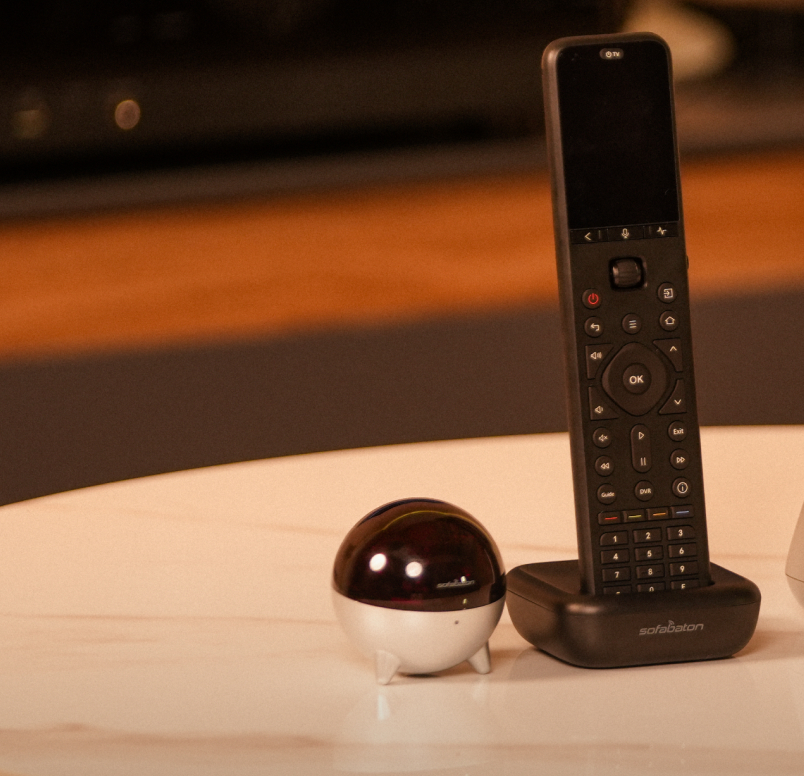
The build quality of the X2 is fantastic. It feels like a premium, solid product in the hand, with an aluminum body and a textured back – none of the “plasticky” feel common in cheaper remotes. The touchscreen is bright and highly responsive, complemented by backlit keys and haptic feedback for swipes and activity changes. While the remote includes a built-in IR emitter, it doesn’t require a direct line of sight to your equipment. Instead, it communicates with the central hub, which then controls your devices. The hub provides 360-degree coverage with an IR range of up to 40 feet. For any components tucked away in cabinets or out of the hub’s direct range, you can use the included IR blasters to ensure a consistent connection.
To configure the remote, you’ll need to install the Sofabaton app on your phone. While the workflow isn’t perfectly intuitive at first, it is easy to master once you get started. The process begins by adding your individual devices and then grouping them into activities (sequences of commands triggered by a single button press). The only minor hurdle I encountered was timing; I found that adding timed delays to my activities was essential. These pauses allow hardware like TVs and HDMI switches enough time to finish processing one command before receiving the next, ensuring the whole system syncs up reliably.
The X2 package includes the remote, hub, charging dock, 2 IR blasters, and 2 USB cables & wall power adapters. Sofabaton customer service is helpful and quick to respond to all inquiries!






 Dustin