


A great 2026 World Cup watch party setup is not just about getting the biggest screen in the room. It is about making the whole match-day home theater setup easy to start, easy to control, and easy for guests to understand once the game is on.
The FIFA World Cup 2026 runs from June 11 to July 19, 2026, with 48 teams, 104 matches, and 16 host cities across Canada, Mexico, and the United States. If you plan to host several match nights, your TV, projector, sound system, streaming device, and lights need a routine you can repeat without juggling three or four remotes.
That is where a one-remote setup helps. With SofaBaton X2, you can create a Watch Match activity that turns on the right devices, switches to the correct input, assigns volume control to your sound system, and triggers compatible smart home actions from one universal remote.
Key Takeaways
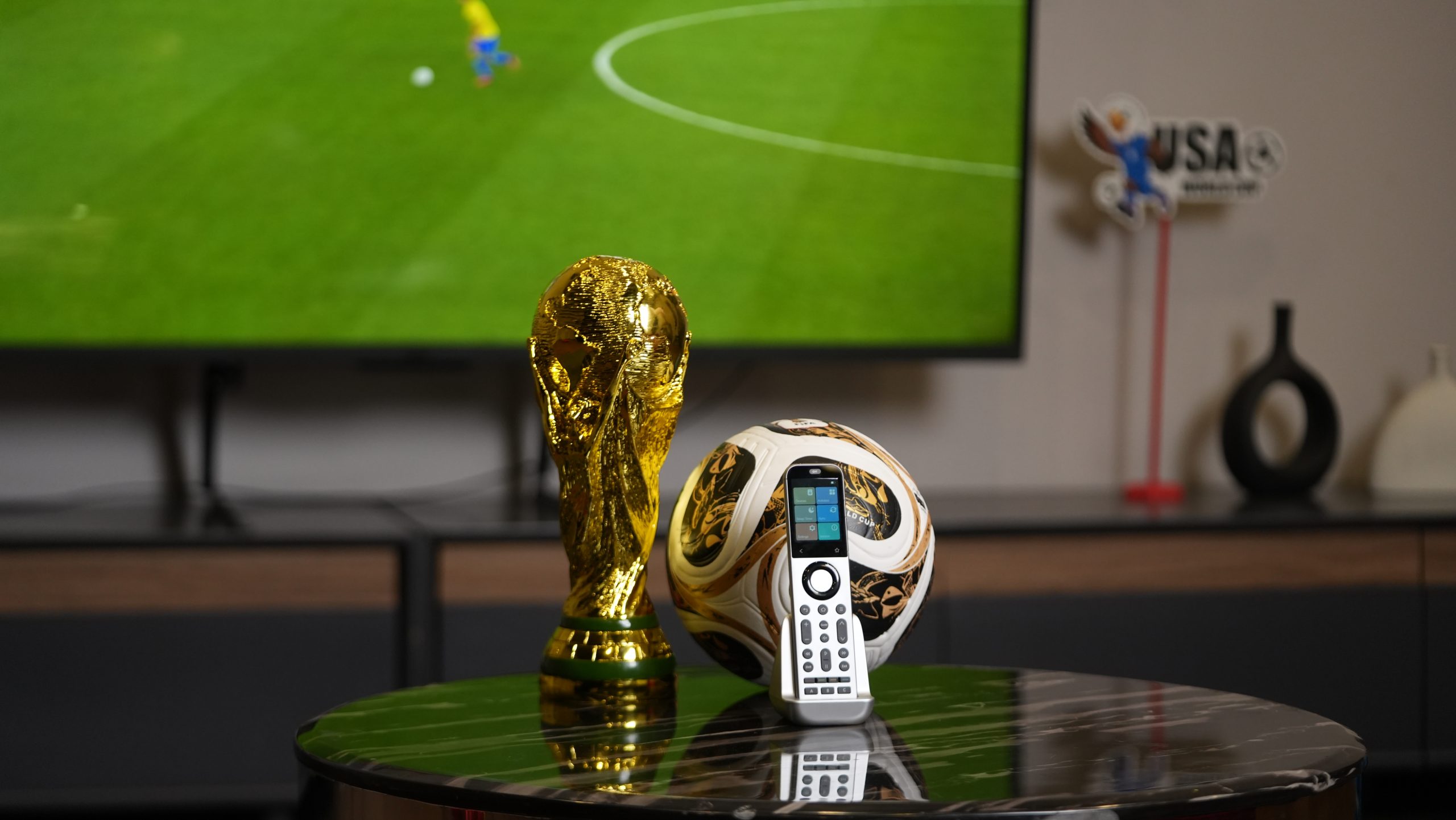
- A strong World Cup TV setup needs a clear screen, reliable sound, the right input, stable streaming, and lighting that does not fight the picture.
- A one-remote setup is most useful when your match-night system includes a TV or projector, soundbar or AV receiver, streaming box, HDMI switch, and smart lights.
- SofaBaton's advanced remote is a fit for more complex rooms because it supports customizable Activities & Macros, local IP control, Home Assistant integration, and mixed device control, depending on compatibility.
- Test your Watch Match activity before the next kickoff so input switching, volume control, and lighting work before guests arrive.
Quick Answer: What Makes a Great World Cup Watch Party Setup?
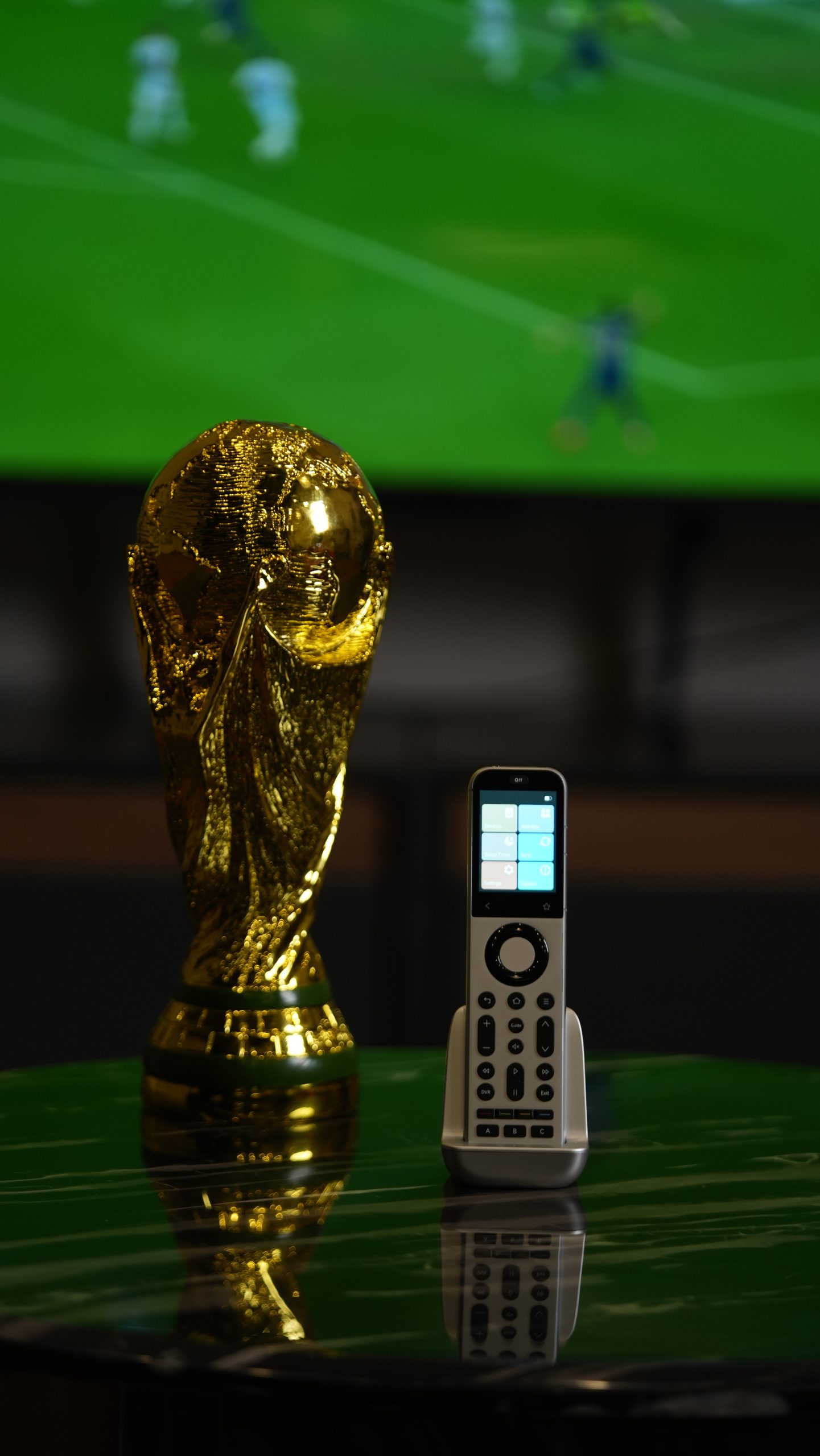
A great World Cup watch party setup combines five things: a clear screen, a reliable match source, strong audio, simple input switching, and comfortable lighting. For multi-device rooms, the setup should also be easy to launch from one universal remote so guests are not left asking which remote controls volume, input, or streaming.
The best setup is the one you can repeat before every match. If your TV remote controls power, your streaming remote opens the app, your soundbar remote controls volume, and your phone controls the lights, the room can feel messy before kickoff.
A one-remote setup solves the repeated steps. Instead of turning on each device manually, you can create a Watch Match activity that prepares the room in a predictable order.
2026 World Cup Match-Day Setup Checklist
Use this checklist before each watch party or high-priority match. It covers the parts of the experience most likely to cause friction: source, screen, audio, network, lighting, and remote control.
| Setup Area | What to Check | Why It Matters |
|---|---|---|
| Match source | Confirm whether you are using a streaming app, cable box, satellite box, or smart TV app. | Prevents last-minute app logins or wrong-device confusion. |
| TV or projector | Select the right HDMI input and picture mode. | Reduces setup delays and keeps the screen ready for sports viewing. |
| Sound system | Test commentary volume through the soundbar or AV receiver. | Avoids the common problem where the TV volume changes but the soundbar does not. |
| Network | Check Wi-Fi or wired connection for the streaming device. | Helps avoid buffering during live play. |
| Lighting | Dim overhead lights or set a compatible smart lighting scene. | Keeps the room comfortable without washing out the picture. |
| Remote routine | Test the Watch Match activity once before guests arrive. | Confirms power, input, audio, and lighting commands run in the right order. |
Confirm the Match Source
Decide which device will show the match before people arrive. It might be a streaming stick, cable box, satellite receiver, game console, or built-in smart TV app. If the source requires a sign-in, app update, or paid access, handle that before the room fills up.
For homes with more than one source, name the activity clearly. "Watch Match – Streaming Stick" is easier to understand than a generic "TV" activity.
Set the Screen for Sports Viewing
A bigger screen helps, but it does not fix control problems. If the TV is on HDMI 1 while the streaming device is on HDMI 2, the room is still not ready.
For a projector room, also check brightness and lighting. Bright overhead lights can wash out the image, especially before sunset or in rooms with windows.
Test the Soundbar or AV Receiver
Sports nights need clear commentary, crowd noise, and quick volume control. If your remote changes TV volume while your soundbar or receiver is handling audio, someone has to find another remote.
In a well-built activity, volume keys should control the sound device you actually use for the match. SofaBaton's activity setup guide includes a step for assigning which device the volume keys control.
Prepare Lighting Without Distracting From the Screen
Lighting should help the room feel ready without making the picture harder to see. A good match-night scene might keep the kitchen or snack area brighter while dimming the viewing area.
If your smart home runs through Home Assistant, the remote can become part of a broader routine for compatible lights and scenes. Keep the first version simple: one watch mode, one halftime mode, and one all-off routine.
Test the Watch Match Activity Before Kickoff
Do one full test before guests arrive. Start with everything powered off, then launch the activity and confirm:
- The TV or projector turns on.
- The correct input appears.
- The streaming or broadcast device is ready.
- Sound comes from the soundbar or AV receiver.
- Volume keys control the right device.
- Compatible lights move to the intended scene.
- The all-off command shuts the system down cleanly.
If any step fails, adjust the startup sequence, input command, or delay before the match starts.
Common Control Problems Before Kickoff
Most watch party frustrations are not caused by the screen itself. They come from small control gaps that only appear when multiple devices need to work together.
The TV Is On, But the Wrong Input Is Selected
This is the classic watch party delay. The screen is on, but everyone is looking at the wrong HDMI source. A Watch Match activity should include input switching so the system opens on the match source you actually use.
For input issues, the X2 Manage Input Source guide is the right internal setup reference when the TV, receiver, or HDMI switch needs cleaner input behavior.
The Soundbar or AVR Follows the Wrong Remote
Audio routing is another common issue. The picture may come from the right device while the soundbar or AV receiver is still listening to another source.
A good game-day home theater setup should make the TV, soundbar, AV receiver, and streaming device behave like one system. Guests should not need to know which device is currently "active" just to raise the volume.
Guests Cannot Figure Out the Remotes
A watch party setup should be guest-friendly. If only one person knows which remote controls what, every pause, replay, volume change, or input switch becomes a small interruption.
This is where a universal remote earns its place. The goal is not to automate everything. The goal is to remove the steps you repeat every time you watch a match.
How a Watch Match Activity Works
A Watch Match activity is a saved command sequence for your match-night routine. Instead of controlling each device separately, one activity launches the devices and settings you use together.
For example, a World Cup activity could:
- Turn on the TV or projector.
- Turn on the streaming box, cable box, or satellite box.
- Switch the TV, receiver, or HDMI switch to the match input.
- Power on the soundbar or AV receiver.
- Assign volume control to the sound system.
- Dim compatible smart lights.
- Open favorite controls for quick adjustments.
If you need to create this from scratch, start with SofaBaton's guide to create an Activity, then add macro shortcuts only after the main activity works reliably.
Why SofaBaton X2 Fits Advanced Game-Day Setups
This kind of universal remote is most useful when your World Cup setup includes more than one screen or more than one source device. It is especially relevant for projector rooms, AV receivers, soundbars, streaming devices, hidden equipment, HDMI switches, and smart home scenes.
Activities and Macros for One-Remote Control
The remote supports customizable Activities & Macros. For a sports viewing setup, that means you can group power, input, volume, and quick-access commands into a routine that matches how your room actually works.
Use Activities for the main room state, such as Watch Match. Use Macros for smaller repeated actions, such as opening a favorite channel sequence or sending several commands in order.
Local IP Control for Compatible Devices
Local IP control can make compatible network devices feel more responsive than traditional line-of-sight control. This is helpful in modern rooms where devices are connected over Wi-Fi or Ethernet instead of relying only on infrared.
Compatibility still matters. Check whether your specific TV, streaming box, receiver, or smart device supports the control method you want before building the full routine.
Home Assistant Integration for Lights and Scenes
If your home uses Home Assistant, the remote can become part of a broader smart home routine. That opens the door for match-night scenes such as dimmed lights, closed blinds, or a halftime lighting mode, depending on your connected devices.
For the first version, keep the lighting routine simple. A reliable dimming scene is better than a complex automation that surprises guests during the match.
IR, RF, Bluetooth, and Optional IR Coverage
Many real living rooms use mixed control methods. A TV may use IR, a media device may use Bluetooth, and another device may need RF or local IP control. SofaBaton positions the product as a universal remote for modern smart homes, with support for mixed control types and customizable routines.
If your AV receiver, media box, or HDMI switch is inside a cabinet, optional infrared coverage can help reach hidden devices and reduce missed commands.
Example World Cup Scenes You Can Build
You do not need dozens of scenes. A few practical routines are easier to remember and easier to test.
Watch Live Match
This is the main scene. It turns on the screen, selects the match source, powers the audio system, assigns volume control, and prepares the room lighting.
Halftime Mode
A halftime scene can raise the lights, lower the volume, or switch to another device for highlights, stats, or music.
Late-Night Match Mode
For late matches, create a quieter scene with lower starting volume and dimmer lighting. This is useful if not everyone in the house is watching.
Watch Party Mode
This scene can use brighter room lighting before kickoff, then switch to match lighting once the game begins. It works well when guests are arriving, eating, or moving around before the match.
All Off After the Final Whistle
A final scene can power down the TV, sound system, projector, and compatible smart devices. After extra time or penalties, one button is much easier than checking every remote.
Who Should Consider SofaBaton X2 for World Cup Nights?
SofaBaton X2 is worth considering if your current setup takes more than one remote to start. It is also a strong fit if you use a projector, AV receiver, soundbar, streaming box, HDMI switch, hidden equipment, or smart lighting.
If you only watch matches on one simple TV with one remote, it may be more than you need. But if your setup includes multiple devices and repeated steps, a one-remote system can make World Cup nights smoother for everyone in the room.
If you are comparing models before buying, use SofaBaton's U3 vs X1S vs X2 guide to choose the right universal remote for your room type and device mix.
Helpful SofaBaton Setup Guides
- Create the main routine: X2 Create an Activity
- Add multi-command shortcuts: How to create a Macro on X1S or X2
- Fix HDMI behavior: X2 Manage Input Source
- Compare remotes: SofaBaton U3 vs X1S vs X2
- Review the product: SofaBaton X2
FAQ
How do I make a World Cup watch party easier to control?
List every device you use for the match: TV, projector, streaming device, soundbar, receiver, HDMI switch, and lights. Then create one activity that turns them on, selects the right input, assigns volume control, and prepares the room before kickoff.
Can one remote control my TV, soundbar, streaming device, and lights?
Yes, one remote can control many mixed entertainment setups if it supports the control types your devices use. SofaBaton's advanced remote supports several control methods for modern rooms, including Activities & Macros and Home Assistant integration, depending on device compatibility.
Can SofaBaton X2 control smart lights for game day?
It can integrate with Home Assistant, which may allow compatible smart home scenes such as dimming lights or setting a match-night mood. The exact behavior depends on your smart home setup, connected devices, and Home Assistant configuration.
Do I need SofaBaton X2 if I only watch games on one TV?
Probably not. If you use one TV and one remote, a simpler setup may be enough. A more advanced universal remote becomes valuable when you use multiple devices, hidden equipment, a sound system, a projector, HDMI switching, or smart home controls.
What should I test before the next World Cup match?
Test your match source, TV input, streaming connection, audio output, volume control, remote activity, and lighting scene. Start with everything off, launch the Watch Match activity, and confirm each device moves into the right state before guests arrive.
Final Recommendation
The best 2026 World Cup watch party setup is the one you can launch again and again without explaining the remote system to every guest. A strong screen matters, but the real comfort comes from reliable source selection, clear sound, stable streaming, smart lighting, and one simple control routine.
Sources Consulted
- FIFA World Cup 2026 event information: https://gpcustomersupportfwc2026.tickets.fifa.com/hc/en-gb/articles/28783291386653-1-When-and-where-is-the-FIFA-World-Cup-2026-being-held
- FIFA match schedule: https://www.fifa.com/en/tournaments/mens/worldcup/canadamexicousa2026/articles/match-schedule-fixtures-results-teams-stadiums
- SofaBaton X2 product page: https://www.sofabaton.com/product/x2/
- X2 Create an Activity guide: https://www.sofabaton.com/x2-create-an-activity/
- X2 Manage Input Source guide: https://www.sofabaton.com/x2-manage-input-source/
- How to create a Macro on X1S or X2: https://www.sofabaton.com/how-to-create-a-macro-on-x1s-or-x2/