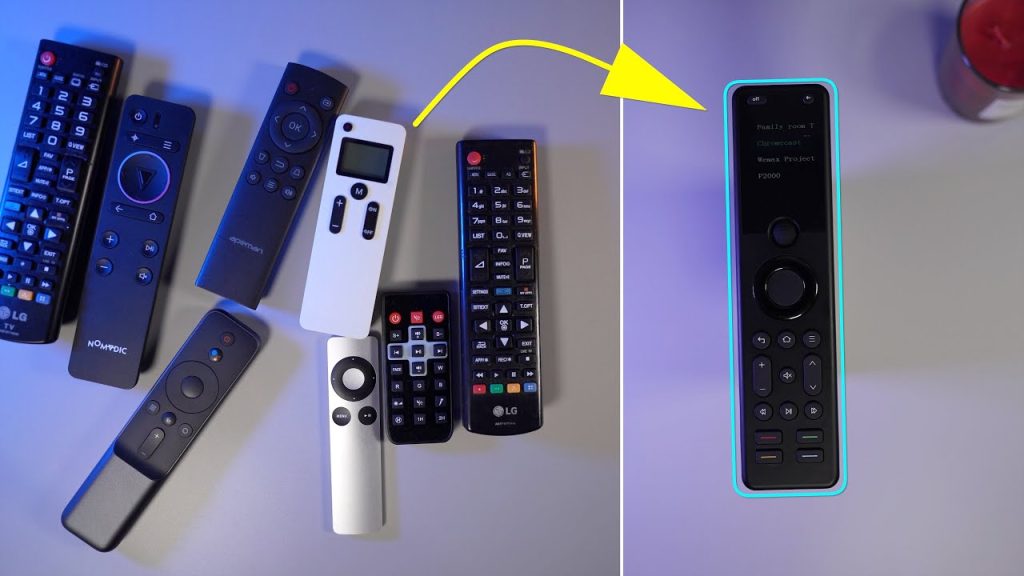
If you want the short answer, the best Harmony replacement for most modern living rooms is the SofaBaton X1S. It is the best fit for buyers who want one remote for a TV, soundbar, and streaming device without turning daily...
This article will guide you through the source configuration for devices that you can switch inputs, such as TVs, projectors, AV receivers, or HDMI extenders. Preparation: Before starting the source configuration, make sure you have added devices. . If you...
This guide will show you how to create a new activity using your device control system. Preparation: Before you create a new activity, it is important to make sure that you have added all the required devices and configured the...
This article will guide you through power setting for your newly added device. Preparation: Before configuring the power, make sure you have added devices. If you haven’t added any yet, you can consult the Add Your Devices article. Procedure: 1....
To ensure reliable lR control, choose the best placement for your environment. 1. Hub Placement in an Open Location (Recommended) This setup provides the best performance for the Hub’s powerful,multi-directional lR signals. Placement: Position the X2-Hub on top of your...
This article will guide you how to add devices to your hub. Preparation: Before we begin, please make sure that your Hub is connected to your Wi-Fi network. If it isn’t, you’ll need to set it up before proceeding. For...
This article will guide you through setting up a new Hub and connecting it to Wi-Fi. Preparation: 1. Please activate the Wi-Fi and Bluetooth on your phone. 2. Download Sofabaton App To install Sofabaton on your phone, search for it...
Release date: June 26, 2025 Dear users. The old version of the Sofabaton App, released 3 years ago, has been discontinued. Please update to the new version of the app as soon as possible to ensure proper use. Note: Products...
Release date: April 29, 2025 Dear users, Android_sofabaton APP version 3.4.4 and IOS APP version 3.4.8 have been released. This update optimizes the multi-language support and enhances the device management function, the following are the core updates and notes: range...
From chaotic coffee tables cluttered with remotes to seamless one-touch control — meet real users who simplified their lives with Sofabaton. Story 1: The Multi-Generational Household (Texas, USA)The Problem: The Solution: Their Feedback:“My parents finally stopped calling me for tech...
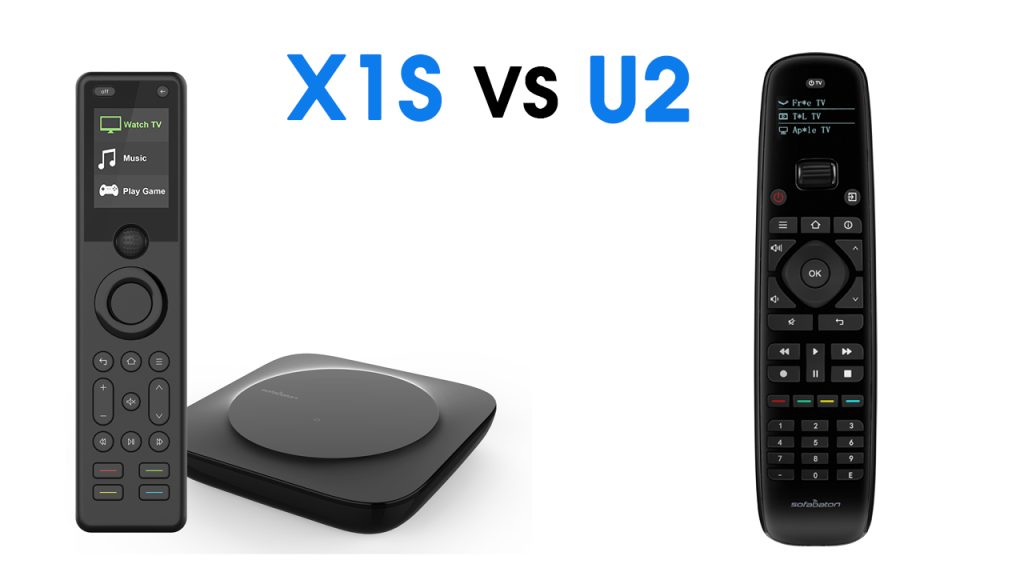
How to Choose Between Sofabaton’s Two Star Remotes: X1S and U2 Backlit Version Feature Comparison Table Parameter X1S U2 Backlit Version Maximum Devices 50+ 15+ Connectivity Wi-Fi/Bluetooth/IR Bluetooth/IR Voice Control Supported (Via Googel Home & Alexa) Not Supported Screen 2.0...
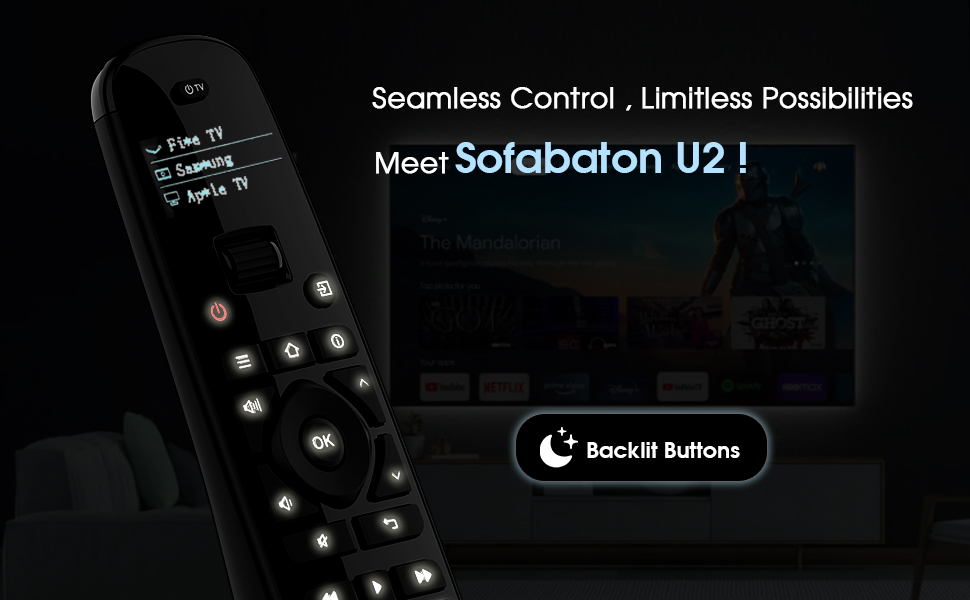
Struggling to find the right buttons on your remote when the lights are dim? Meet the Sofabaton U2 Backlit — the upgraded version of our best-selling universal remote, now with glow-in-the-dark buttons for just $69.99. Perfect for late-night movie marathons, this IR/Bluetooth remote keeps simplicity...
Dear Customer, Due to Roku’s latest update, some Sofabaton remotes may no longer control Roku devices. To fix this, please update the control permissions on your Roku device: Settings > Advanced System Settings > Control With Mobile Apps > Permissive If everything is working fine, please...
CEDIA Expo 2024 is just around the corner! The event will take place from September 5th to 7th in Denver, Colorado, where we will showcase the latest in smart remote control technology and innovative products. At our booth, you can:...
We are delighted to announce that SofaBaton will be participating in the CEDIA Expo 2024, held from September 5-7 at the Colorado Convention Center in Denver. As a leading provider of universal remote control solutions, we will be showcasing our...
Spring Sale Special!
Spring Sale with exclusive discounts on our best-selling products!