

Black Friday: Save $100 on the X2Black Friday: Save $60 on the X1SBlack Friday: Save $40 on the U3

marketing

1. Infrared (IR) is the primary control method for audio and video equipment. If you’re not familiar with a device, you can first choose to add it via infrared, and then via Bluetooth if infrared is unavailable. 2. Devices controlled...

Normally, your U2 remote’s display will automatically turn off after your preset sleep time. However, when connected to the SofaBaton app, this auto-off feature is temporarily disabled to maintain control functionality. To allow the display to turn off: 1. Open the SofaBaton...

The U2 remote uses 2 AA alkaline batteries. For optimal performance, we do not recommend rechargeable batteries.

...

Earlier models U1 and U2 support only IR and Bluetooth connections. The latest U3 model, however, adds RF learning capability and operates on 433MHz and 315MHz frequencies (while still supporting IR and Bluetooth as well).

...

The U2 remote supports control of up to 15 total devices with the following specifications: Note: For devices supporting both IR and Bluetooth, we recommend using infrared mode for more stable multi-device control.

...

If you only want the short answer, it is simple: for most living rooms, SofaBaton X1S is the better Harmony replacement, especially for setups like TV + Apple TV / Roku / Fire TV + soundbar. If your room is...

This article will guide you through the source configuration for devices that you can switch inputs, such as TVs, projectors, AV receivers, or HDMI extenders. Preparation: Before starting the source configuration, make sure you have added devices. . If you...

This guide will show you how to create a new activity using your device control system. Preparation: Before you create a new activity, it is important to make sure that you have added all the required devices and configured the...

This article will guide you through power setting for your newly added device. Preparation: Before configuring the power, make sure you have added devices. If you haven’t added any yet, you can consult the Add Your Devices article. Procedure: 1....

To ensure reliable lR control, choose the best placement for your environment. 1. Hub Placement in an Open Location (Recommended) This setup provides the best performance for the Hub’s powerful,multi-directional lR signals. Placement: Position the X2-Hub on top of your...

This article will guide you how to add devices to your hub. Preparation: Before we begin, please make sure that your Hub is connected to your Wi-Fi network. If it isn’t, you’ll need to set it up before proceeding. For...

This article will guide you through setting up a new Hub and connecting it to Wi-Fi. Preparation: 1. Please activate the Wi-Fi and Bluetooth on your phone. 2. Download Sofabaton App To install Sofabaton on your phone, search for it...

Release date: June 26, 2025 Dear users. The old version of the Sofabaton App, released 3 years ago, has been discontinued. Please update to the new version of the app as soon as possible to ensure proper use. Note: Products...

Release date: April 29, 2025 Dear users, Android_sofabaton APP version 3.4.4 and IOS APP version 3.4.8 have been released. This update optimizes the multi-language support and enhances the device management function, the following are the core updates and notes: range...

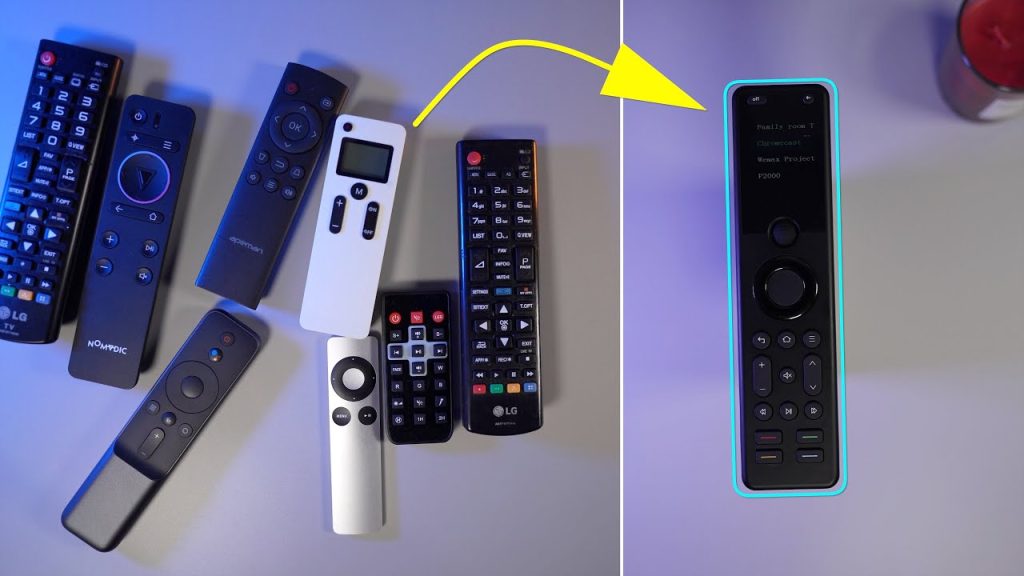
From chaotic coffee tables cluttered with remotes to seamless one-touch control — meet real users who simplified their lives with Sofabaton. Story 1: The Multi-Generational Household (Texas, USA)The Problem: The Solution: Their Feedback:“My parents finally stopped calling me for tech...

Scroll to Top
Shopping Cart