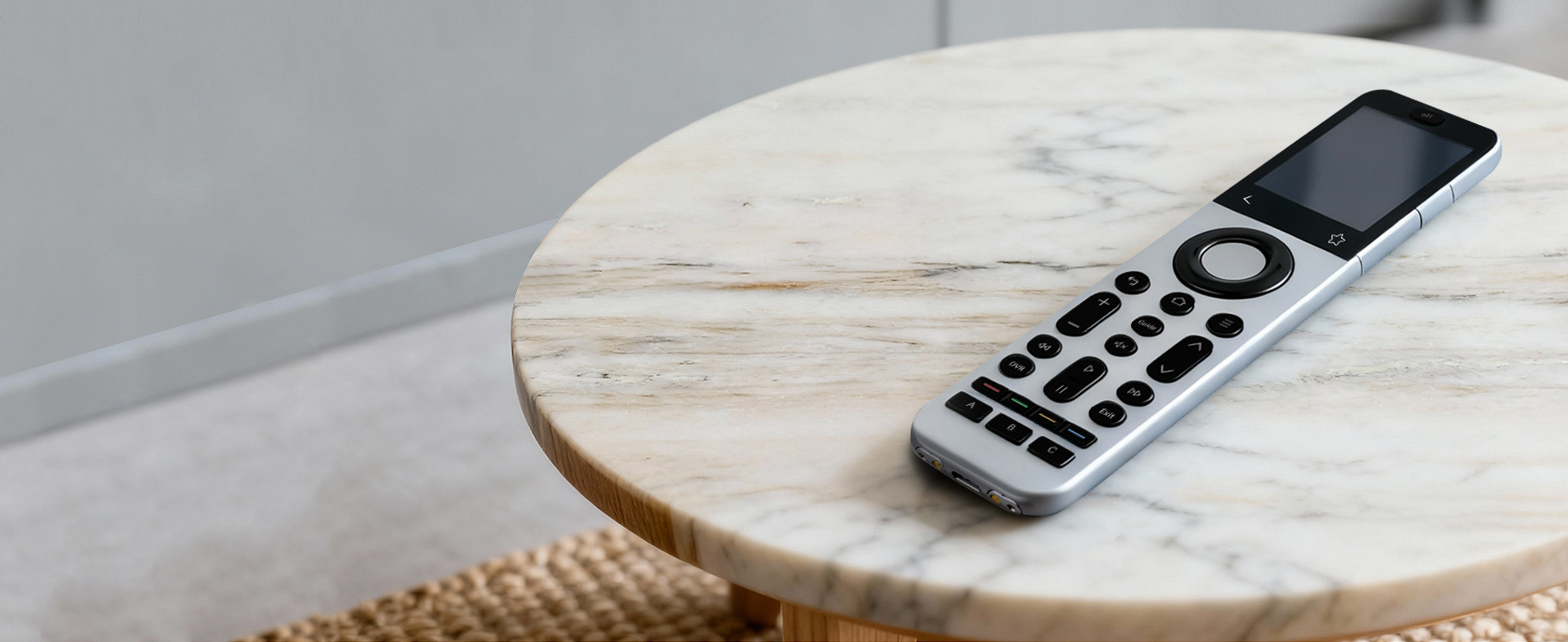
U SERIES FAQ
To successfully pair your Sofabaton with Apple TV: 1. Power cycle your Apple TV: Unplug it for 30 seconds, then reconnect. 2. Restart the Sofabaton app: Close and reopen it fully. 3. Add Apple TV in the app: Tap “Add...
How to Verify Bluetooth Compatibility with SofaBaton Confirm Device TypeEnsure your device is a TV, set-top box, or other AV equipment that typically supports Bluetooth connectivity. Locate Bluetooth Settings• Open your device’s [Settings] menu• Navigate directly to [Bluetooth] settings (usually...
A Macro lets you control multiple devices with a single button press, such as powering on your TV, soundbar, and gaming console simultaneously while automatically switching to the correct input.
...Prerequisite Check:Before proceeding, confirm that all commands work properly on individual devices. If any command fails, contact the SofaBaton support team to fix the code first. Macro-Specific Solutions: 1. Add Sufficient Delays: (1) Insert appropriate delays before commands that fail...
Yes, this feature is supported. You can: Keep your remote set to control Device A (e.g., TV) While simultaneously using specific buttons to control:• Device B’s volume (e.g., soundbar)• Device C’s channels or other commands This eliminates the need to constantly switch between devices. Example:When watching...
The U series is compatible with Roku devices featuring IR or Bluetooth control, but does not support Wi-Fi-dependent models (such as Roku Streaming Sticks). Please confirm your device’s control protocol in its specifications.
...Compatibility: Only works with IR remotes (not RF/Bluetooth/WiFi). For dual-mode remotes, ensure the IR mode is active. Troubleshooting Steps: 1. Keep remotes 3-5 cm apart with no obstructions 2. Try 3 times per button using: (1) Long-press (2-3 sec) (2) Quick-press...
1. Infrared (IR) is the primary control method for audio and video equipment. If you’re not familiar with a device, you can first choose to add it via infrared, and then via Bluetooth if infrared is unavailable. 2. Devices controlled...
Normally, your U2 remote’s display will automatically turn off after your preset sleep time. However, when connected to the SofaBaton app, this auto-off feature is temporarily disabled to maintain control functionality. To allow the display to turn off: 1. Open the SofaBaton...
The U2 remote uses 2 AA alkaline batteries. For optimal performance, we do not recommend rechargeable batteries.
...U series remotes are compatible with IR and Bluetooth-enabled devices only. Please note that they do not support RF or WiFi connections.
...The U2 remote supports control of up to 15 total devices with the following specifications: Note: For devices supporting both IR and Bluetooth, we recommend using infrared mode for more stable multi-device control.
...