

First, make sure the IR blaster is plugged into your Hub.
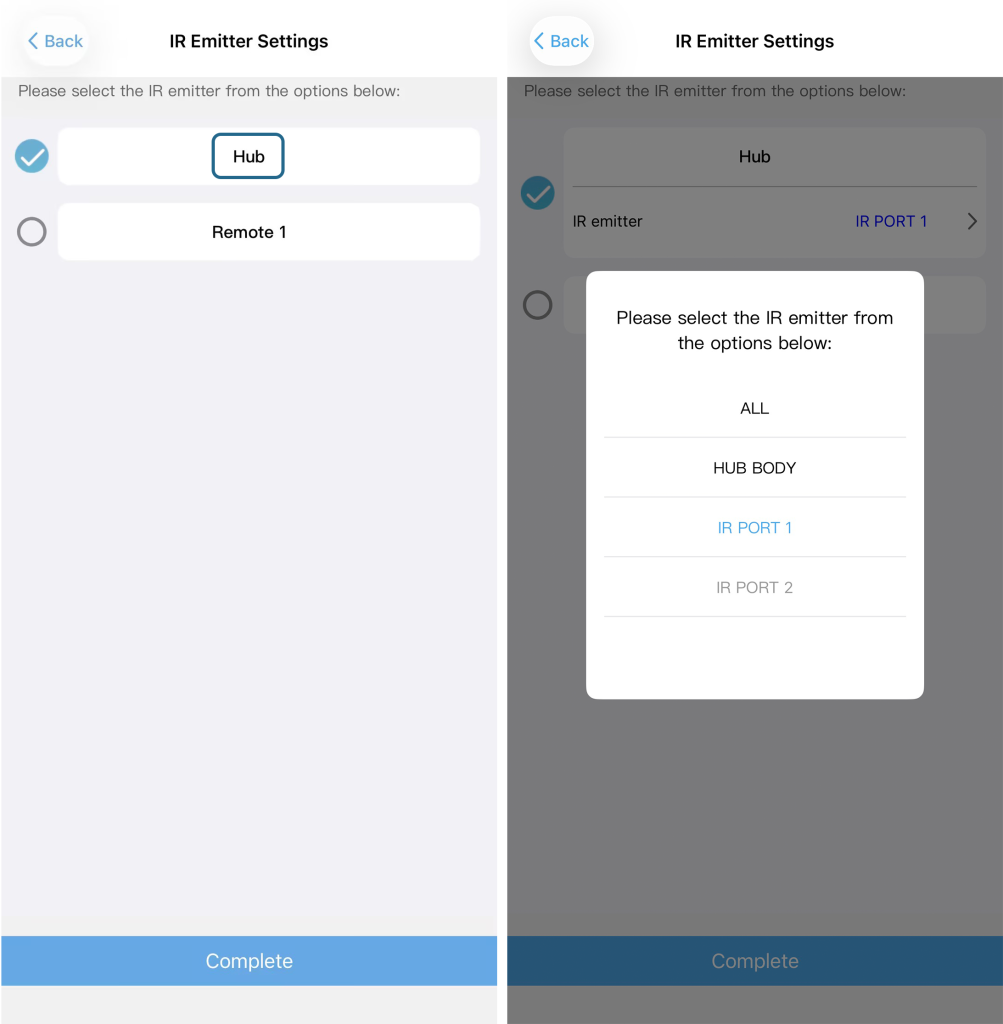
Then, when adding a device, go to the IR Emitter Settings page and tap Hub – you will see the options: ALL, HUB BODY, IR PORT1, or IR PORT2.
Alternatively, after you’ve added the device, go to the Devices page, select your device, tap Edit (in the upper‑right corner), then tap the top option labeled “IR signal is emitted from” (which shows the current emitter). From there, select IR emitter and tap Hub – the same options (ALL, HUB BODY, IR PORT1, IR PORT2) will appear.