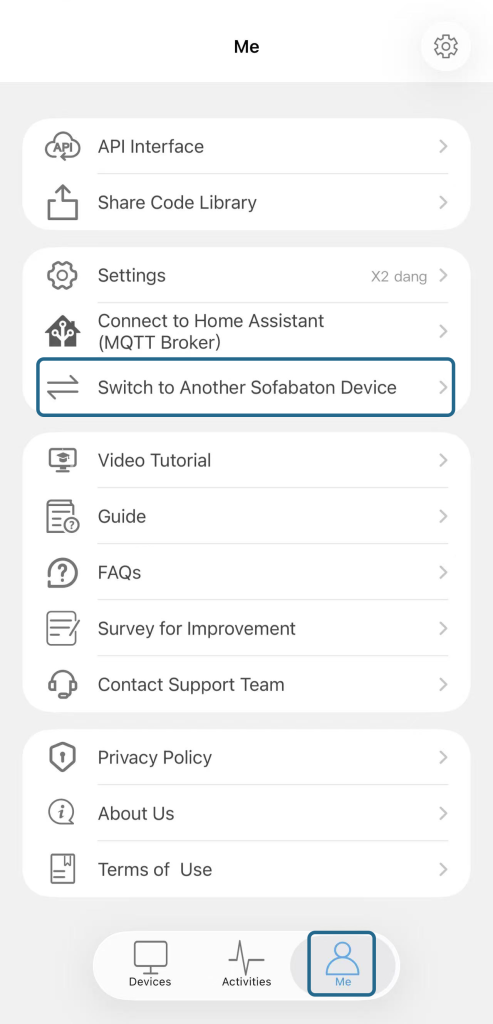
If your Hubs are on the same Wi‑Fi network in the same house, follow these steps:
- After setting up your first Hub (including adding devices and creating Activities, etc.), open the app and go to Me → Switch to Another SB Device.
- Set up the second Hub from the beginning using the same procedure. This includes:
- Resetting your second Hub until its light flashes blue.
- Adding devices and creating Activities, for example.
- Repeat the same process for any additional Hubs.
Note: All Hubs must be connected to the same Wi‑Fi network in the same house for this to work properly.