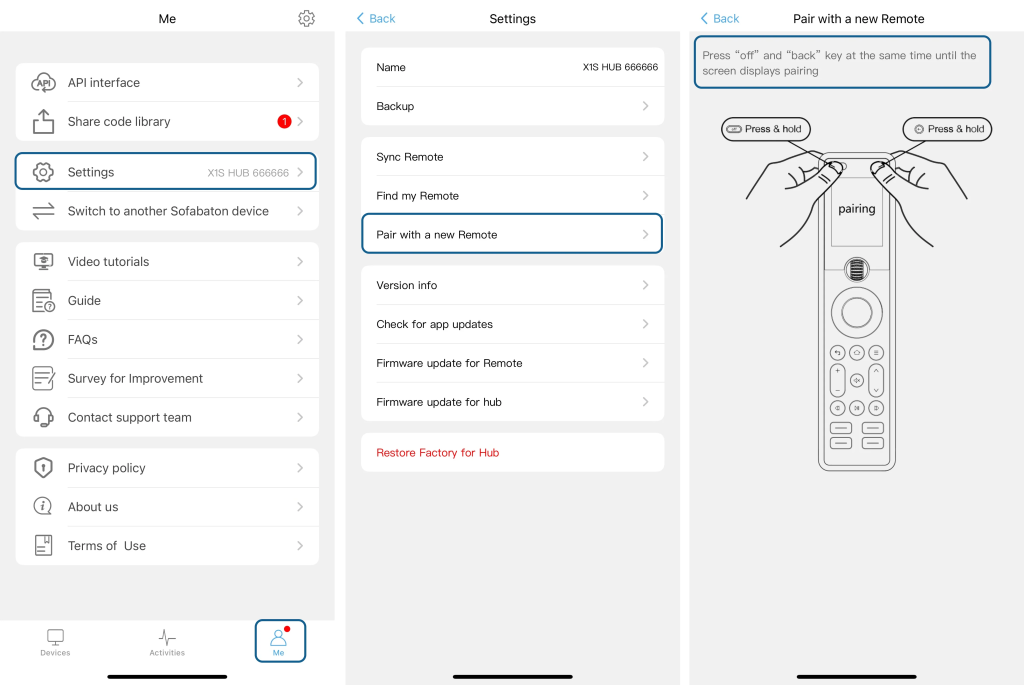
Two Ways to Sync Remote to Hub:
1. On Remote:
Main Screen → Settings → Sync
2. In APP:
Open “Me” → Settings → Sync Remote
Important Notes:
• Keep the remote within 3 feet (1m) of the Hub during sync
• If sync fails:
a. Repair the remote with the Hub (see pairing instructions below)
b. Retry syncing