

marketing
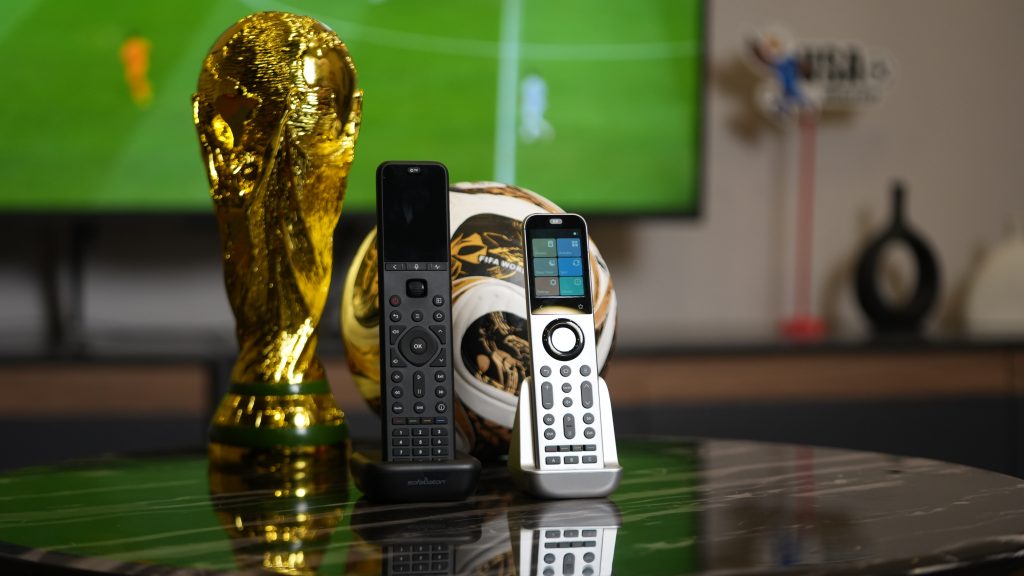
A great World Cup watch party setup is not just about getting the biggest screen in the room. It is about making the match easy to hear, easy to start, and easy to control when friends are talking, snacks are...
The U3 can support up to 100 global macros. This gives you ample flexibility to store and organize your automation routines.
...To change the Wi-Fi network: Every time you close (kill) the app and reopen it, the app will prompt you to choose either “Connect to Hub” or “Setup New Hub”. Simply select “Setup New Hub”, then put your hub into...
“Setup New Hub” does NOT reset your settings – it only updates the network connection
...To create a macro on X1S/X2: 1. Ensure your activity works correctly first.2. In the Sofabaton app, go to Activity page → select activity → Edit → Customise Remote Buttons (physical keys) or Macro & Favourites Keys (screen buttons).3. Add...
After you have set up the activity, you will see the activity appear on the remote’s screen. To activate it, simply swipe the activity from left to right.
...1. Open the Sofabaton app on your mobile device and connect to your Hub. 2. Tap on “Me” (usually located at the bottom right corner). 3. Go to “Settings” in the Me section. 4. Select “Pair with a New Remote”....
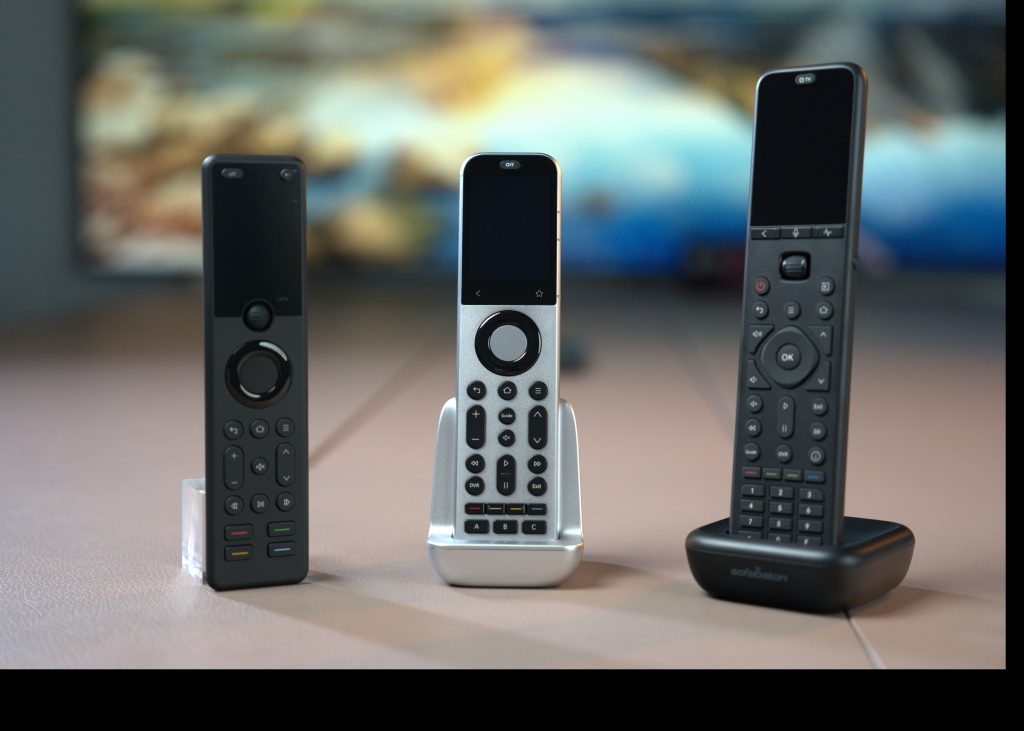
SofaBaton U3 vs X1S vs X2: Which Universal Remote Should You Buy? If you are reading this article, there is a good chance you have run into a few familiar frustrations: one remote for the TV, another for the set-top...
This guide will show you how to use the Air Mouse and Google Assistant features on the U3. Preparation: 1)Ensure the target device has been successfully added to your remote via Bluetooth. 2)Please verify that your device (e.g., Google TV)...
This guide will walk you through personalizing your U3 remote settings, including editing device information, adding or repairing commands, customizing physical buttons, and managing frequently used screen keys. Preparation: Before we begin, ensure that your app is connected to your...
This guide will show you how to create a new macro and editing a macro. Preparation: Before you begin, ensure that you have added all necessary devices to your U3. If you need help, please refer to our “Adding Devices”...
This article will guide you how to add devices to your U3 remote. Preparation: Before we get started, please ensure that you’ve downloaded the SofaBaton app and have successfully connected it to your U3 remote. If not, you will need...
This article will guide you through connecting your U3 Remote and IR Repeater. Preparation: 1. Please activate Bluetooth on your phone. 2. Download Sofabaton App. To install Sofabaton on your phone, search for it in the App Store...
Best Universal Remote for Apple TV 4K in 2026: X1S, Siri Remote, or HDMI-CEC? If you only want the short answer, it is simple: for most Apple TV 4K living rooms, SofaBaton X1S is usually the more complete and practical...
Yes, SofaBaton supports both long-press and short-press functionality. To configure these features, please follow these steps in Activity Mode: 1. Create an ActivitySet up a new activity containing either a single device or multiple devices. For guidance, see our tutorial video...